CC2018 bug - applying swatches to groups, and eyedropper errors
This is really hard to describe, so please bear with me. (screenshots at the end if those help)
I'm having a few issues with Illustrator associated with colors and groups/text objects
GROUP COLOR:
When I try to select a group or even a text object and apply a new swatch/color to it, it applies the color underneath all of the individual objects. So if my group is made up of three red lines, and I select the group and change the color, it will show in the window that they are green, but the objects themselves are red still, and you can see a faint green outline around them as if there is a green version of them underneath.
Same thing happens with text.
Then if I isolate the group into individual objects, I see that each object is still its original color.
EYE DROPPER:
Same thing happens with the eyedropper. Or even in some cases, it's picking up the color of the guide and applying that instead of the object color.
And if it does pick up the right color, it applies it to the whole group at once, as if the individual lines are transparent and overlapping, even if they have a fill and are on top of each other. And each object still has it's original color when you select it. (so it's like in this case it's going on top of the object rather than behind it)
(Also, even though everything is turned on correctly, it no longer picks up appearances, just color. but I feel like this is so minor compared to the other errors I hesitate to even mention it)
really really bizarre, and extremely frustrating.
I'm running Illustrator CC 2018 on Apple OX X El Capitan, Version 10.11.4. This only started happening yesterday, and there weren't any software updates then or anything.
I've been waiting to update the OS until they resolve their "root" glitch, so I'm hoping that's not it.
Anyone have any ideas???? I'm baffled.
SCREENSHOTS
original drawing, with colors
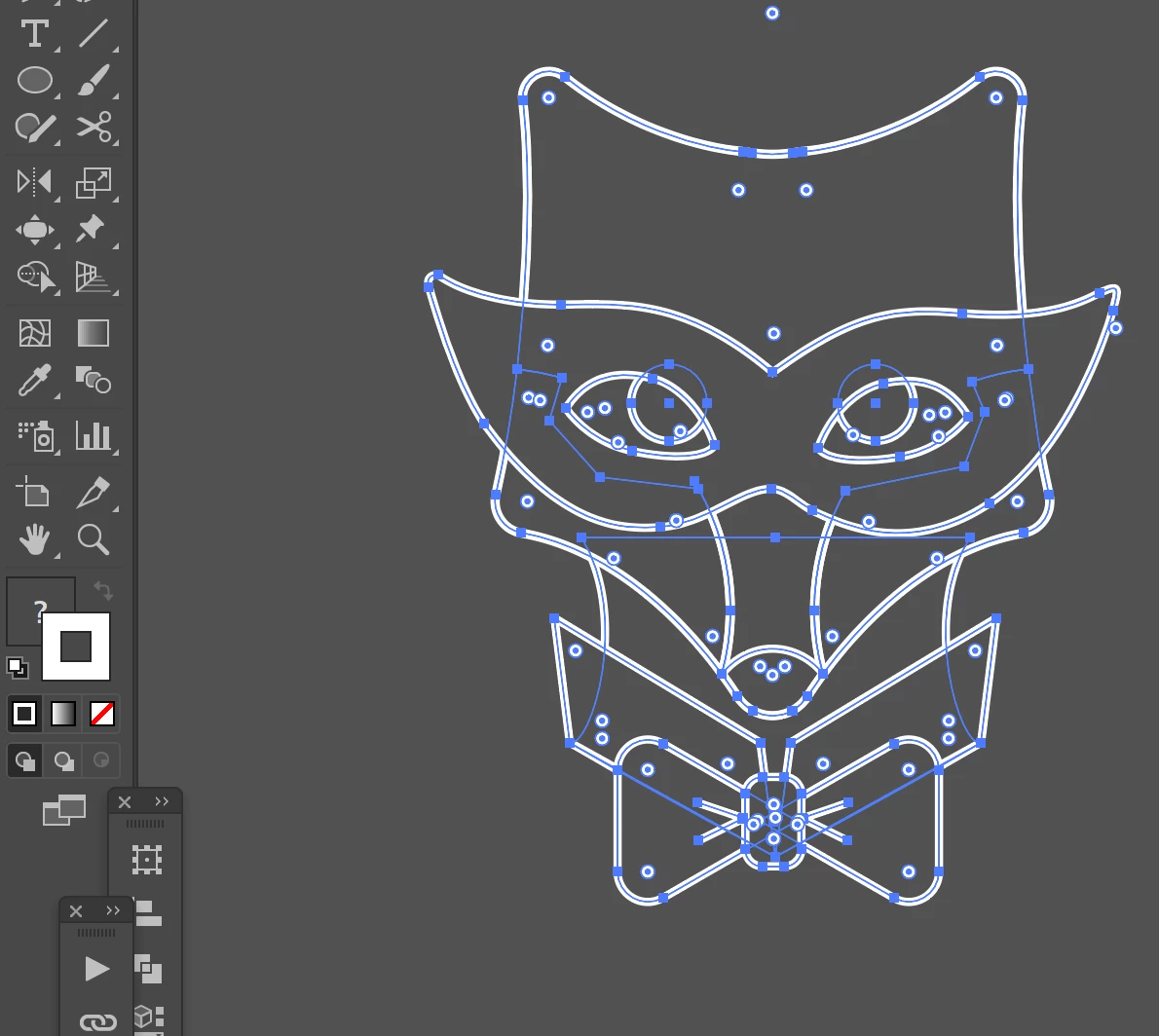
color overlap error after applying new swatch, note the faint white outline around the object
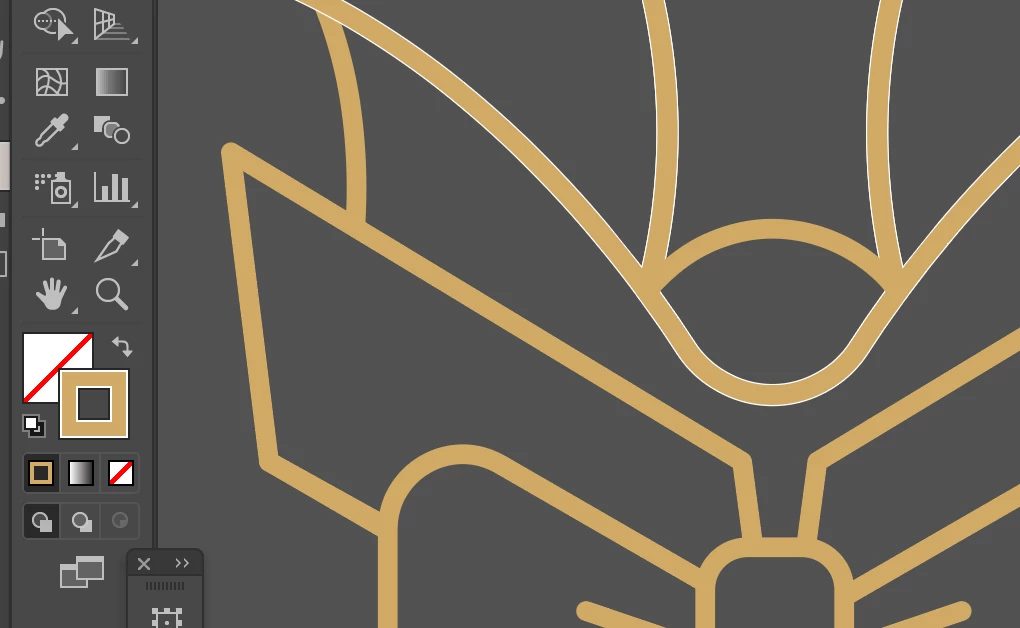
color overlap error, see how it's saying that stroke is still white??

eyedropper error, and color error, note how the objects have a fill and should be hiding parts of the other objects (like in example above)

please help.
 AdChoices