


Question
Center smart guide missing
Hello,
I've been trying to get this to work for quite a while now and can't seem to find any way for it to appear, I updated my illustrator to the latest version of it on 09/08/2025 and somehow, the smart guides lost the center point on them and I can't easily center my objects/groups anymore, I've tried meddling with smat guide preferences, snap to point/grid, attributes and nothing. It used to show on the previous version but once this update hit it looks like it dissapeared.
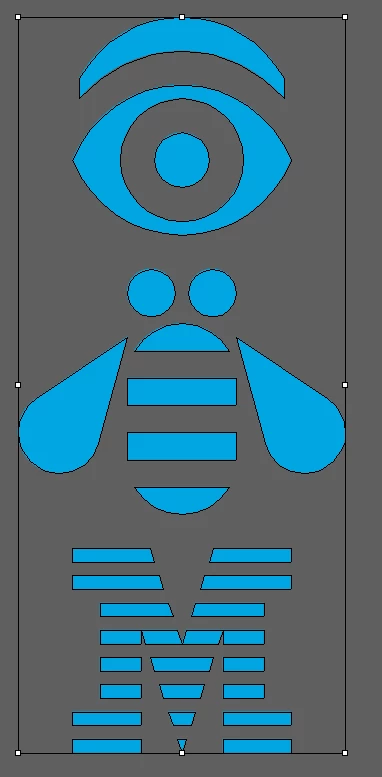

Is there a way to toggle it back on or to bring it back? It's driving me crazy and I would really appreciate some help.
Thank you,
 AdChoices