
ShynnSup
Inspiring
February 20, 2021
Answered

[Challange] Copy code from text editors into Illustrator

  • February 20, 2021
  • 2 replies
  • 1917 views

Hi everyone,


I have hit a dead end trying to copy code snippets from applications such as Visual Studio into Illustrator.


This nice page exists, which does that and lets you choose a design and export to PNG or SVG:
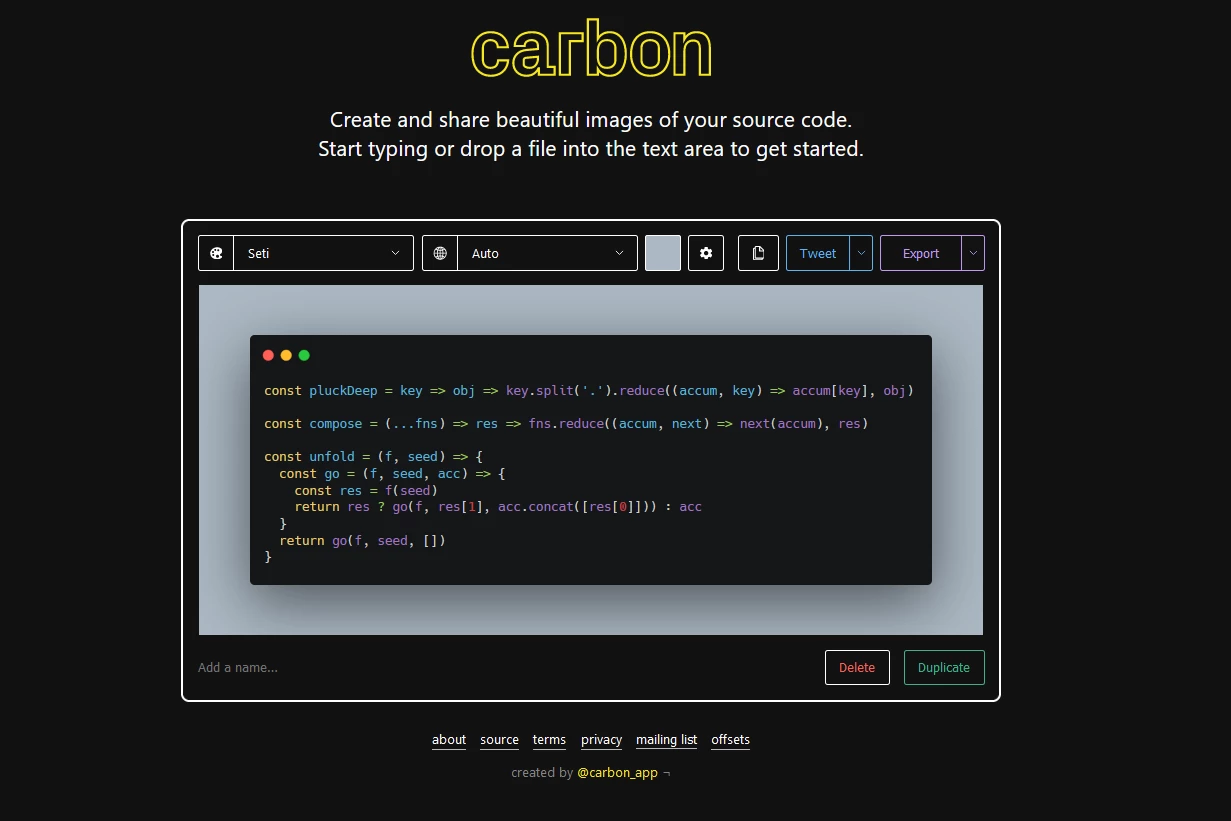
https://carbon.now.sh/


But, I don't like any of the designs, plus I have no control over the overall size of the export. I would like to design my own in Illustrator.


The problem is, the code does not get copied with the syntax (colors, italicas, etc).


Is this possible to do or should I just forget it?

Thanks

Correct answer ShynnSup

Thank you.


I tried printing to PDF and then copying the text 'with formatting' from the Acrobat to Illustrator and no luck.


I had already installed the extension 'Copy as Html' from here:

https://marketplace.visualstudio.com/items?itemName=VisualStudioPlatformTeam.CopyAsHtml


But it was not working in Illustrator either. It does work on Microsoft Word. I then tried to copy the pasted text from Microsft into Illustartor and again no luck.


What ended up working was to 'Place' the Microsoft Word document into Illustrator, and that comes up with formatting perfectly!


2 replies

Legend
December 6, 2021

This might be an easier job in InDesign. The use of paragraph and character styles allows you to quickly change the look of entire collections of designs. (Don't attempt it without learning how to use styles!)  The use of grep styles might allow about half of the syntax colouring to be automated.

Mylenium
Legend
February 20, 2021

Code formatting is not real formatting. It's just a visual aid provided by the code editor's own syntax highlighting engine. Hence just copy&pasting the plain code usually does nothing. You can easily have this verified by the messy SVG export the page you linked created, making it useless as a basis to work on in AI. Really not much more to say than that. That's why you should use the export functions from the programs, not copy & paste. VS can export formatted DOCs, HTML, Web JS and PDFs easily along with a bunch of image formats, as far as I remember.


Mylenium

ShynnSup
ShynnSupAuthorCorrect answer
Inspiring
February 20, 2021

Thank you.


I tried printing to PDF and then copying the text 'with formatting' from the Acrobat to Illustrator and no luck.


I had already installed the extension 'Copy as Html' from here:

https://marketplace.visualstudio.com/items?itemName=VisualStudioPlatformTeam.CopyAsHtml


But it was not working in Illustrator either. It does work on Microsoft Word. I then tried to copy the pasted text from Microsft into Illustartor and again no luck.


What ended up working was to 'Place' the Microsoft Word document into Illustrator, and that comes up with formatting perfectly!


Participant
December 6, 2021

This was really helpful. Thank you.