Lisa Di Paola
Inspiring
June 26, 2017
Answered

Change color along middle of stroke and shape

  • June 26, 2017
  • 1 reply
  • 282 views

I have a background design that I've created, composed of strokes and shapes. 
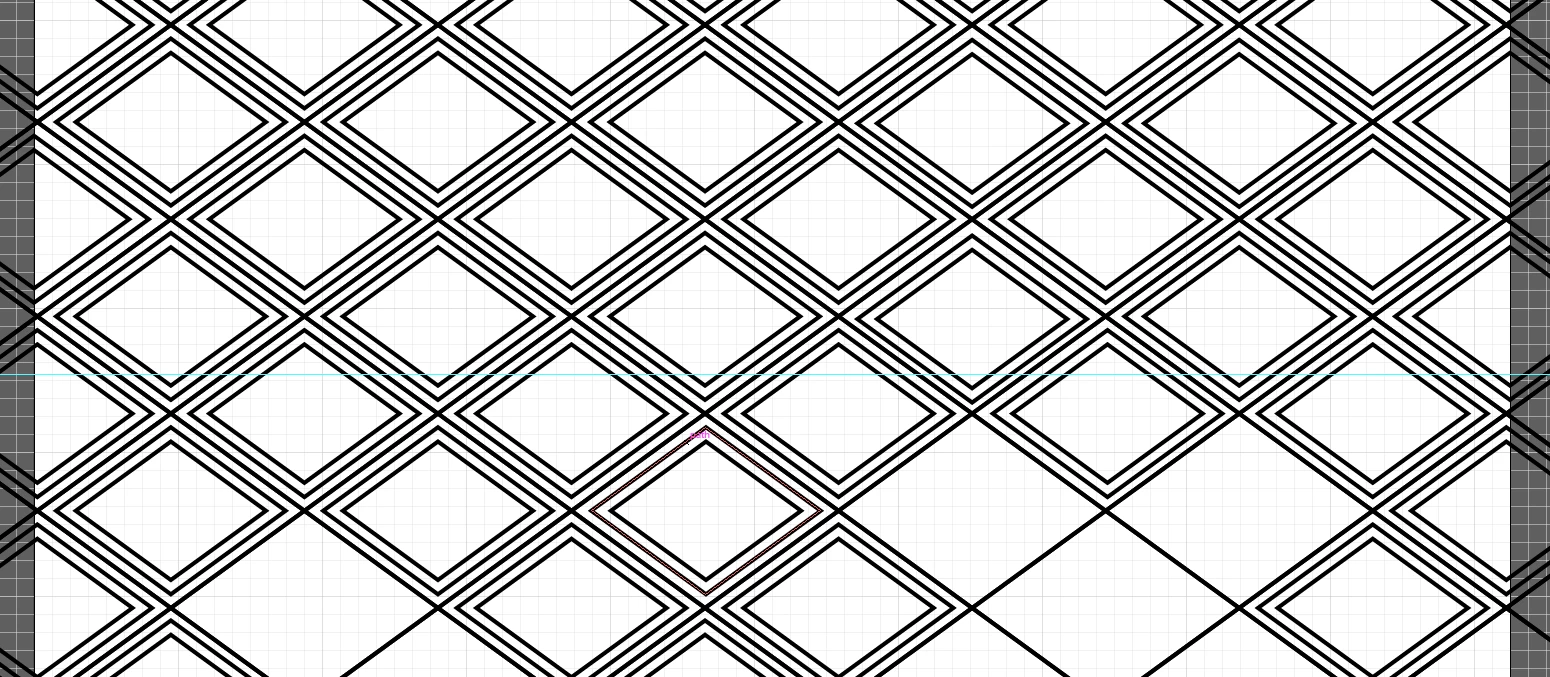
I want to put another shape on top, and have only the strokes/shapes within that space be a different color.
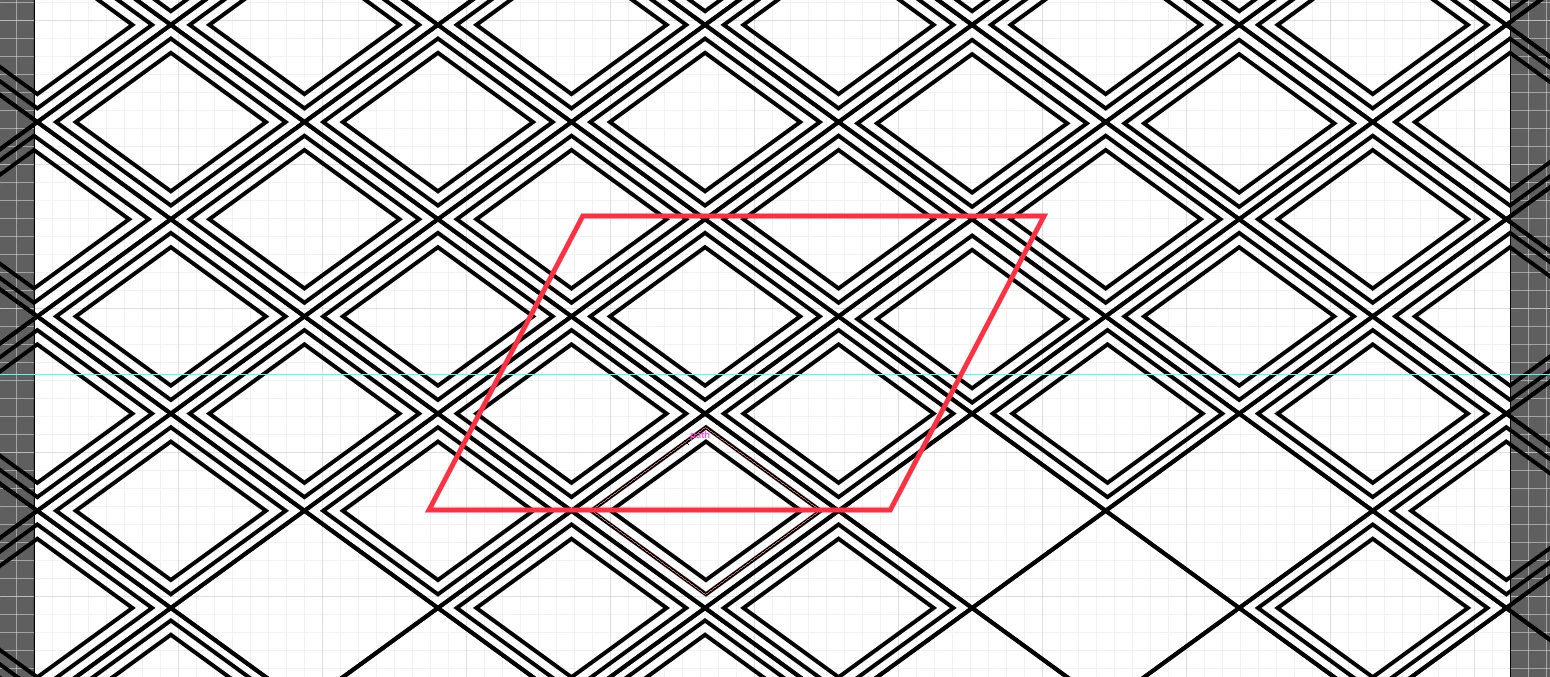
What would be the best way to do that?

Thank you!

    This topic has been closed for replies.
    Correct answer Mike_Gondek10189183
    1. paste in front a copy of your entire background
    2. change  stroke colors final color
    3. hide this
    4. draw your shape to sue as mask & hide
    5. unhide
    6. make mask of the selection

    1 reply

    Mike_Gondek10189183
    Community Expert
    Mike_Gondek10189183Community ExpertCorrect answer
    Community Expert
    June 26, 2017
    1. paste in front a copy of your entire background
    2. change  stroke colors final color
    3. hide this
    4. draw your shape to sue as mask & hide
    5. unhide
    6. make mask of the selection