Participating Frequently
July 21, 2016
Answered

Change colour of grain effect in Illustrator.

  • July 21, 2016
  • 4 replies
  • 36234 views

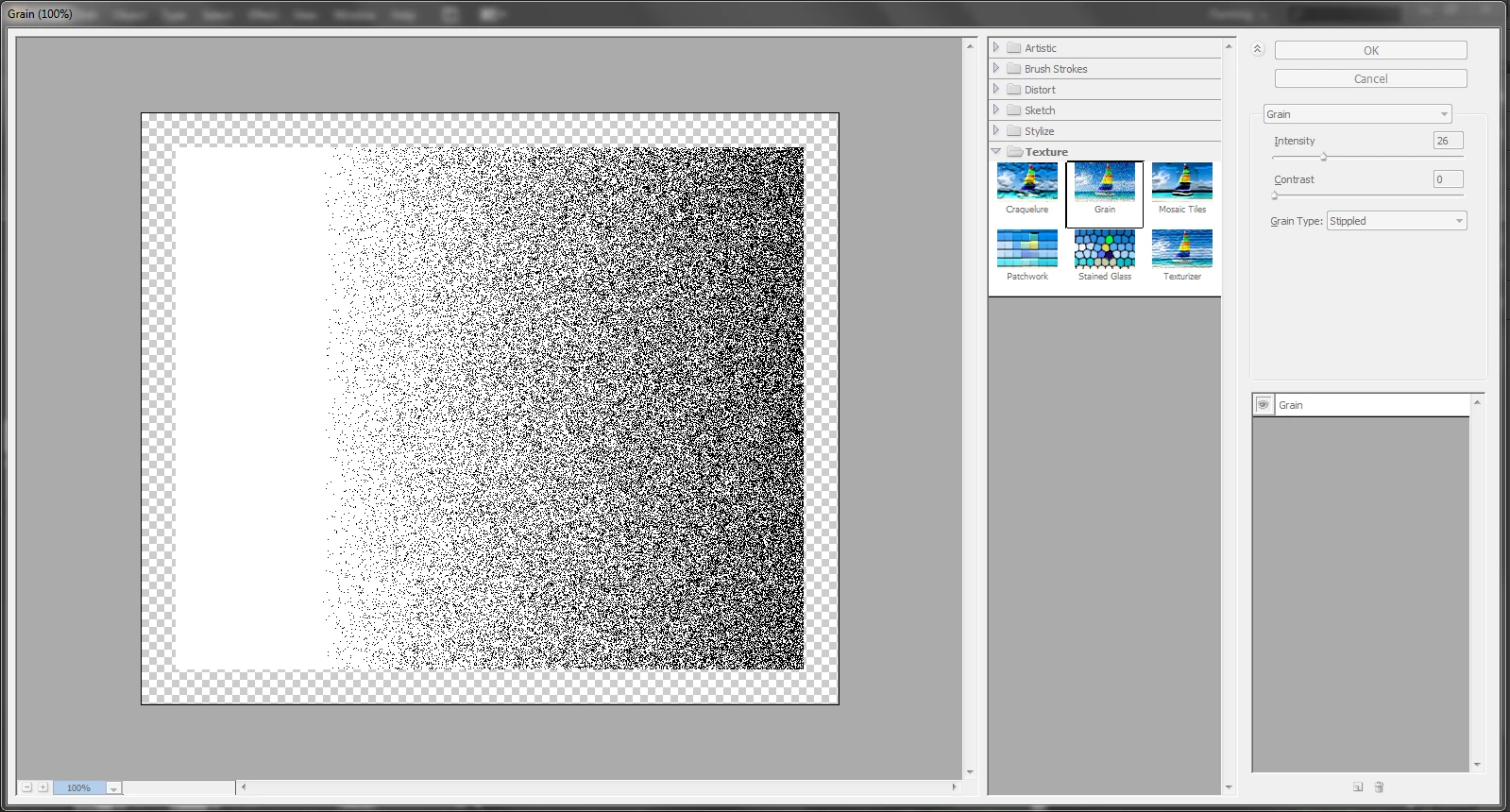
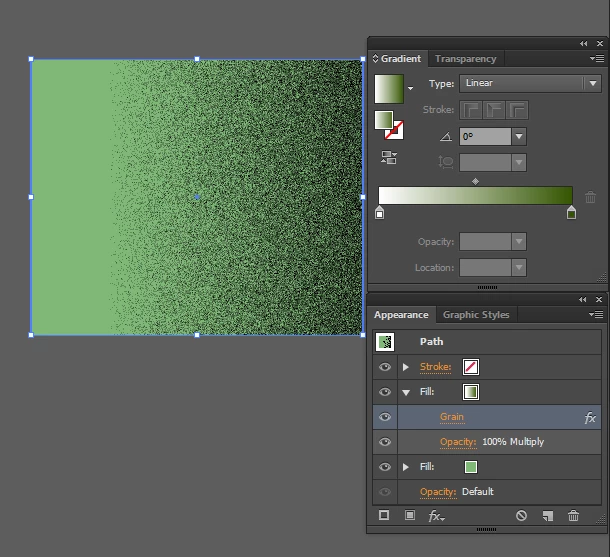
Hello! I wanted to add a coloured grain effect to a shape in Illustrator, and followed some online tutorials - adding a base fill, and adding a new fill as a gradient of desired colour and white, then applying grain effect on the gradient, and changing the mode to multiply. But however I do it, I get only a black grain effect, black stipples above the solid colour below. Hope someone can be of help in the matter. Thnak you!    
This topic has been closed for replies.
Correct answer Danny Whitehead.

Yeah I too get a coloured grain with the soft (weich) selected. Thank you!  But not with "stippled". It becomes too grainy with effects other than the "stippled" and other colours too interfere the grain as seen in the above picture.. I need to obtain the grain effect for a sunbeam. So what I require is a stippled white grain with transparent base. I'm too grateful for your help. Hope you could assist me further..


If it's just a white gradient over the base colour that you need, try changing the blending mode of it to Screen.

4 replies

samanthay24416024
Participant
May 18, 2017

To change the color of the stippling, you should use a transparency mask.

Copy the object you want to apply it to, ctrl+f to paste in front. Change the fill color to whatever color you want the stippling to be.

Then make a transparency mask, click invert mask, and draw a black/white gradient rectangle. change the angle of the gradient until you get the result you like.

Add the stippled grain effect to the rectangle in the transparency mask. You can still change the color of the stippling at any time by changing the fill of the object. Play around with screen or multiply blending modes and the opacity to make it look the way you'd like.

Participant
September 16, 2020

Thanks so much for the solution 

I have pricticed and it worked , I still need some more practice . Thanks agian

This is my beautiful brown rectangle with Spatter Effect form Effect Galery and it is giving me a transparent backgruon (with I can see the pink through it and not white). 


jaisgAuthor
Participating Frequently
July 21, 2016

Thank you Jeff! I did get quite a similar effect as per your advice. Thank you for your effort!

But what I require is bigger, solid (perfectly opaque) stipples. Or should I go ahead with textures to get it right?

jaisgAuthor
Participating Frequently
July 21, 2016

* perfectly opaque in the sense, the grain particles should be opaque, but the base should still be transparent..

Jeff Witchel, ACI
Community Expert
Community Expert
July 21, 2016

In your Appearance panel, try lowering the Opacity of the Grain Fill. This will make it less black and more of a mixture with the bottom Fill Color.

Monika Gause
Community Expert
Community Expert
July 21, 2016

Please show a linkto the tutorial

jaisgAuthor
Participating Frequently
July 21, 2016
Monika Gause
Community Expert
Community Expert
July 21, 2016

You might need a different Grain type