
Change File Icons To Image Previews
So I'm looking to see if there are any ways as a designer if there are any formats of changing your File Browser Thumbnails from the Program Icon to the actual Artwork Icon Thumbnail
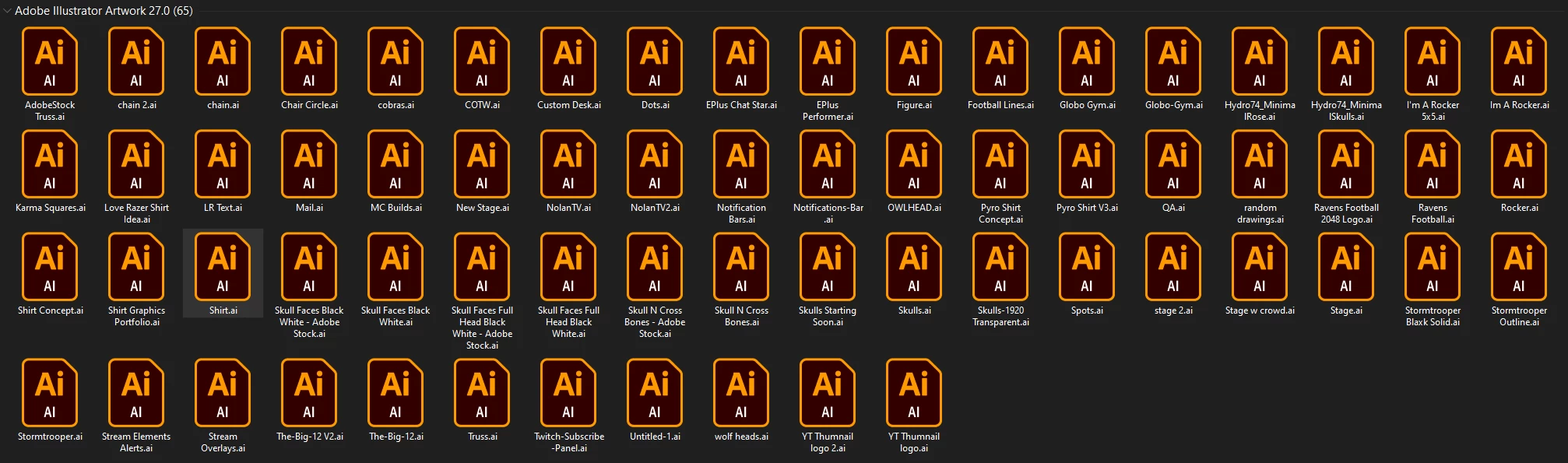
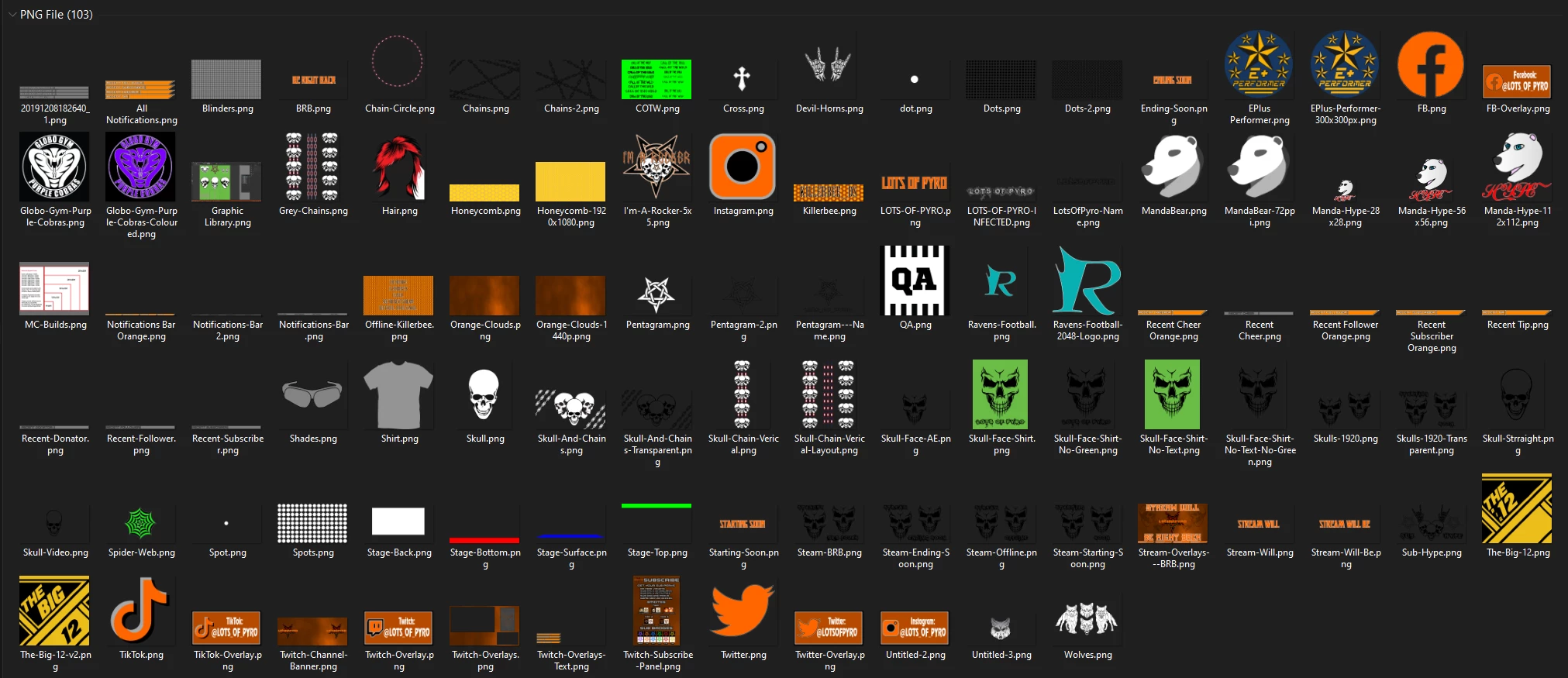
In a comparison, Obviously, we've all seen what Illustrator and PNG Files look like within our File Browsers. (See Below Images)
The issue is on my end, I forget half the Files I've saved when I look for my designs and I spend hours sometimes locating that 1 file.
I remember back while I was in my days at High School and my Art Teacher told me to start saving files as a TIFF Format instead of a PSD while she was teaching me PS Lessons. I still enjoy the TIFF File Format for a lot of things to this day because when I was in my File Browser, TIFF Files always had the Image Preview like a PNG but opened the same as a PSD File.
With that said, I would like to ask this question. Are there any Settings Internally on my Windows 10 PC or 3rd Party Plugins to use that won't affect my PC itself but will allow me to preview all my Illustrator Files with an Image Preview instead of just the Orange Ai Icon? If "NO". Perhaps this could be considered in the future for File Browsing ease of access to be added for creators?
 AdChoices