Inge Paessens
Inspiring
Oct 15, 2024 1:01 PM UTC
Answered

Change the arrangement of anchor points in a continuous line
 

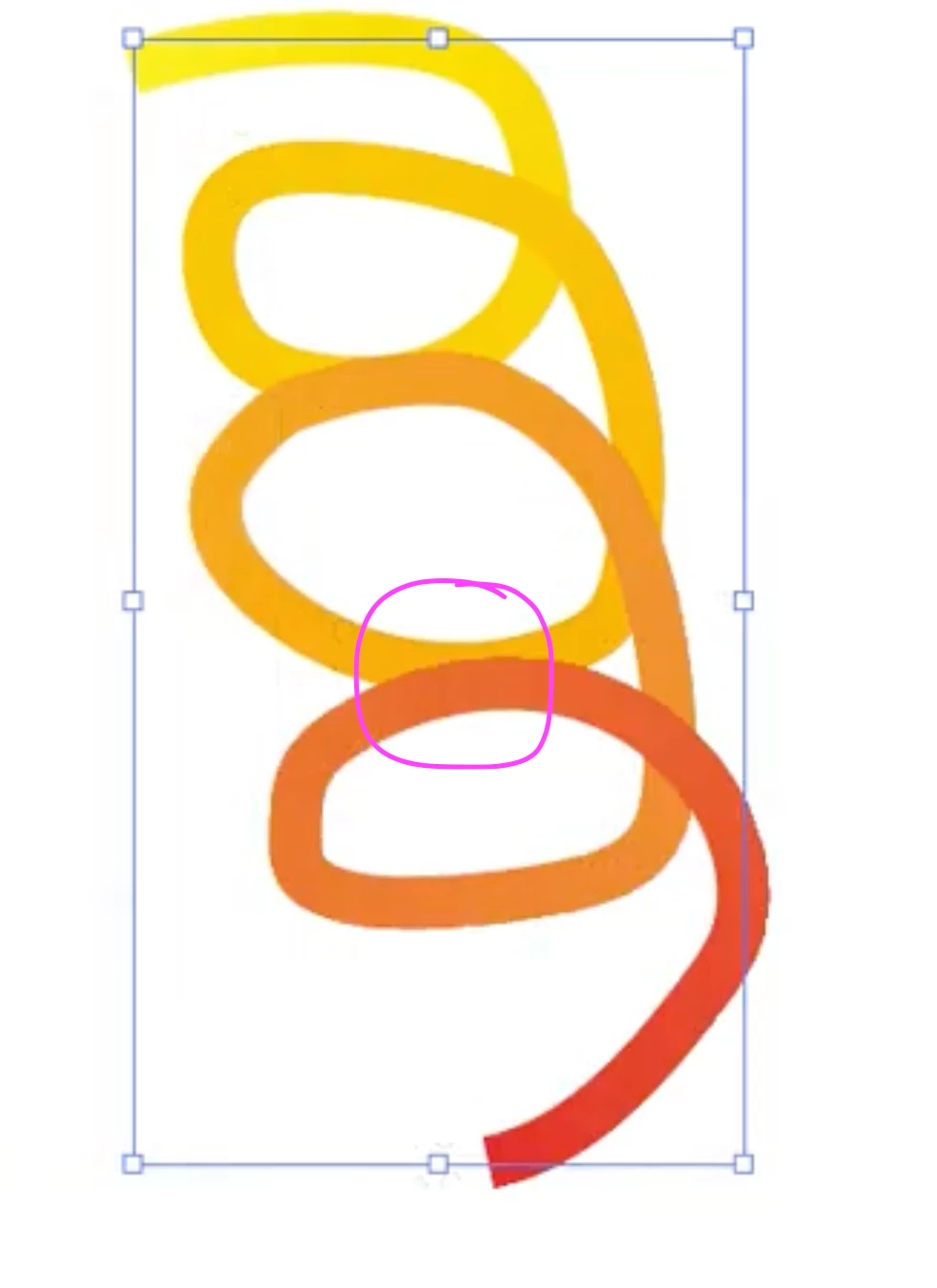
How can I, or can I at all, change the order/overlay of the line at these two points (see screenshot)?
This should look like a spatial spiral.

This topic is closed to new replies. Start a new post to keep the conversation going.
Kurt Gold
Kurt GoldCorrect answer
Community Expert
Oct 15, 2024 7:49 PM UTC

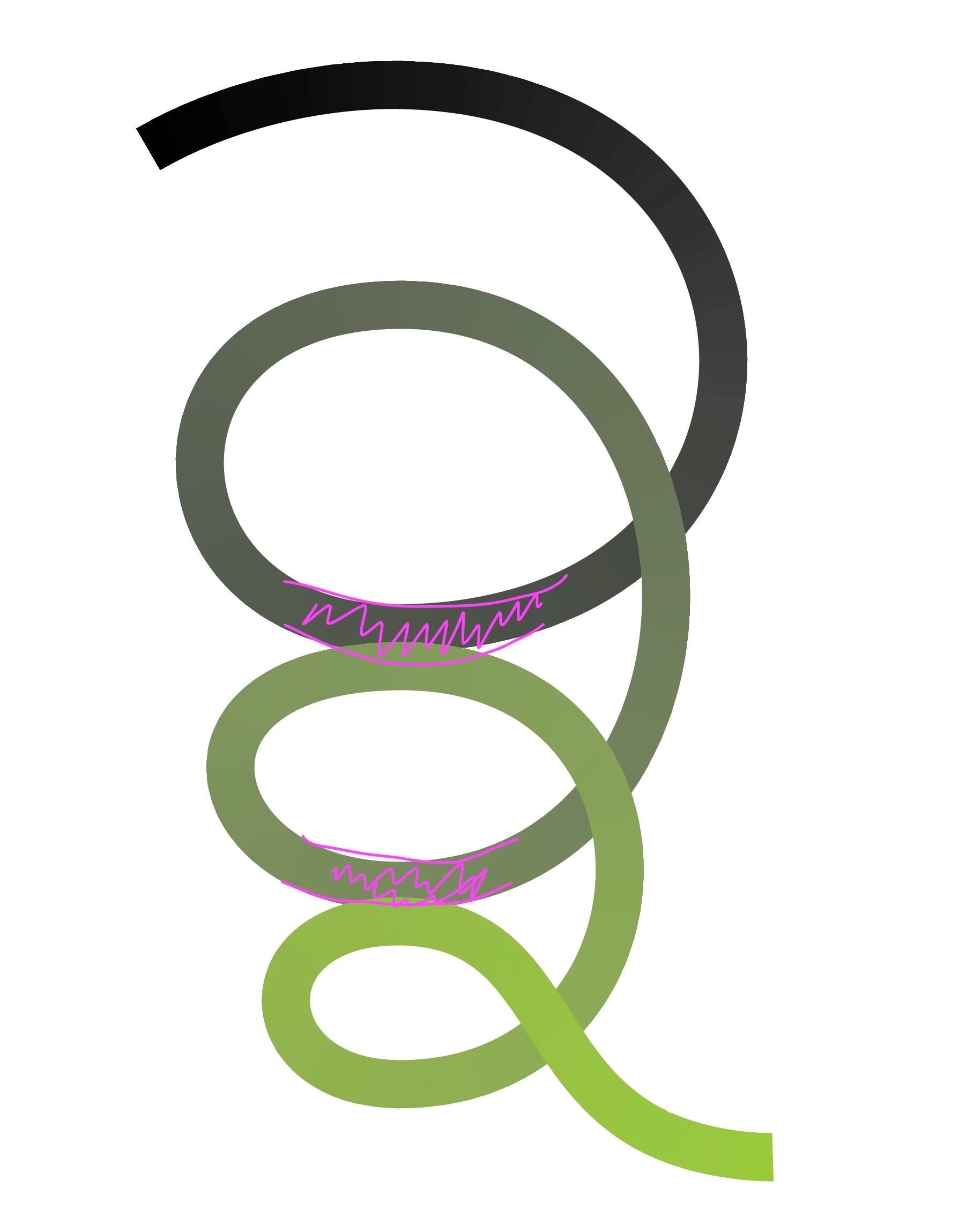
Non actually, I want the darker line behind the brighter one, just where these parts overlap


If you are talking about a gradient along a path, cutting and rearranging the paths may produce some undesired results and things can get pretty complicated.


I would probably just use a compound clipping path to do it. See sample Illustrator file below.


Grad Spiral

11 replies

Monika Gause
Community Expert
Community Expert
Oct 15, 2024 1:45 PM UTC

Revert the path direction?

Translate
Inge Paessens
Inspiring
Oct 15, 2024 1:55 PM UTC

Thanks Monika, but that changes only the gradiant.

Translate
Monika Gause
Community Expert
Community Expert
Oct 15, 2024 2:22 PM UTC

This is how I understood your request. So that's not what you want? 

https://youtu.be/NI5kH31nCDM 

Translate