
Answered
Changing lines thickness of whole selection by a division
Hello all.
I have a question regarding line thicknesses.
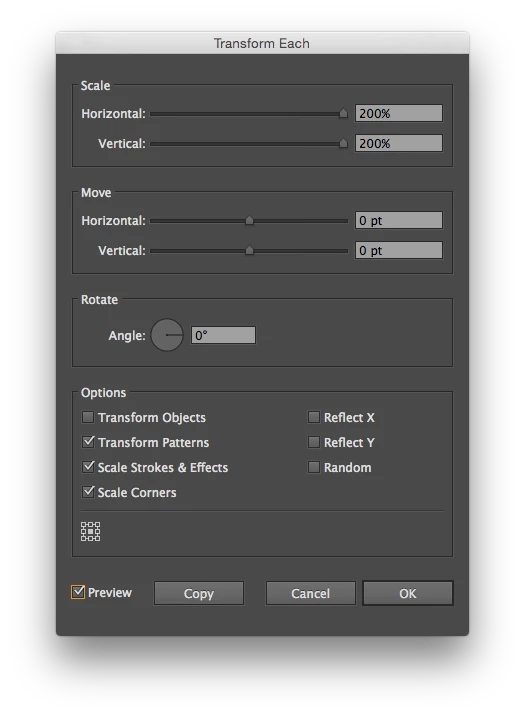
I am working on big document with several different line thicknesses, but they all seem to be a little too thick. Is it somehow possible to select them all and divide all the line thicknesses by a factor with one single command instead of changing every line thickness individually? For instance when you divide by 2, the 1pt becomes .5pt and the .5pt becomes .25pt. etc. I've looked for this option in illustrator but couldn't find it. I'm not a pro or whatsoever so I might have overlooked this option.
Thanks for your answer,
Yannick.
 AdChoices