Participating Frequently
July 12, 2017
Answered

Changing pixel size

  • July 12, 2017
  • 1 reply
  • 505 views

I have 3 separate files that I need exported. The image of one file has to be 260x260 px the other one is the same px and finally I need 372x320px. The thing is when I go to export the only way I can get those exact numbers is if I choose 72 ppi. If I do that then the images have terrible quality, like this one. Is there a way I can change it to be clearer but still be the same px dimensions? thanks
    This topic has been closed for replies.
    Correct answer Monika Gause

    The long answer is no.

    When you export at 260 pixels then there are 260 pixels in your image, which is clearly not enough to contain that vast amount of text.

    1 reply

    Monika Gause
    Community Expert
    Monika GauseCommunity ExpertCorrect answer
    Community Expert
    July 12, 2017

    The long answer is no.

    When you export at 260 pixels then there are 260 pixels in your image, which is clearly not enough to contain that vast amount of text.

    Participating Frequently
    July 12, 2017

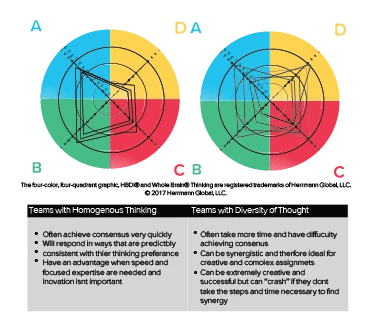
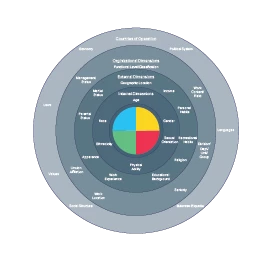
    thanks for the answer. I found these 2 images on google which are both 260x260 px. How come these still have decent quality when

    looked at but not mine?

    Monika Gause
    Community Expert
    Community Expert
    July 12, 2017

    In both of them type is set at a larger size.