Participating Frequently
January 23, 2022
Answered

changing shape of 2 adjacent shapes simultaneously

  • January 23, 2022
  • 3 replies
  • 790 views

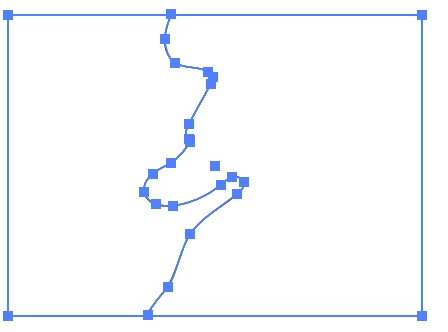
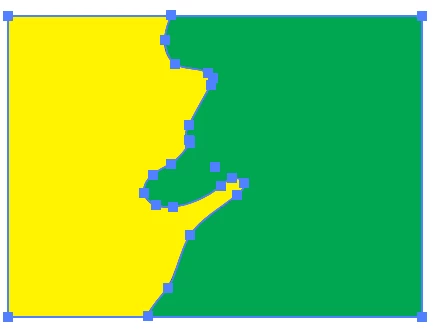
I'd like to smooth the paths of the adjoining shapes simultaneously so they still have a jig-saw puzzle fit. Is there a trick in Illustrator to do this or perhaps a script that will let me do it? Please se the attached file. Thanks
This topic has been closed for replies.
Correct answer barbara_a7746676

I would suggest using the Live Paint Bucket tool.

Select the shapes.

Choose a fill color and click inside the section.

Use the Direct Selection tool to reposition anchor points.

3 replies

pixxxelschubser
Community Expert
Community Expert
January 23, 2022

Sorry for the repeated answer. But the other answers were not seen before. No idea why.

barbara_a7746676
Community Expert
Community Expert
January 24, 2022

That has happened to me many times. 

If you are typing at the same time that someone else is typing, the page does not refresh.

pixxxelschubser
Community Expert
Community Expert
January 23, 2022

You could try using the Live Paint tool for the artwork. And then change the anchor points.

lambiloon
Community Expert
Community Expert
January 23, 2022

Hi there is smooth tool in illustrator you can use it...regards

Ali Sajjad / Graphic Design Trainer / Freelancer / Adobe Certified Professional
Participating Frequently
January 23, 2022

Yes thanks, I know that but I want to change 2 adjoining shapes exactly the same way and the smooth tool only works on one edge not both - matching the shapes.