

Changing the default font in Adobe Illustrator 2022 (v26.0.1) - Problem
Hello,
I have a problem with changing the default font in Adobe Illustrator 2022 (v26.0.1)
# Changing the default font
I followed the instructions from Adobe: https://helpx.adobe.com/de/illustrator/using/fonts-faq.html
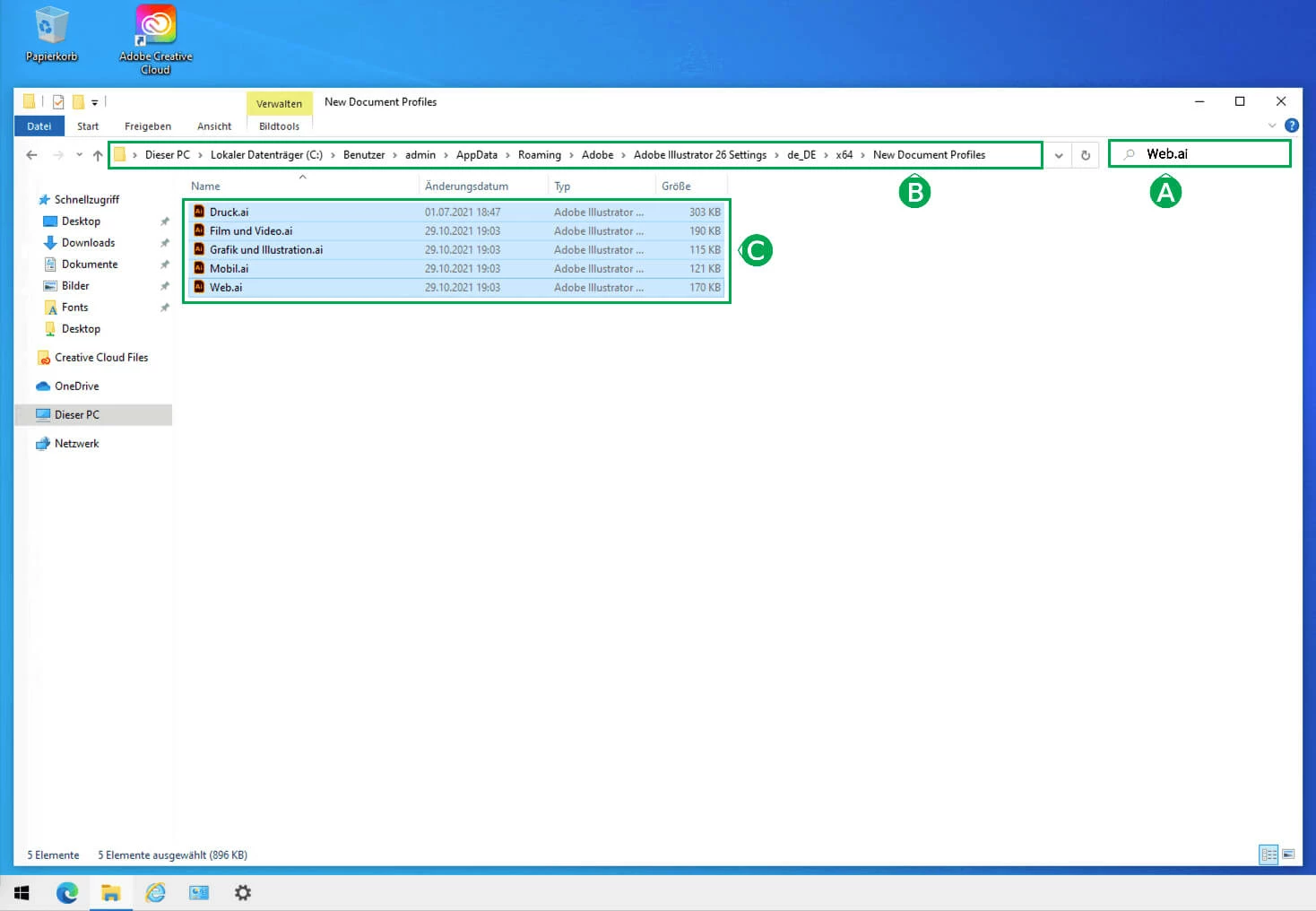
and enter my character set in the five .ai files in the "[Normal character format]" in ...
(win) C:\Users\admin\AppData\Roaming\Adobe\Adobe Illustrator 26 Settings\de_DE\x64\New Document Profiles
and
(mac) /Users/admin/Library/Application Support/Adobe/Adobe Illustrator 26/en_DE/New Document Profiles
see also http://www.computergrafik-know-how.de/ligaturen-und-standardschrift-in-illustrator-2022/#standardschrift-in-illustrator-2022-aendern (in German)
# Testing the modified templates and the surprise
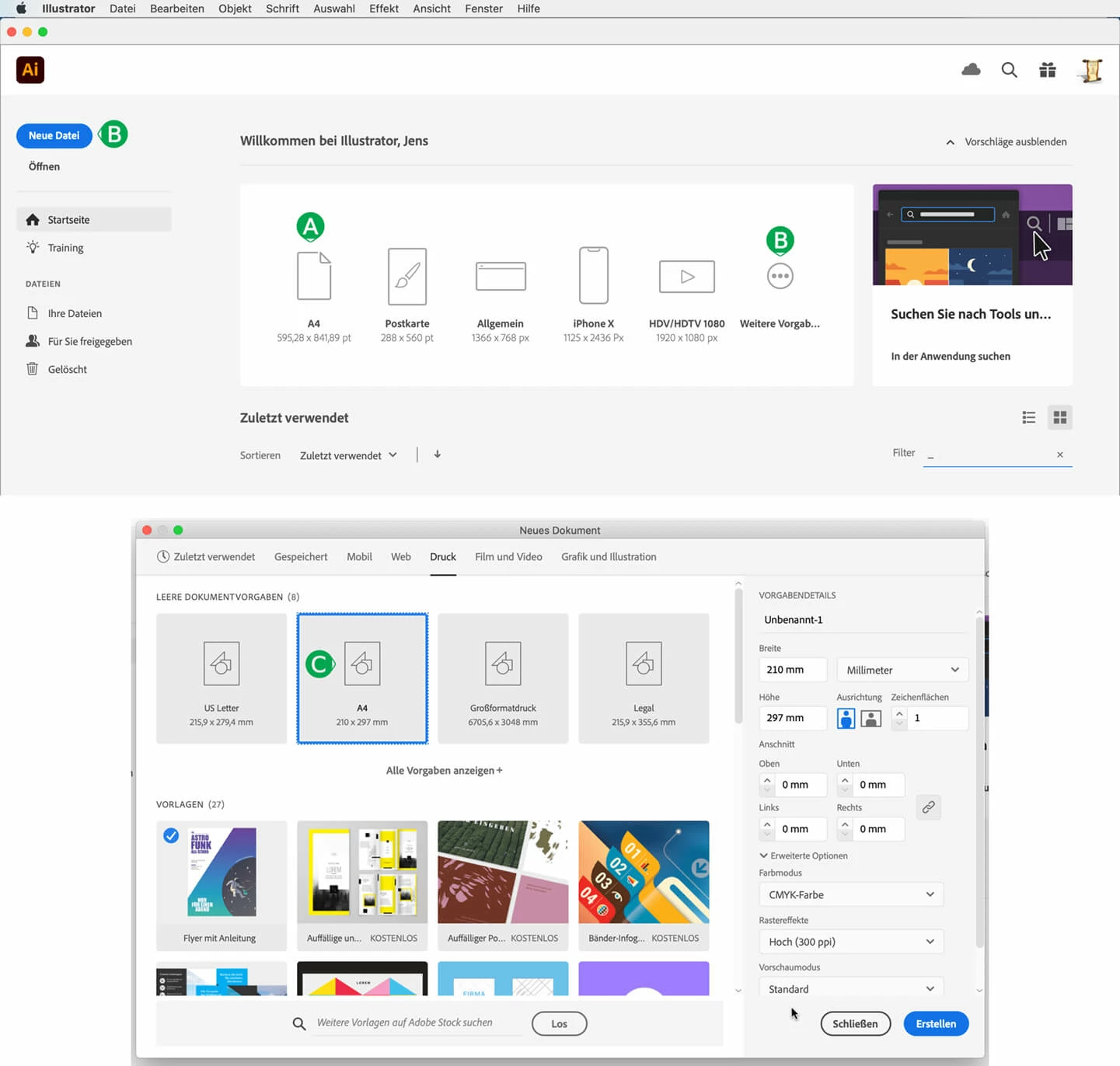
(A) When I open the A4 file from the white box - whether in macOS 10.15.7 or Windows 10, I get a new A4 file that contains my default font set above. All good.
(B) However, if I go to "New File" or "More Defaults", – this is my problem! –
(C) then I get a file, no matter what type I choose, that does NOT contain my default font set above.
Why? And where are these files stored? I have not been able to find them in macOS or Windows.
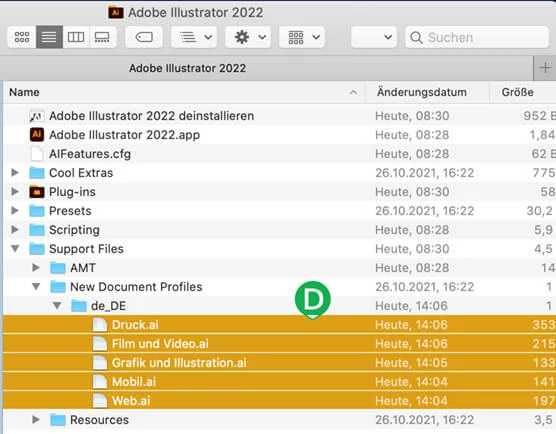
(D) And then in the folder of "Adobe Illustrator" there are the five template files again, but no matter what you do with them, it seems to have no effect. why?
# Why so complicated?
In InDesign, it is enough to change the character format without opening a document, and this setting then simply applies to all new documents that you create.
– jens.


 AdChoices