Answered
Changing unit from mm to inches in Print > Page Set up
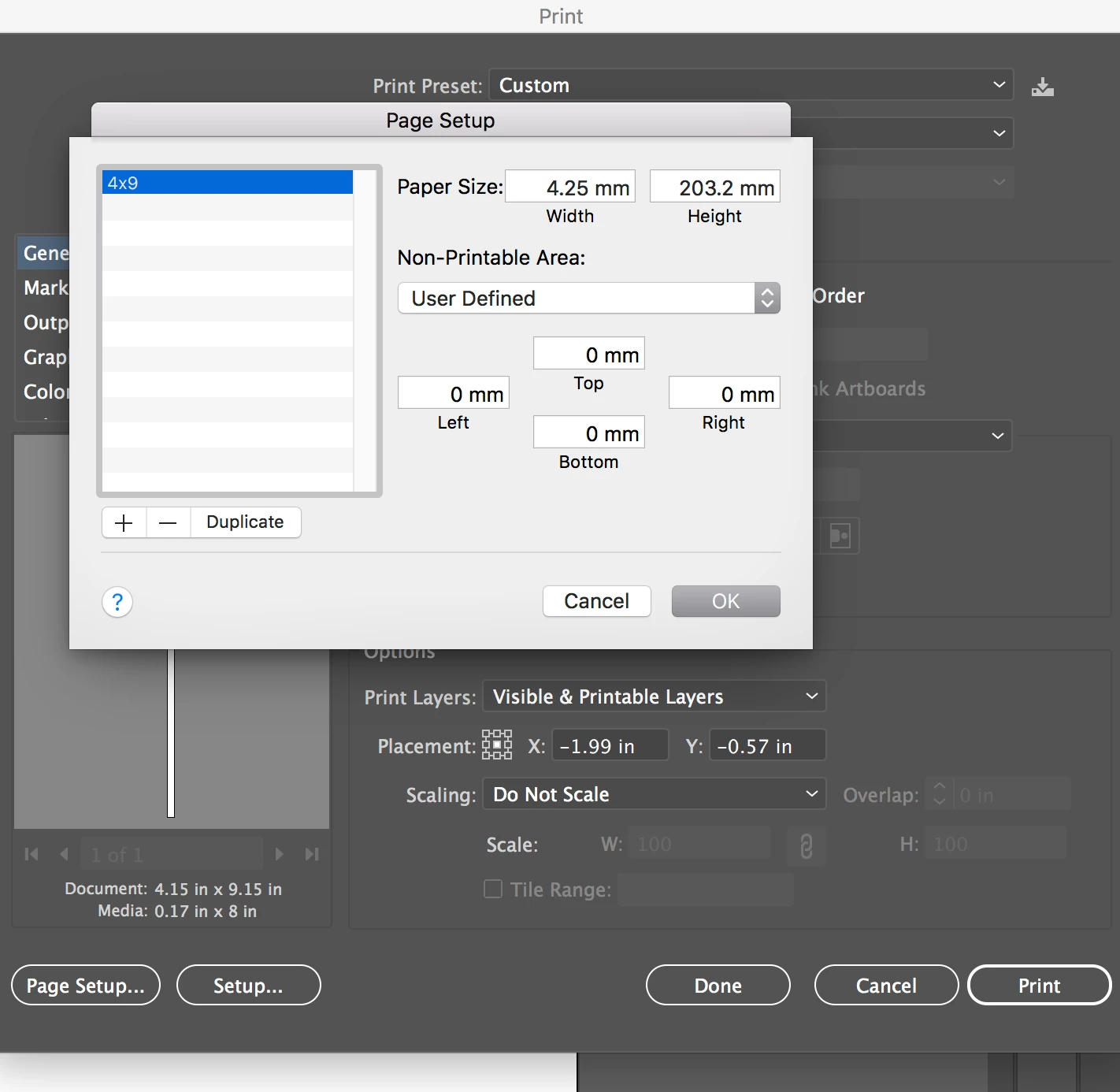
How do I permanently change the 'PAPER SIZE" unit from mm to inches? I tried just typing it the numbers then put inches on the end but it reverts back to mm. Thank you!

How do I permanently change the 'PAPER SIZE" unit from mm to inches? I tried just typing it the numbers then put inches on the end but it reverts back to mm. Thank you!
I just realized that what you are showing is your printer's page setup provided by the OS. It is not actually part of Illustrator. As a matter of fact the first time you use it you get the dialog warning shown below:
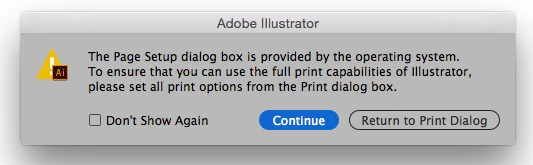
I will admit that I also use this page setup when I print but as the warning says the print options do exist within the Illustrator native part of the Print dialog window. You can choose your page size there if you are having problems with the OS provided page setup.
Already have an account? Login
Enter your E-mail address. We'll send you an e-mail with instructions to reset your password.
 AdChoices