
Participant
August 22, 2022
Answered

Circle edges not sharp/clear

  • August 22, 2022
  • 3 replies
  • 658 views

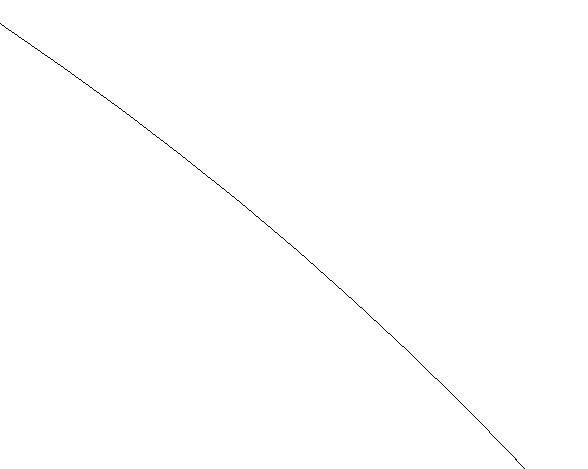
Hi, I'm new to illustrator and today I was trying to make some logo following the tutorial but mine preview is not smooth like the tutorial one. Here's the photo of my circle  idk if you can see but instead of straight and smooth it's wavy and more like stairs. I put preview on CPU but didn't change it
This topic has been closed for replies.
Correct answer Anna Lander

1. It looks like shown in the Outline mode. It does not show the lines as smooth but follows the monitor pixels without any anti-alias.

2. Your monitor concocts of pixels, and you will see them id look carefully at any vector image on the screen. But the good news is that your vector's pixelization will never be bigger than the screen (or printing device) own pixel resolution.

3 replies

Anna Lander
Anna LanderCorrect answer
Inspiring
August 22, 2022

1. It looks like shown in the Outline mode. It does not show the lines as smooth but follows the monitor pixels without any anti-alias.

2. Your monitor concocts of pixels, and you will see them id look carefully at any vector image on the screen. But the good news is that your vector's pixelization will never be bigger than the screen (or printing device) own pixel resolution.

Participant
August 23, 2022

Thank you, I'm using a gaming TN monitor so I'll consider switching to IPS one for a better design experience.

Met1
Legend
August 22, 2022

You are viewing resolution independent vector art in a finite resolution dependant pixel world... your mileage may vary...

Doug A Roberts
Community Expert
Community Expert
August 22, 2022

What is the resolution of your monitor?

Participant
August 23, 2022

1920x1080