Known Participant
November 13, 2018
Answered

CLEAN VECTOR HALFTONE. Is it possible?

  • November 13, 2018
  • 2 replies
  • 13004 views

Hello to everyone!

I applied the halftone effect to a picture and i'm satisfied of the result: the circles are clean and precise.
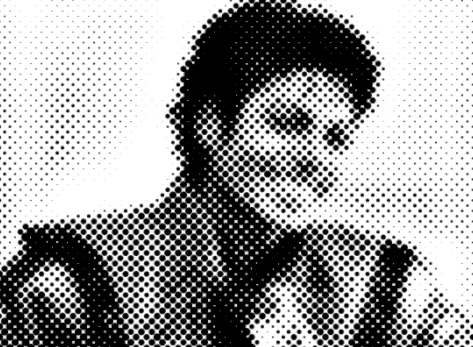
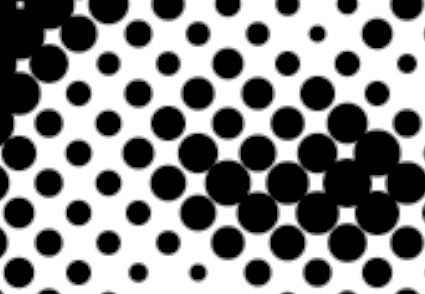
The problem, as you surely know, is that this in not a vector shape. When i try to vectorize it, the result is never faithful to the original. 
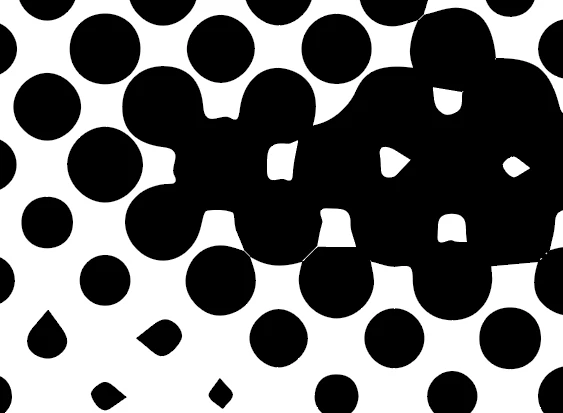
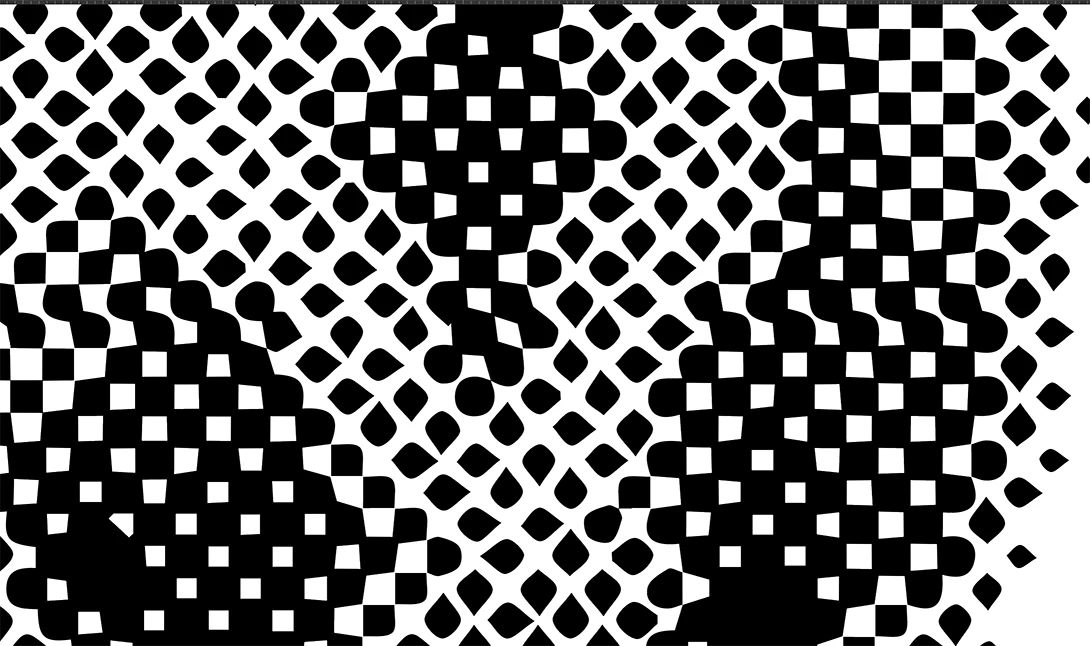
As you can see the shapes are not anymore circles.

There is a technique  to achieve the result of the original raster image?

Thanks in advance
This topic has been closed for replies.
Correct answer Ton Frederiks

A higher resolution will give much better results.

You can try to apply a Rasterize Effect at a higher resolution (grayscale 600ppi) before applying the Color Halftone effect.

Choose: Object > Expand Appearance and then Image Trace.

at 72 ppi without the rasterize effect

at 600 ppi Rasterize effect

2 replies

Ton Frederiks
Community Expert
Ton FrederiksCommunity ExpertCorrect answer
Community Expert
November 13, 2018

A higher resolution will give much better results.

You can try to apply a Rasterize Effect at a higher resolution (grayscale 600ppi) before applying the Color Halftone effect.

Choose: Object > Expand Appearance and then Image Trace.

at 72 ppi without the rasterize effect

at 600 ppi Rasterize effect

Monika Gause
Community Expert
Community Expert
November 13, 2018

Use the plugin Phantasm. It can do vector halftones.