
Participant
December 6, 2022
Question

Clear cache (RAM) on a Mac

  • December 6, 2022
  • 1 reply
  • 8188 views

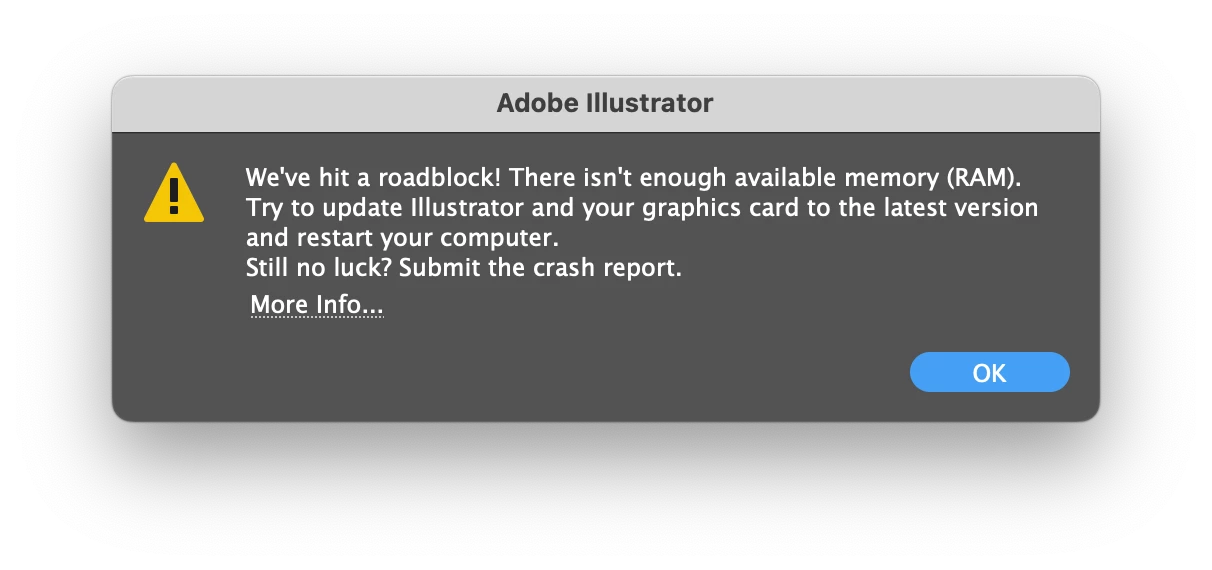
Howdy, so this happened today. I have no idea how to clear the cache, googling it led me down a path of telling me to enter preferences and find a "clear cache button" that I highly suspect isn't there anymore.


I run an M1 Max with 64 gigabytes of RAM, so I find it hard to comprehend how a single artboard document (albeit running a 3D scene, but nothing too slow) can cause this error. 
This topic has been closed for replies.

1 reply

Doug A Roberts
Community Expert
Community Expert
December 6, 2022

A 'roadblock' is much more likely to be Illustrator itself than your hardware. That said:

Is there space on the assigned scratch disk (Preferences > Plug ins & Scratch Disks)?


What does 'a 3D scene' consist of? How many objects? How complex?

Participant
December 6, 2022

Thanks for getting back to me! 


Yeah, there is space. It's a laptop, so I only have one disc, but that being said I've got at least 250 gigs of free storage.


The 3D scene had, at the point of said roadblock, two objects totaling 13 closed paths and 391 points. Artboard size is A4.

Doug A Roberts
Community Expert
Community Expert
December 6, 2022

Do the objects have any other effects applied?

What OS and hardware are you using?