Participant
August 13, 2020
Question

Clicking type areas doesn't bring the type tool

  • August 13, 2020
  • 2 replies
  • 349 views

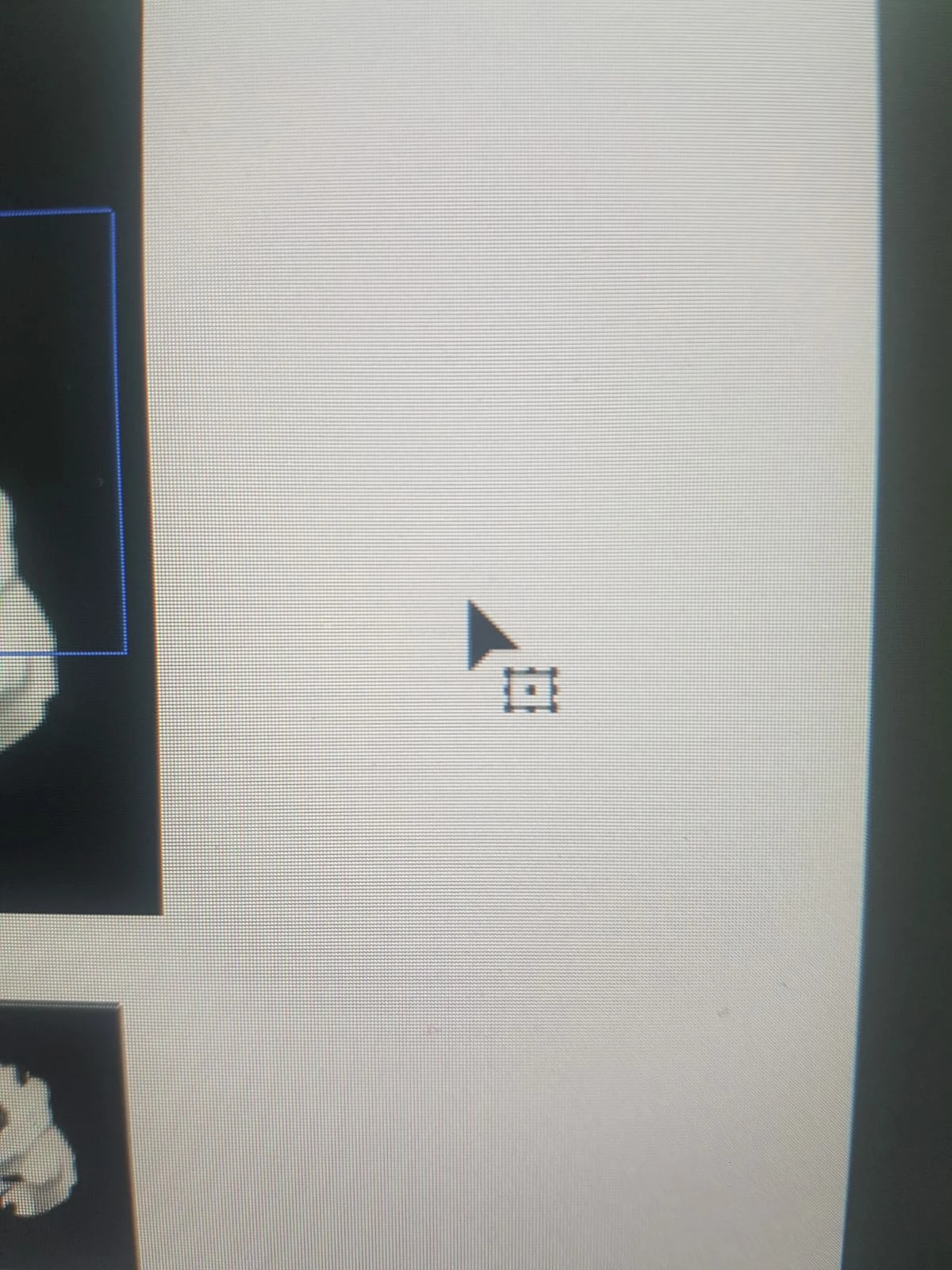
Since the last update. clicking type areas doesn't bring the type tool to edit the text so you stay stuck with this arrow (image attached). 
Is there a fix?
  

This topic has been closed for replies.

2 replies

Kurt Gold
Community Expert
Community Expert
August 13, 2020

Two other possible reasons:


  • The Type Object Selection by Path Only option is turned on in the Illustrator Preferences > Type section. With that option turned on it is not impossible to get the Type tool by double-clicking with the Selection tool, but it is pretty hard to do so. Try turning off the option.
  • By accident you may be using the Free Transform tool instead of the Selection tool.
ilooleyAuthor
Participant
August 17, 2020

It seems like some kind of new feature, because when I click the tool bar change to this, what is this black rectangle?


Monika Gause
Community Expert
Community Expert
August 17, 2020

Do youhave third party plugins installed?

When was your last computer restart?

Monika Gause
Community Expert
Community Expert
August 13, 2020

Double clicking does not help?

ilooleyAuthor
Participant
August 17, 2020

Nope 😞
