Jains22
Participant
March 20, 2026
Answered

Clipping mask disappears after reopening Illustrator file, leaving transparent shape instead

  • March 20, 2026
  • 1 reply
  • 66 views
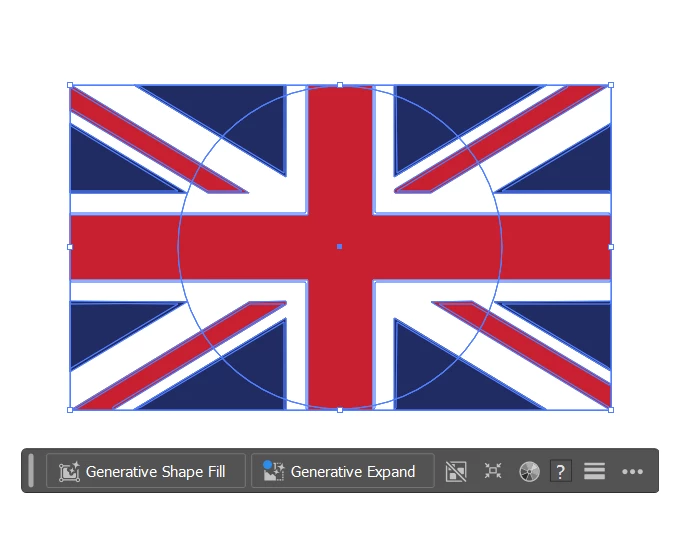
Image with Circle above it
Image After making the Clipping Mask
Image after I save & close the document and then Reopen said document

It just has a Transparent circle above it now and the clipping mask does not save.

    Correct answer Kurt Gold

    Thank you.


    I can reproduce the issue. Probably the culprit is that you are creating the clipping mask with a nested group serving as the clipping path(s). Obviously some kind of invalid construction.


    If you simplify that and just take one plain path to clip, it should work as expected.


    Below is a sample file. On Artboard 1 there is the unwanted behaviour. On Artboard 2 there is the expected behaviour.


    Check the Layers panel to compare.


    North Africa

    1 reply

    Kurt Gold
    Community Expert
    Community Expert
    March 20, 2026

    Can you share this Illustrator file (.ai) for inspection?

    Jains22
    Jains22Author
    Participant
    March 20, 2026

    How exactly? Just post the link in this thread?

    Kurt Gold
    Community Expert
    Community Expert
    March 20, 2026

    Yes, by posting a public download link.


    Or by using the “Upload files” button in the forum editor.