Participating Frequently
November 11, 2016
Answered

Clipping mask error

  • November 11, 2016
  • 2 replies
  • 1983 views

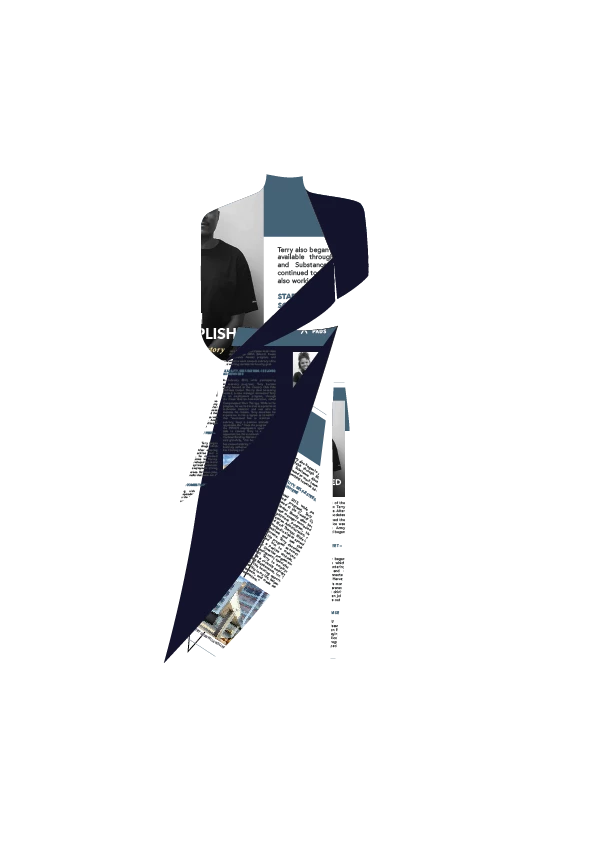
So I've used a clipping mask and in my actual ai document it appears as I want it to be
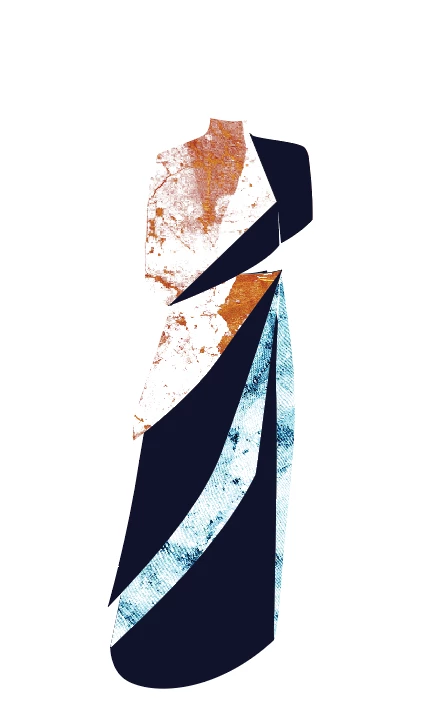
However, as soon as I go to save it as a png, or open the ai file in photoshop, it appears like this:
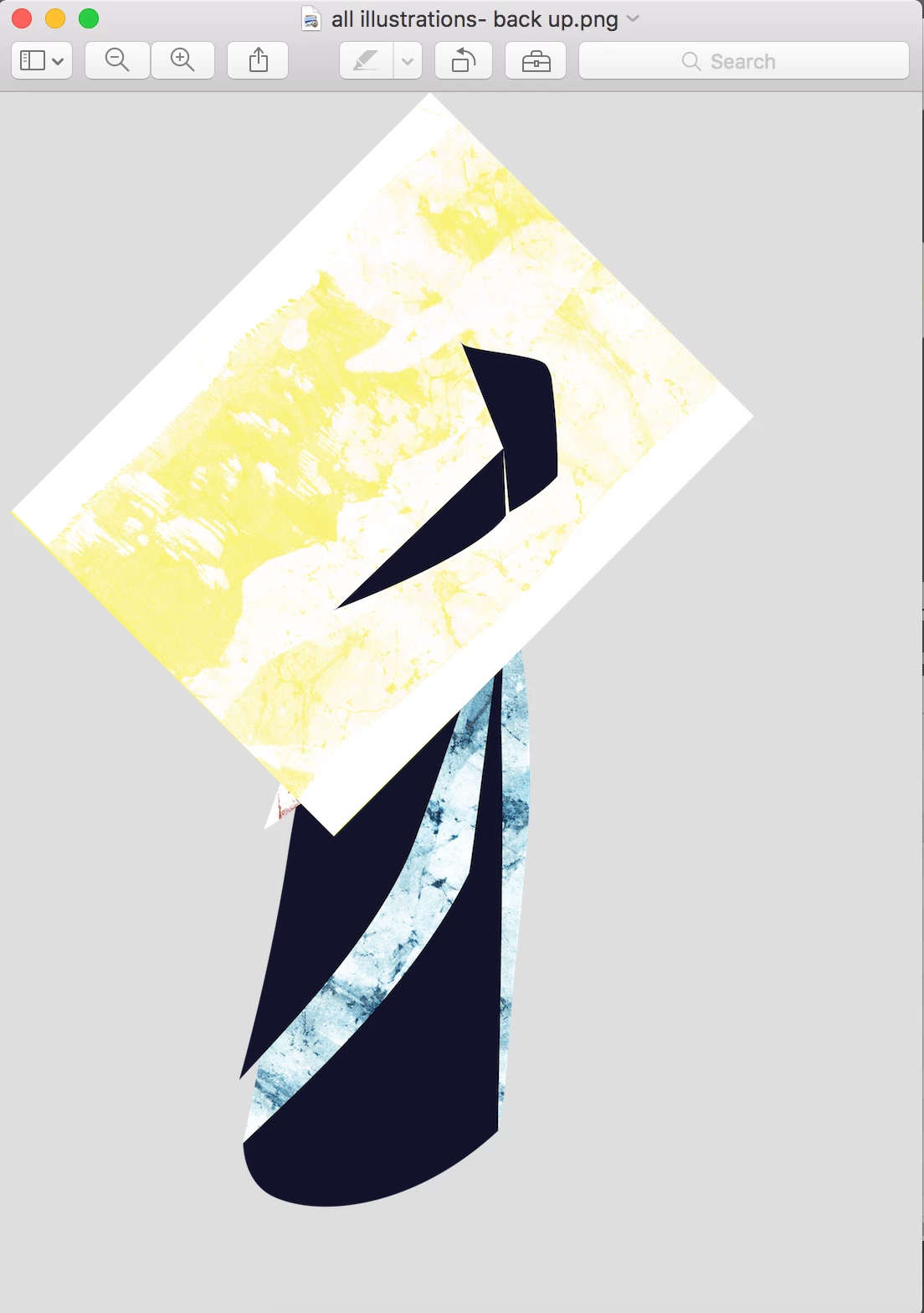
The yellow image is one I tested earlier, but soon replaced with the orange.

Anyone experienced/ know how to fix this?

Thanks

    This topic has been closed for replies.
    Correct answer MichaelR-ACI

    Hopefully that works!

    https://www.dropbox.com/s/hn4hvcz4ug7gchx/all%20illustrations%201.ai?dl=0


    I took a look and substituted my own pdfs for your missing links. It appears that you have a hidden object and some stray points that probably were another masked element at one time that you had tried to delete (maybe?) but the graphic and strays remain.

    Try this: Go up to the Select menu, Objects>Stray Points. Hit delete to remove the selected points. The hidden image should appear. delete it or remask it if you want it in the illustration.

    That should do it.

    Michael Riordan

    Owner/ Adobe Certified Instructor

    Digital DesignLab

    137 N Oak Park Avenue Suite 209

    Oak Park, IL 60301

    www.learnadobesoftware.com

    2 replies

    Mike_Gondek10189183
    Community Expert
    Community Expert
    November 11, 2016

    Can you post a copy of the file?

    ideas that come to mind, without seeing the file.

    • Is the mask outside the artboard?
    • What exact command are you using to save as .png, export as, export to screens, save for web
    • Remove the clipping mask and try using the transparency palette instead
    Participating Frequently
    November 11, 2016

    Thanks Mike,

    It isn't outside the artboard and i'm "exporting as" a png. I'm also not sure how to upload a file to here, can't seem to find a function for that.. help on that front too? haha

    Mike_Gondek10189183
    Community Expert
    Community Expert
    November 11, 2016

    You can use dropbox or hightail to post the file, they are both free utilities you can find with google.

    Mylenium
    Legend
    November 11, 2016

    Schow us a screenshot of your layers palette and otehr relevant settings like the Transparency panel and the export settings. You could accidentally have flipped a wrong switch.

    Mylenium

    Participating Frequently
    November 11, 2016

    I wasn't sure exactly what you meant by export settings, is this what you meant?