

Clipping Mask for Trimming Paths and Compound Shape Issues
Hey creative people. I'm hoping you can help me with an issue that has taken up a couple hours of my time and my usual presusing through youtube videos can't help me figure out. Has to do with clipping masks. I have this image of a map that I've been working with and I'm trying to crop the current map to a smaller (or zoomed in) size. The best way that I've heard to do this is with a clipping mask which you can see I'm in the process of applying here. These are all paths along with a compound shape (the river) in the areas I'm trying to crop.
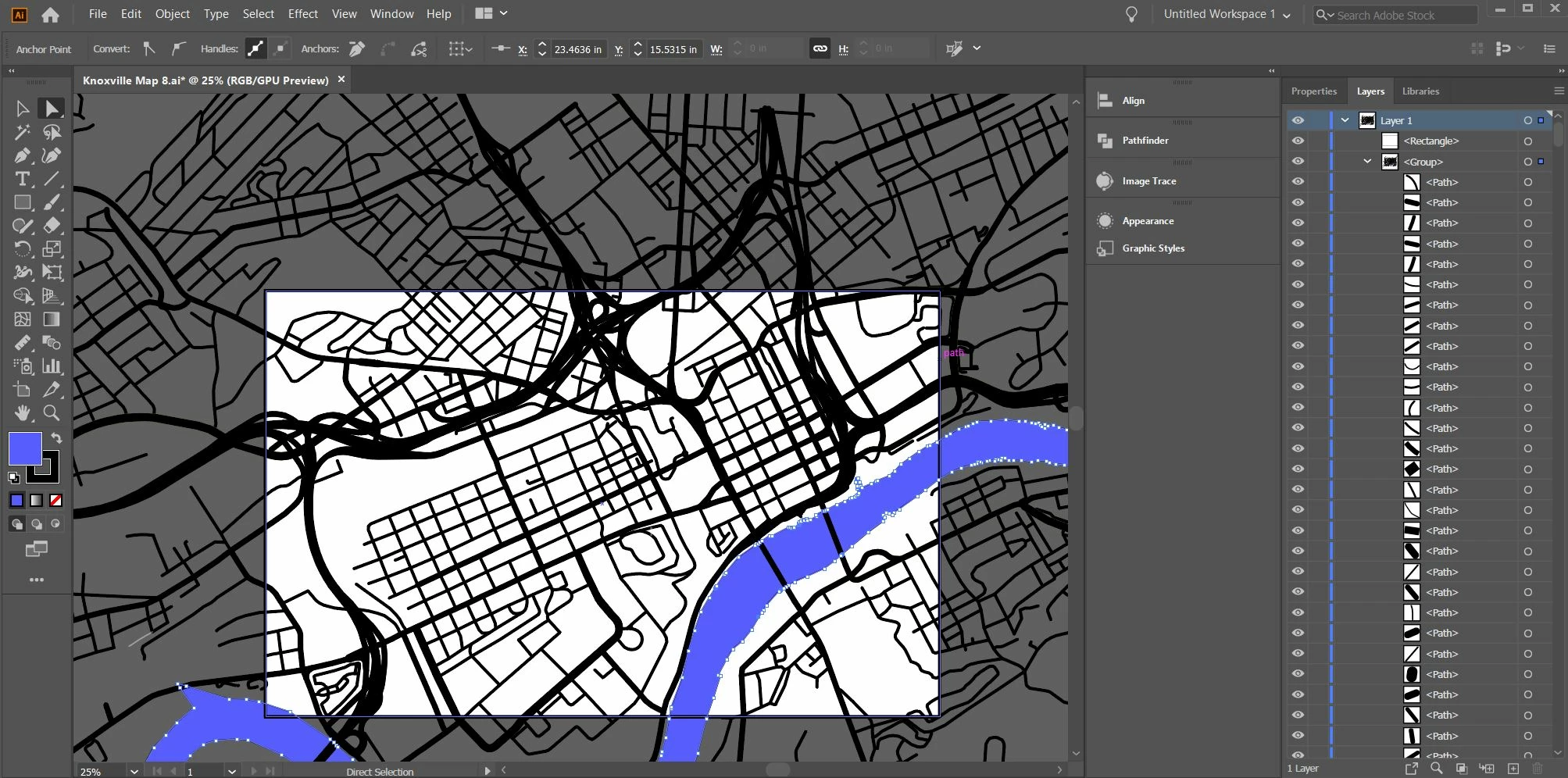
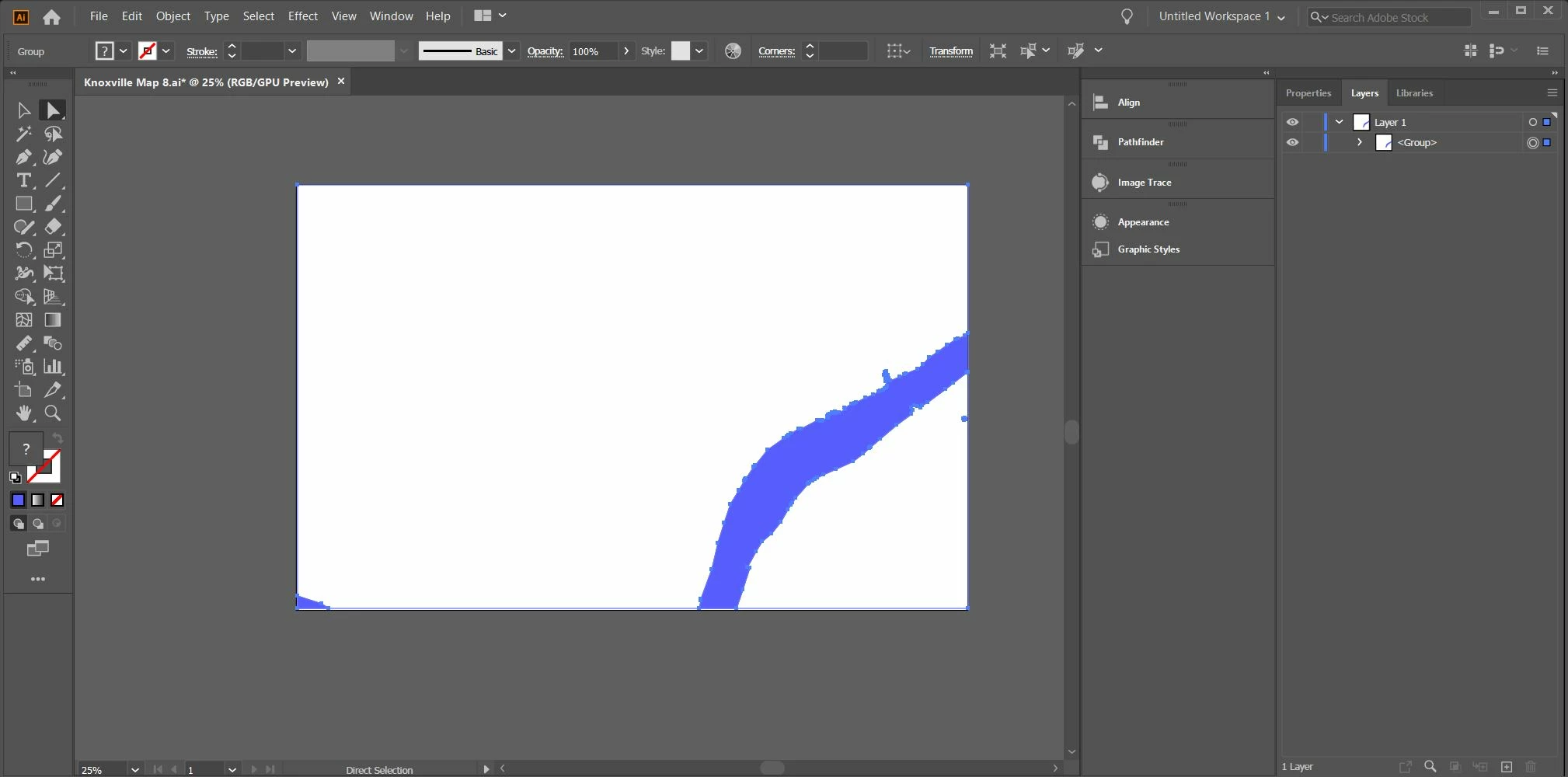
Here is the catch, when I apply the clipping mask it works fine, but I need to trim the clipped artwork outside the mask borders. I've seen videos where it instructs you to drag the clipping shape out of the clip group to the layer level and use "crop" in pathfinder, it should perform that operation but when I do this is what I get, just the compound shape remains:
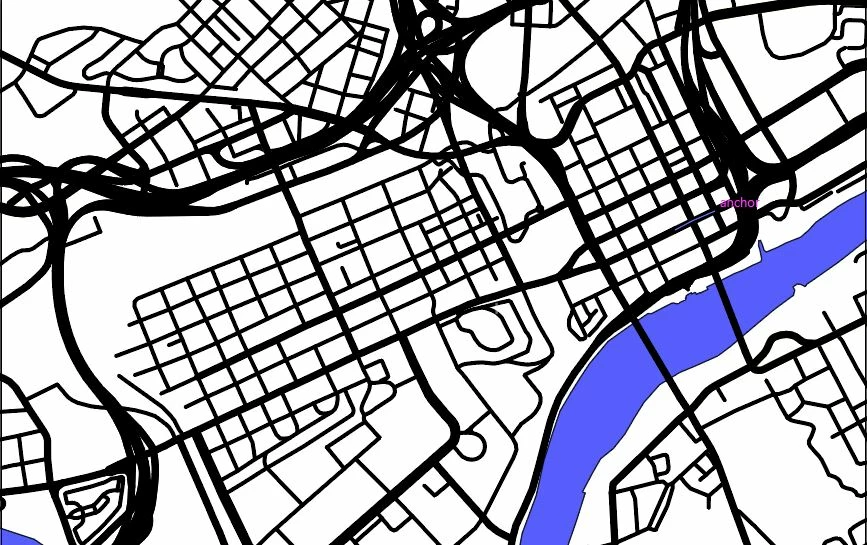
My question is, how should I crop the image down and get the results that I want. I can't convert the paths or the compound shape to any other kinds of objects because I use this artwork to create tool paths for cnc plasma/wood routing. This is the end result I'm looking for. Any ideas? I have attached the AI file here as well.
 AdChoices