Participant
September 30, 2021
Question

Clipping Mask from Image Trace

  • September 30, 2021
  • 2 replies
  • 248 views

Hello,

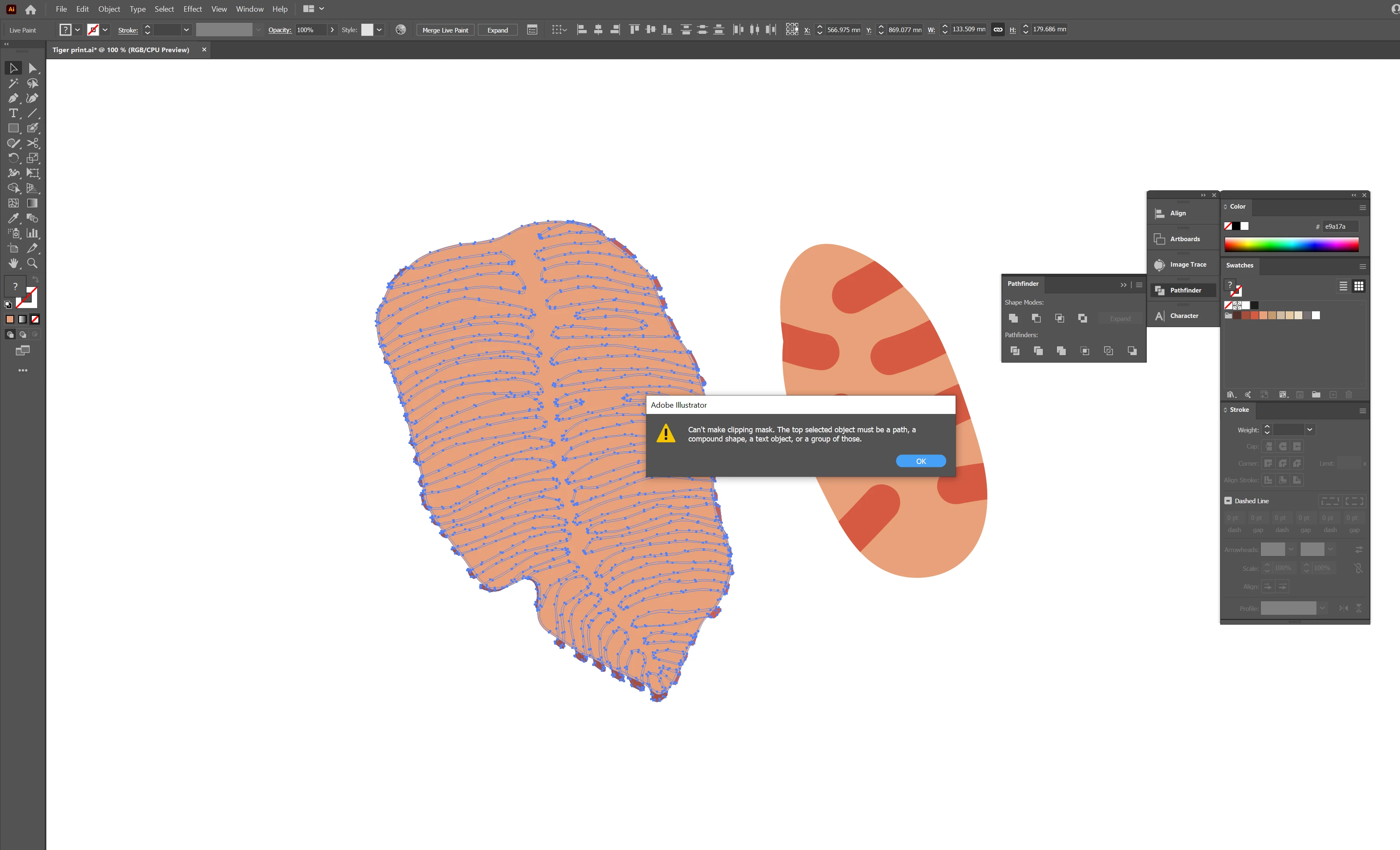
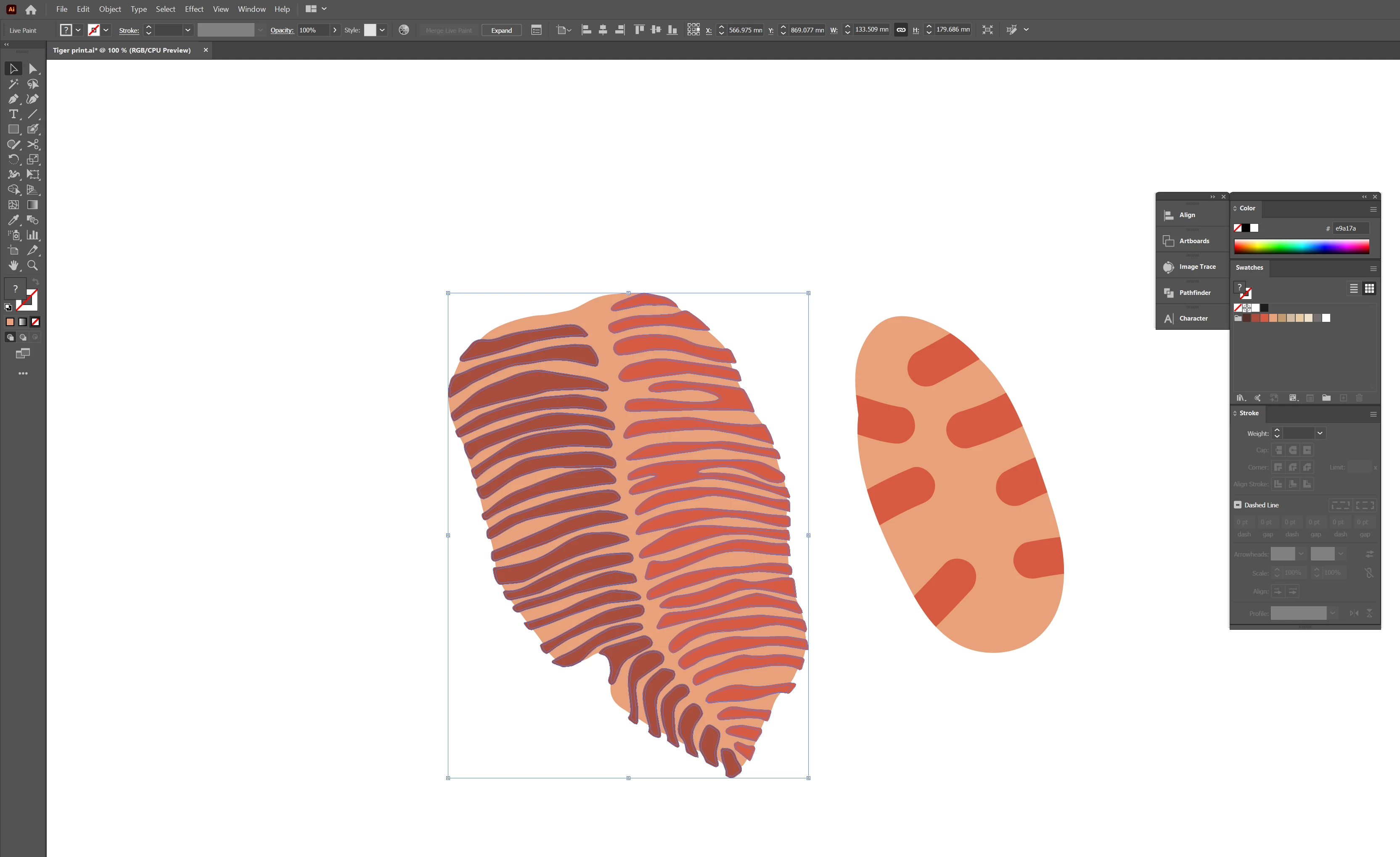
I am trying to make a clipping mask with the leaf image on the left. I created a little blob to the right to demonstrate what I'm trying to achieve. The image on the right was made using the blob brush and I was able to make a clipping mask. The image on the left was a drawing which I used Image Trace and coloured in using the Paint Bucket tool. Trying to make a clipping mask with it but it comes up with an error. 
 

This topic has been closed for replies.

2 replies

Participant
September 30, 2021

I have managed to fix it now. What I needed to do was:

Expand both shapes, make them into compound path (Object>compound path>make) and then make clipping mask (select background shape > ctrl+f > arrange to front > select the overlapping shapes also > object>clipping mask>make. I then selected the entire shape > pathfinder > trim (to get rid of the previous overlapping lines). 

sishamIAGD
Community Expert
Community Expert
September 30, 2021

Glad you managed to sort it out and thanks for sharing your fix.

sishamIAGD
Community Expert
Community Expert
September 30, 2021

Just by looking at it, it looks like a very complex path that may be broken in places and therefore won't work. Try simplifying the path and trying again.