Participant
December 27, 2019
Question

Clipping mask issues in Illustrator

  • December 27, 2019
  • 2 replies
  • 425 views

Hey all, 


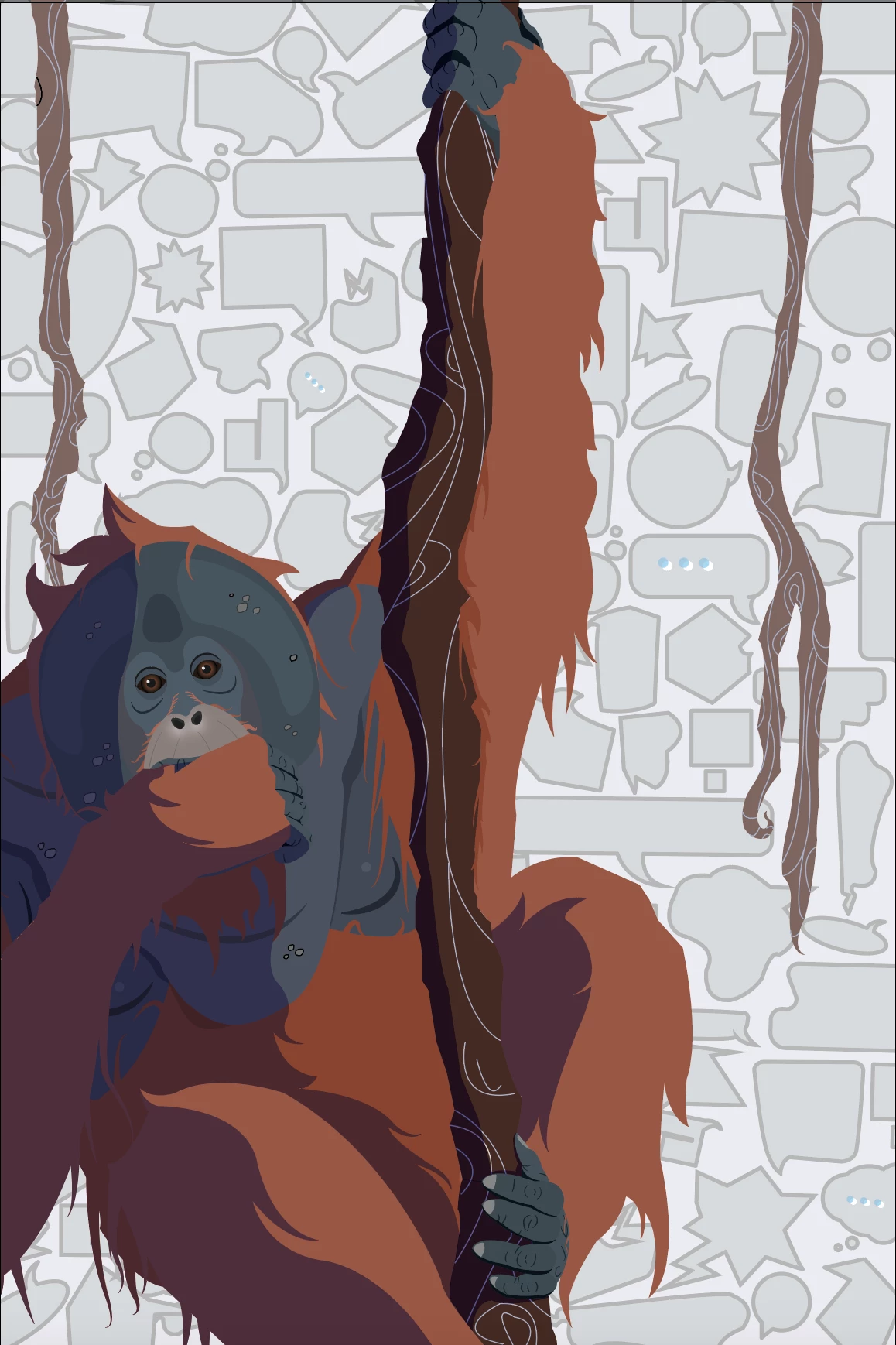
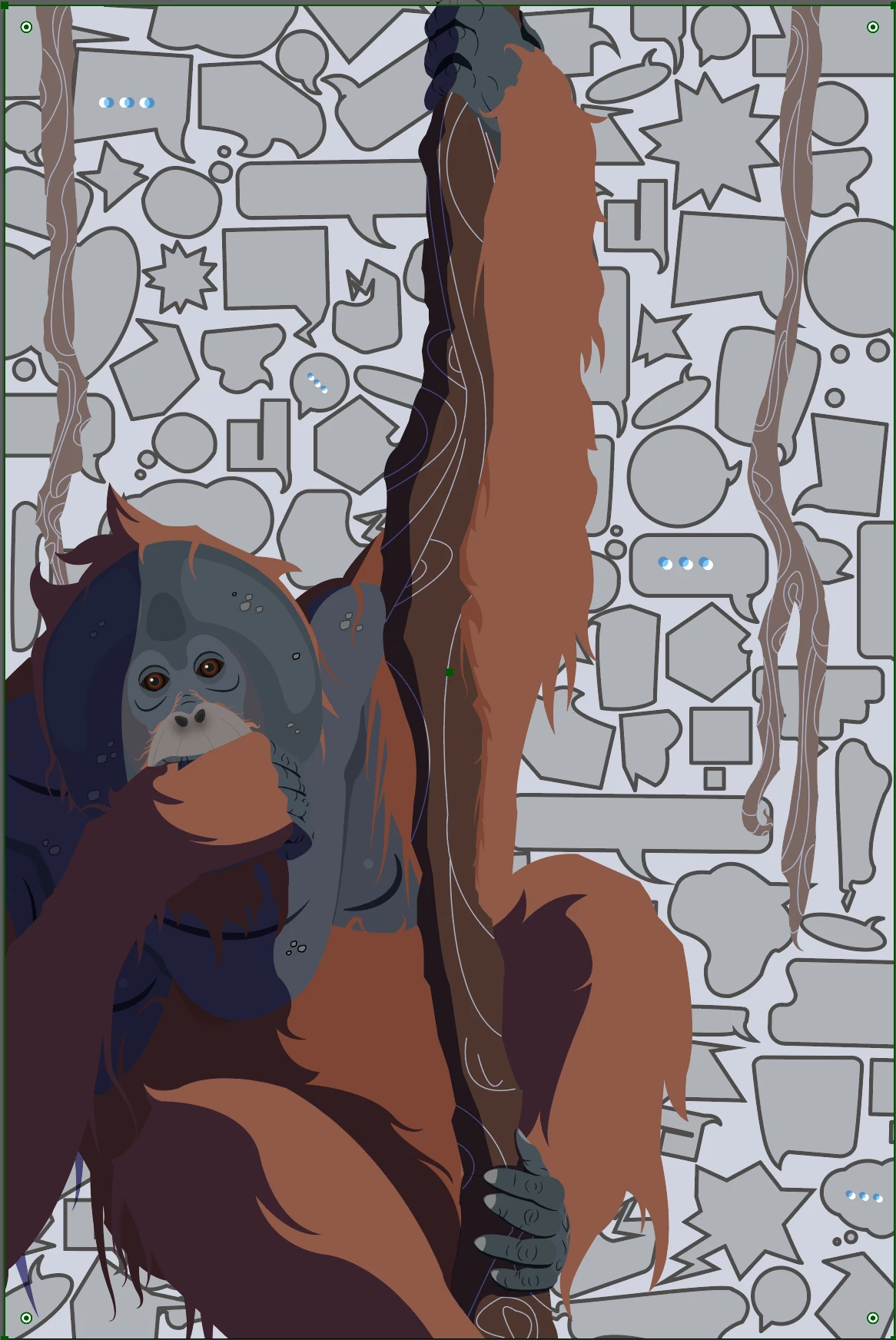
So I had a question if anyone else dealt with weird issues with new versions of Illustrator. So after creating a piece I made a clipping mask to clip the edges of the artboard. But when I did that it changed the background colors, line width, etc.  There really isn't anything special regarding the layers or any of that that would effect the outcome and I've never dealt with this before, although I've had issues previously where the opacity levels just don't do anything when I change the levels until I select other objects and come back. I'll post some thumbs of the issue just in case....thanks for any help in advance! 


This topic has been closed for replies.

2 replies

tromboniator
Community Expert
Community Expert
December 27, 2019

In addition to what Barbara said, my guess is that you put above the art what you intended to be a Clipping Mask that had the same fill color as the shapes in the background. You then selected everything and made an Opacity Mask instead of a Clipping Mask. The Transparency panel (and the pop-up version of it from the Opacity section of the Appearances panel) used to identify it as an Opacity Mask, but now just say Mask, so it may be misleading, especially when Clip is one of the options. This is not the same as a Clipping Mask, which is made through the Object menu.

Peter

barbara_a7746676
Community Expert
Community Expert
December 27, 2019

I don't understand why a clipping mask was needed for this example since the artwork is the same size in both the before and aafter examples.