Answered
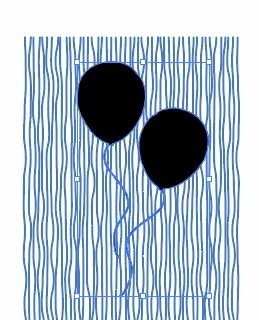
Clipping Mask not working - How to fill Balloons with series of lines created

Frances,
Select the two baloon paths and Ctrl/Cmd+8 (hold Ctrl or Cmd and press 8)to turn them into a Compound Path, then ShiftClick the (Group of, if grouped) lines, then Ctrl/Cmd+7 to turn all that into a Clipping set (Mask).
I presume the strings are separate paths, just keep those out of the above, so they will remain.
Already have an account? Login
Enter your E-mail address. We'll send you an e-mail with instructions to reset your password.
 AdChoices