

Clipping mask over multiple layers?
Greetings,
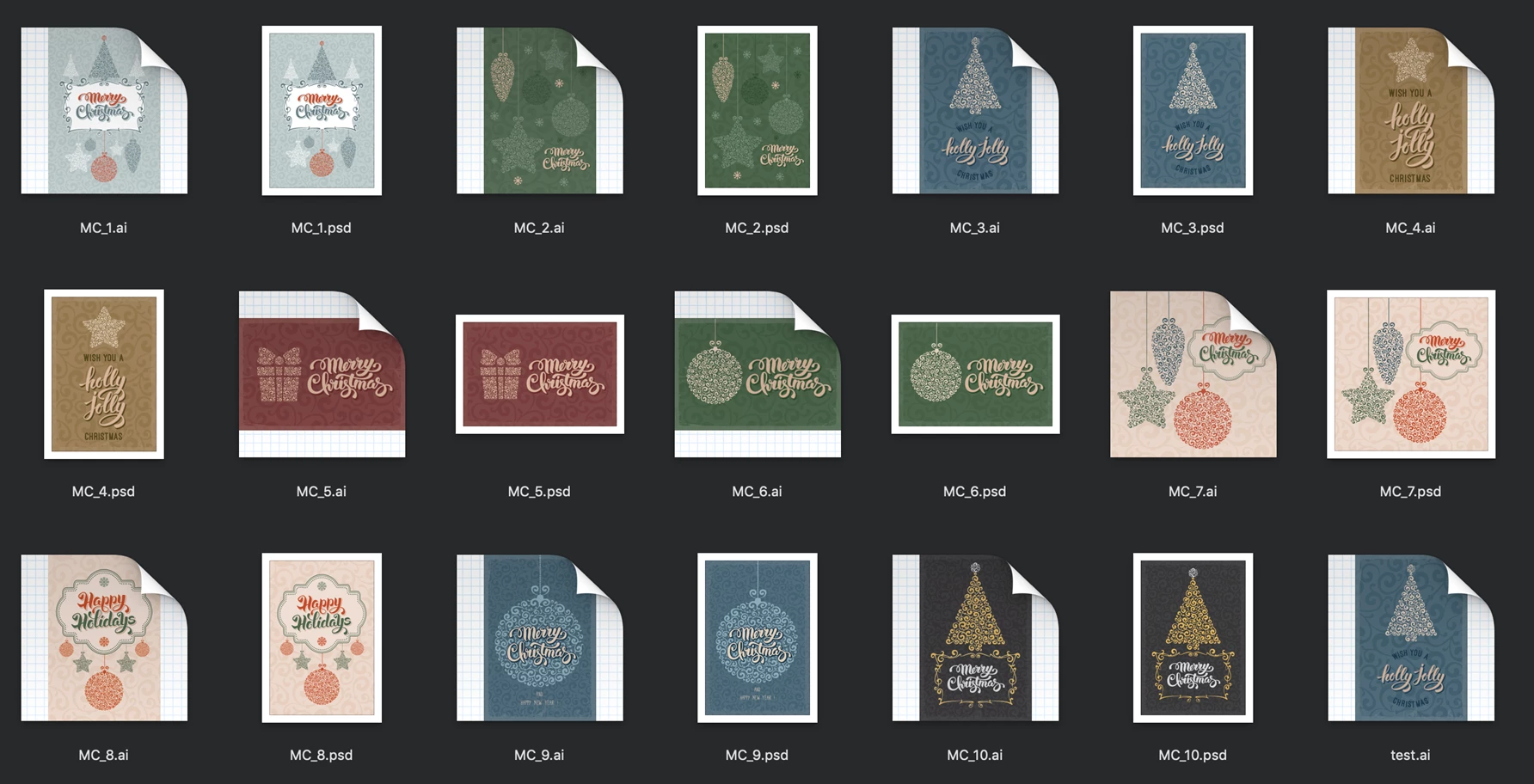
I am rejigging a few beautiful Christmas I bought on GraphicsRiver that I will print on a Xerox Iridesse Press.
I have them as Psd and as Ai files.
I then use InDesign to prepare the final file for print using mixed inks and custom spot colors.
The idea then is to print the cards with gold, silver and clear.
The difficulty I am facing is that on most cards, the pattern covering the entire card will also be printed using Clear toner (think spot varnish).
Clear can only be printed on top of everything else (technical limitation).
Now, just printing that pattern in clear is easy however the challenge here is that the clear pattern cannot overlay anything else.
For example, the part of the pattern that covers the Christmas tree must be deleted otherwise it interferes and diminishes the effect in print.
The Clear would print over the Christmas since the Clear can only print on top | See how the two interferes with each other? |
|---|---|
 |  |
That means I need to somehow delete or clip the parts of the clear pattern that are covering anything else, from any layers or object.
Since the document is a multilayered document, I am, I admit, completely out of my depth on how to do this.
How to I cut that pattern so that it doesn't cover this or that object, given a psd or ai file that has many layers?
Any help or pointers is appreciated, and whoever can help me out can ask me for a personalized Christmas cards or two! 
Cheers,
Antoine
 AdChoices