RGB and CMYK are color modes or represent color models.
Any (same) color you choose may have different RGB value numbers in sRGB or Adobe RGB or ProPhoto rgb, because their color gamuts (range) is different in size and position.
CMYK color spaces are even more widely different, as they correspond or represent different printing conditions, the colors you get from inks and paper used for printing a newspaper in a rotative process, are more limited that those you get in a single fed flat sheet printing of a poster or a book cover.
Even more, that very same color, if it's reproducible, printed, on a newspaper and a magazine use different percentages of C, M, Y, K, inks in each process, on the first the web paper will get an inferior total amount of inksn(<220%), with a strong addition of Black and a reduction of CMY, colored inks. While the total amount of inks on a sheet fed process (Fogra39 orPSO Coated v.3) is close to 300%, and the use of (desaturating) Black ink is reduced.
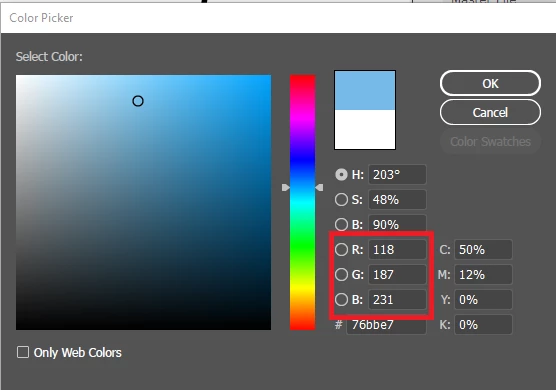
Please select and set the appropiate Working spaces (their ICC profiles) in Color settings for RGB and CMYK, those suited to your workflow, and see on the Color Picker the conversions in each case. (No, it is not a lineal or first grade, transformation) select also the Intent and Black Point Comp. options.




 AdChoices