amyk94761914
Participant
January 11, 2023
Question

CMYK values changing

  • January 11, 2023
  • 12 replies
  • 1023 views

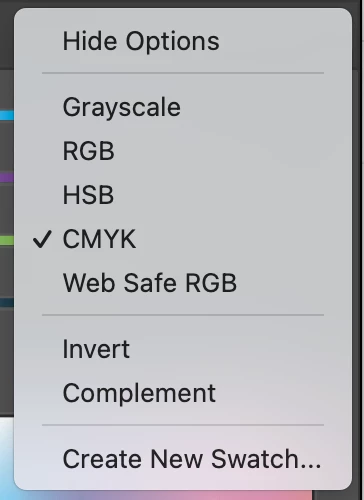
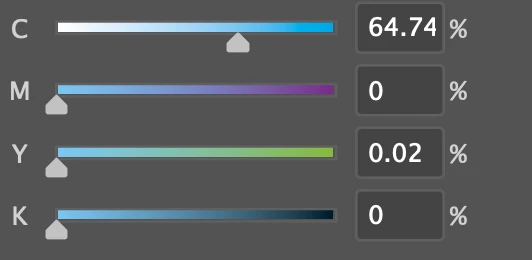
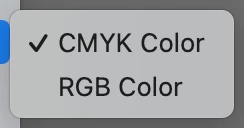
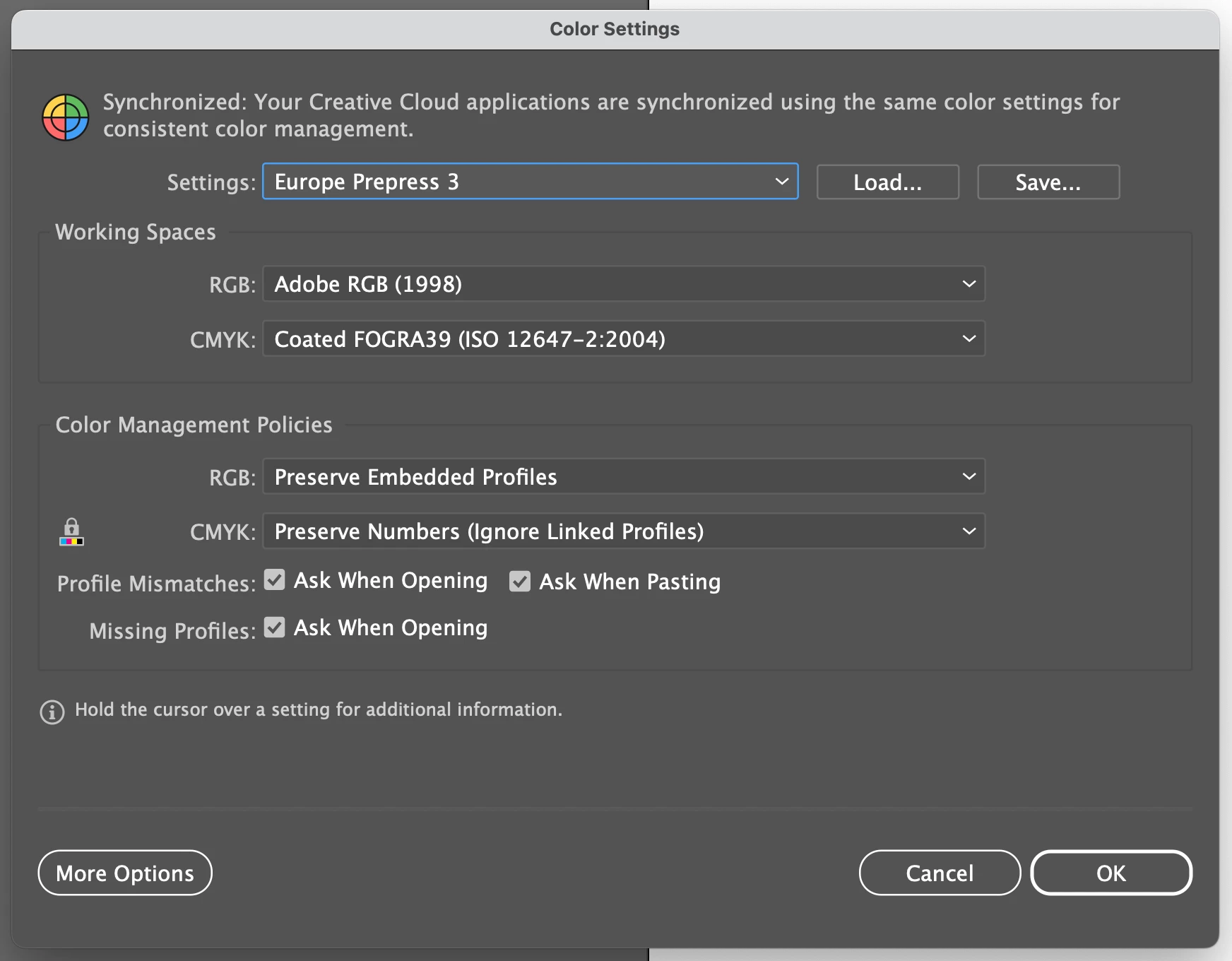
I wonder if anyone can help me. I've recently reinstalled illustrator/indesign/photoshop to the latest cloud versions. My document mode is CMYK. All my apps are synchronised via Bridge. Yet colours are changing to decimals and going dull as if the document is working in RGB. Can anybody provide any insite on this? Is it a bug? I've tried resetting my preferences and also reverting to older versions of applications but to no avail. Screenshots attached to show my settings. Thanks in advance. 

Amy
 

This topic is closed to new replies. Start a new post to keep the conversation going.

12 replies

Ton Frederiks
Community Expert
Community Expert
January 11, 2023

Your settings look fine, good you turned the warnings turned on. These will warn you when a conversion could take place.

I suppose you don't get those. I suggest that you contact Adobe support if you can show the problem happening.

They can have a look into your system.

https://helpx.adobe.com/contact.html?rghtup=autoOpen

Monika Gause
Community Expert
Community Expert
January 11, 2023

Could you perhaps describe some steps that would lead to the change in numbers? Does this happen when you open a document or when applying certain operations?

amyk94761914
Participant
January 11, 2023

Its immediate. So it happens on old documents and also if I create a brand new document and for example create a coloured square, click off it and click back on it and its changed in the way that it does if the colour you chose isn't available for print. 100% cyan etc immediately all shows much darker than they should be, it will look right in the colour picker window, then you press ok it goes darker. It's as if its operating in RGB despite all my settings saying CMYK.

Monika Gause
Community Expert
Community Expert
January 11, 2023

Your color settings do not suggest this and also you already reset the preferences. So this is where it gets strange.

Do you have the softproof turned on in the View menu?