Participating Frequently
April 3, 2017
Answered

CMYK values of white are incorrect and lead to a grey shade

  • April 3, 2017
  • 1 reply
  • 5243 views

Hello,

whenever I want to apply the „colour“ white the CMYK values are C=0, M=0, K=3, Y=0. Even if I use the pipette and the white background or enter the values manually. What can I do?

Thanks for your help!
This topic has been closed for replies.
Correct answer Danny Whitehead.

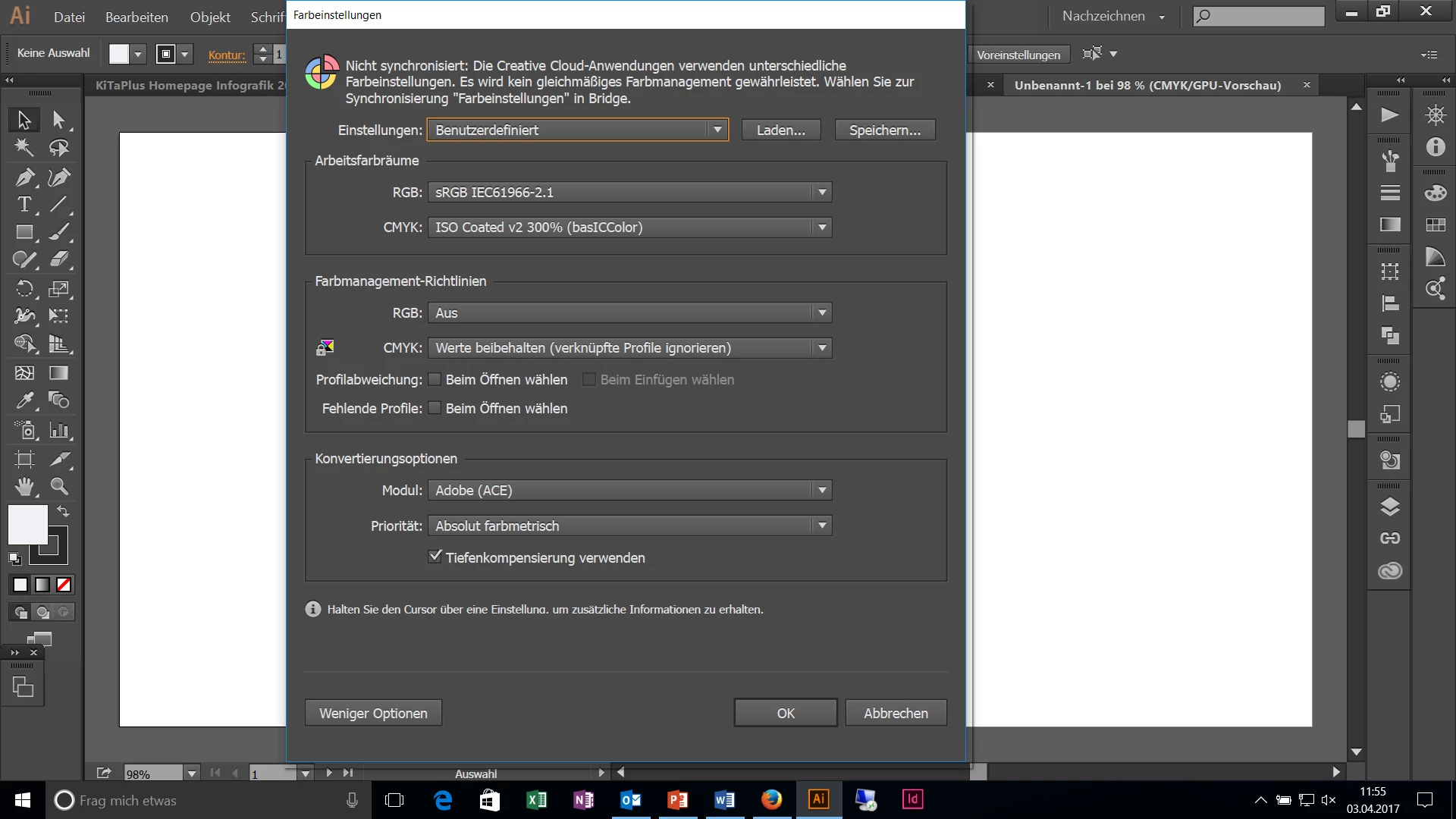
These are my color-settings:

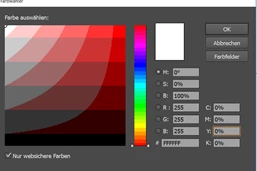
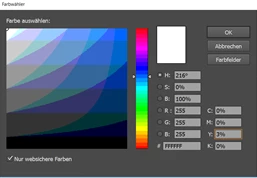
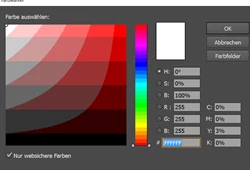
When I enter this:

and the again look up my color values i get this:


I think it's your having your Intent (Priorität) set to Absolute Colorimetric (Absolut Farbmetrische) that's causing the issue. Try switching to Relative Colorimetric (I don't know the German translation, but it's the 3rd in the list).

But as Monika suggests, you'll probably better off using global swatches rather than the colour picker.

1 reply

Monika Gause
Community Expert
Community Expert
April 3, 2017

What is the document color mode?

Which color profile?

Participating Frequently
April 3, 2017

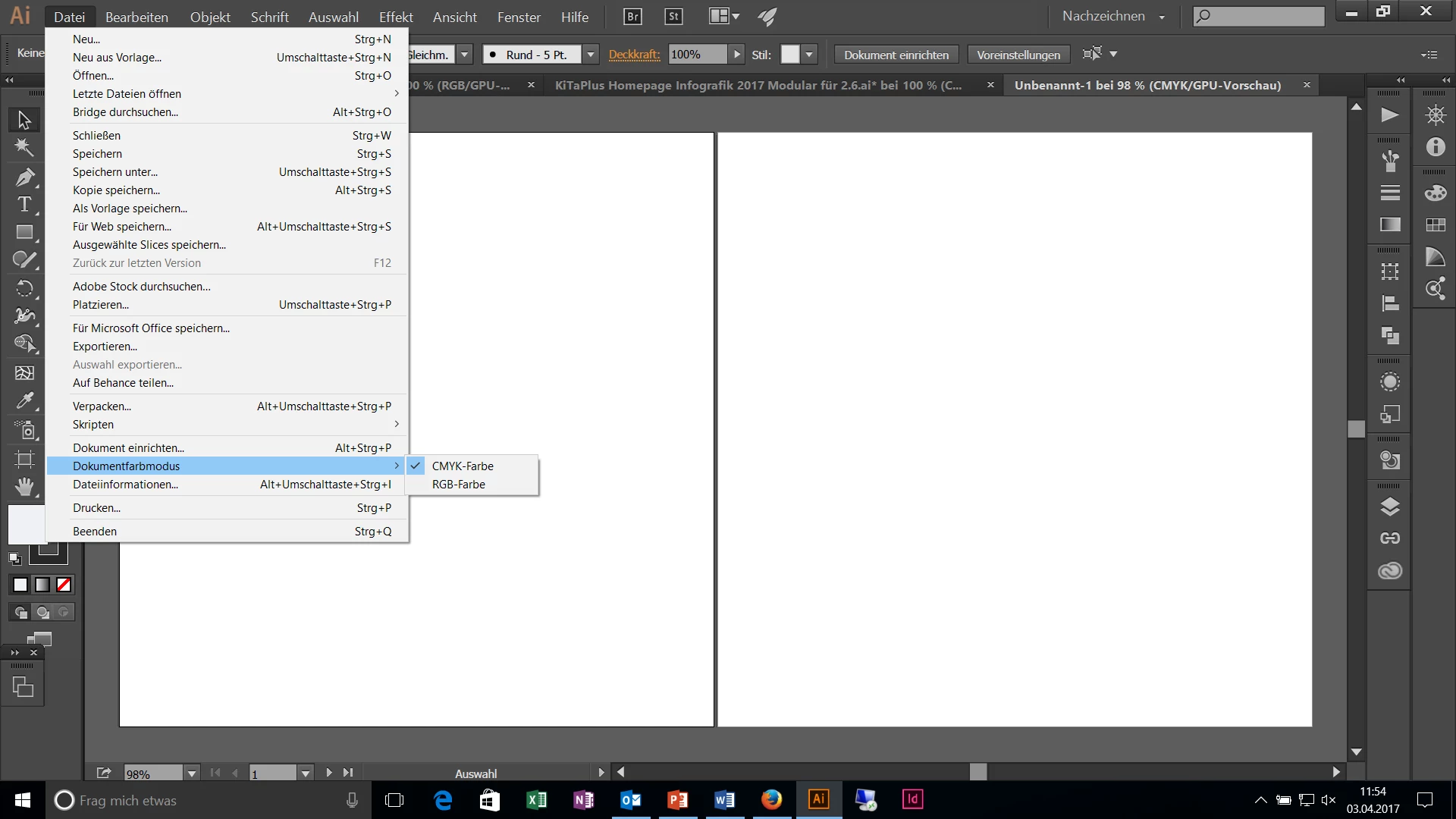
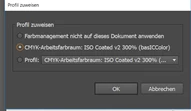
The document setting is a CMYK color mode. I am using the the iso coated v2 300% color profile and switsched off the RGB mode in my color-management.

Danny Whitehead.
Danny Whitehead.Correct answer
Legend
April 3, 2017

These are my color-settings:

When I enter this:

and the again look up my color values i get this:


I think it's your having your Intent (Priorität) set to Absolute Colorimetric (Absolut Farbmetrische) that's causing the issue. Try switching to Relative Colorimetric (I don't know the German translation, but it's the 3rd in the list).

But as Monika suggests, you'll probably better off using global swatches rather than the colour picker.