
Answered
How-to change color of an object
This is a tutorial file. I wish to change the color of one ball only. Is there any way to do so? file is attached as well.
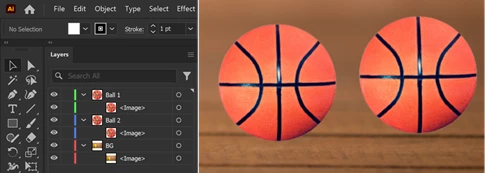

This is a tutorial file. I wish to change the color of one ball only. Is there any way to do so? file is attached as well.
Hi
There are various ways to do this. A simple way is make a circle the perfectly covers the ball. Choose a colour fill. Then, using the Transparency tool > Color.
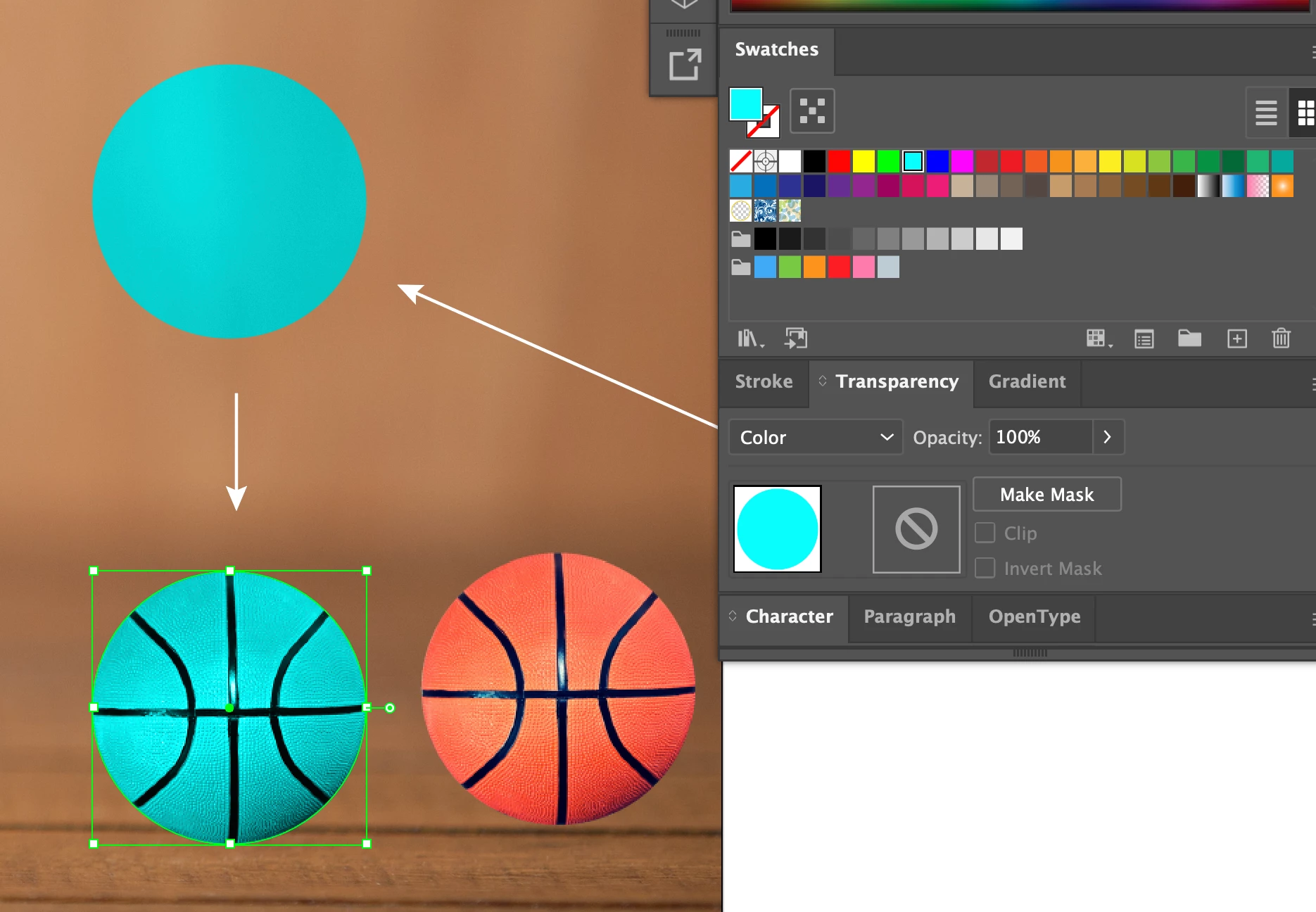
If you’d like to be more precise, instead of making a circle, trace each orange section, omitting the black lines.
Already have an account? Login
Enter your E-mail address. We'll send you an e-mail with instructions to reset your password.
 AdChoices