

Answered
Color discrepancy problem between two CMYK documents.
Hello Everybody,
I'm having a peculiar problem with Illustrator and I'd appreciate it greatly if anyone can provide help.
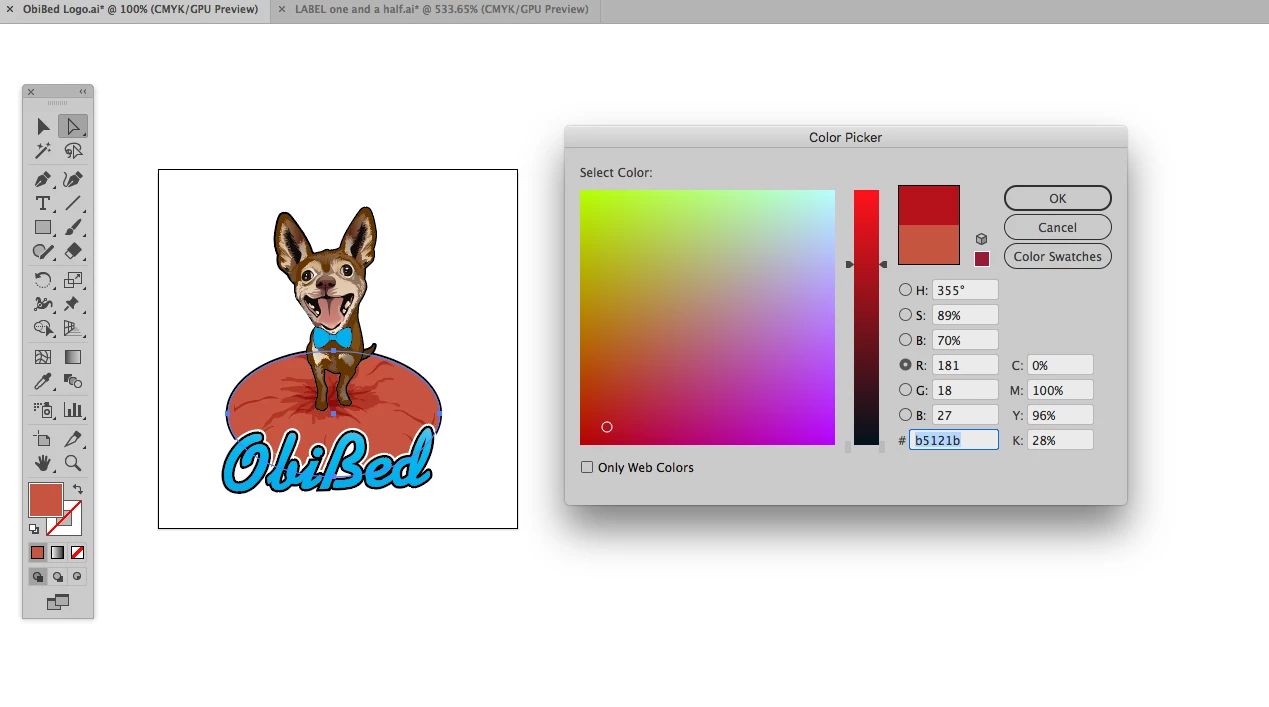
I use CMYK color mode templates to show clients previews of how their printed material will look like so that they may approve, and recently a client provided me with a CMYK color mode logo file to use but when I copy the file to my template, the colors values change altogether. I have attached two images to show how I mean, the first is the client's original file:
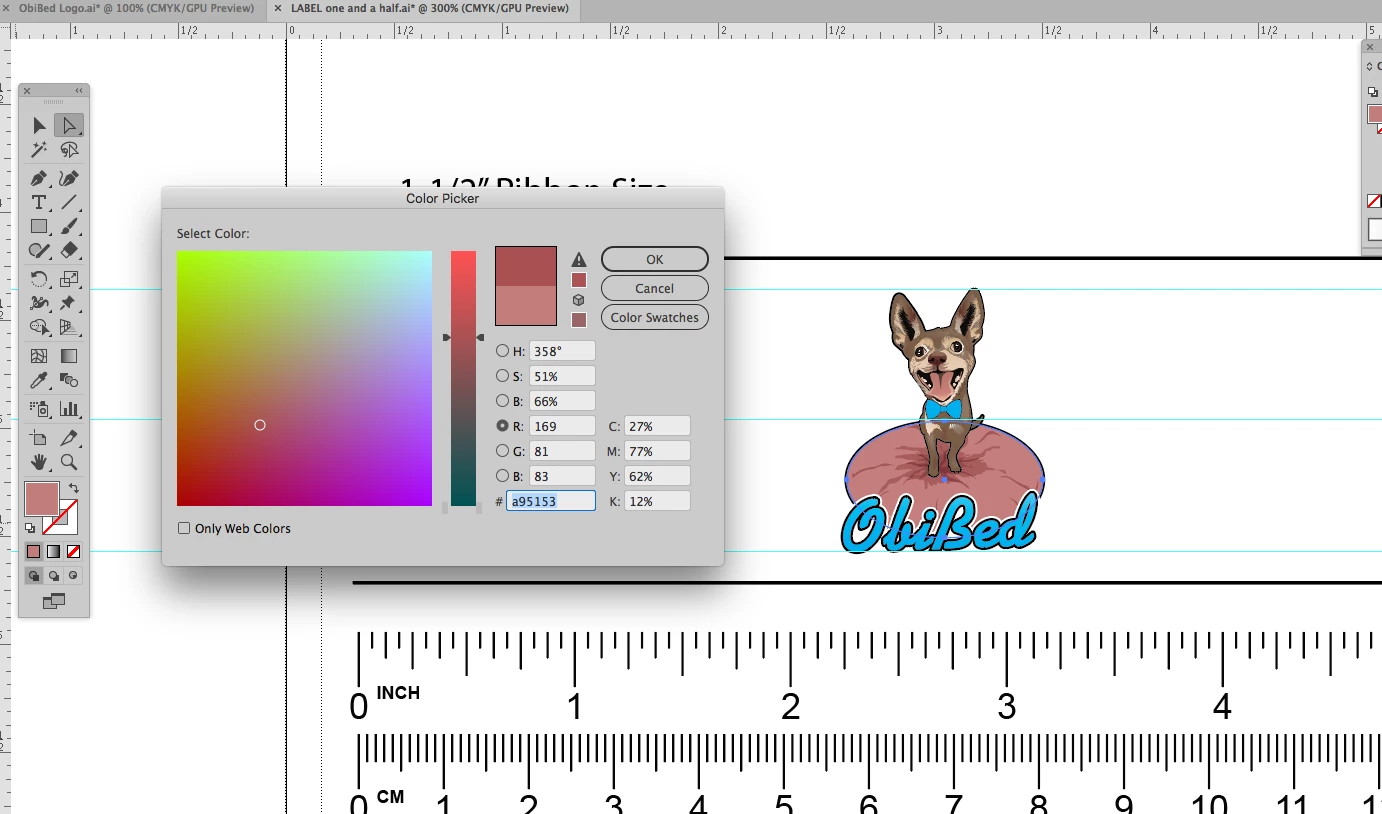
Is there a way to avoid this from happening and have the image copy with the right colors in my templates?
Thank you very much!
 AdChoices