



Trellat
Inspiring
Jun 18, 2024 10:06 AM UTC
Answered

Color doesn't match between CMYK/RGB mode document

Hi folks, first time for a while here!

I've just realized something that annois me, and it probably happens for years and years :S


I created a CMYK document and work with several colors on it, this are the blue color results:
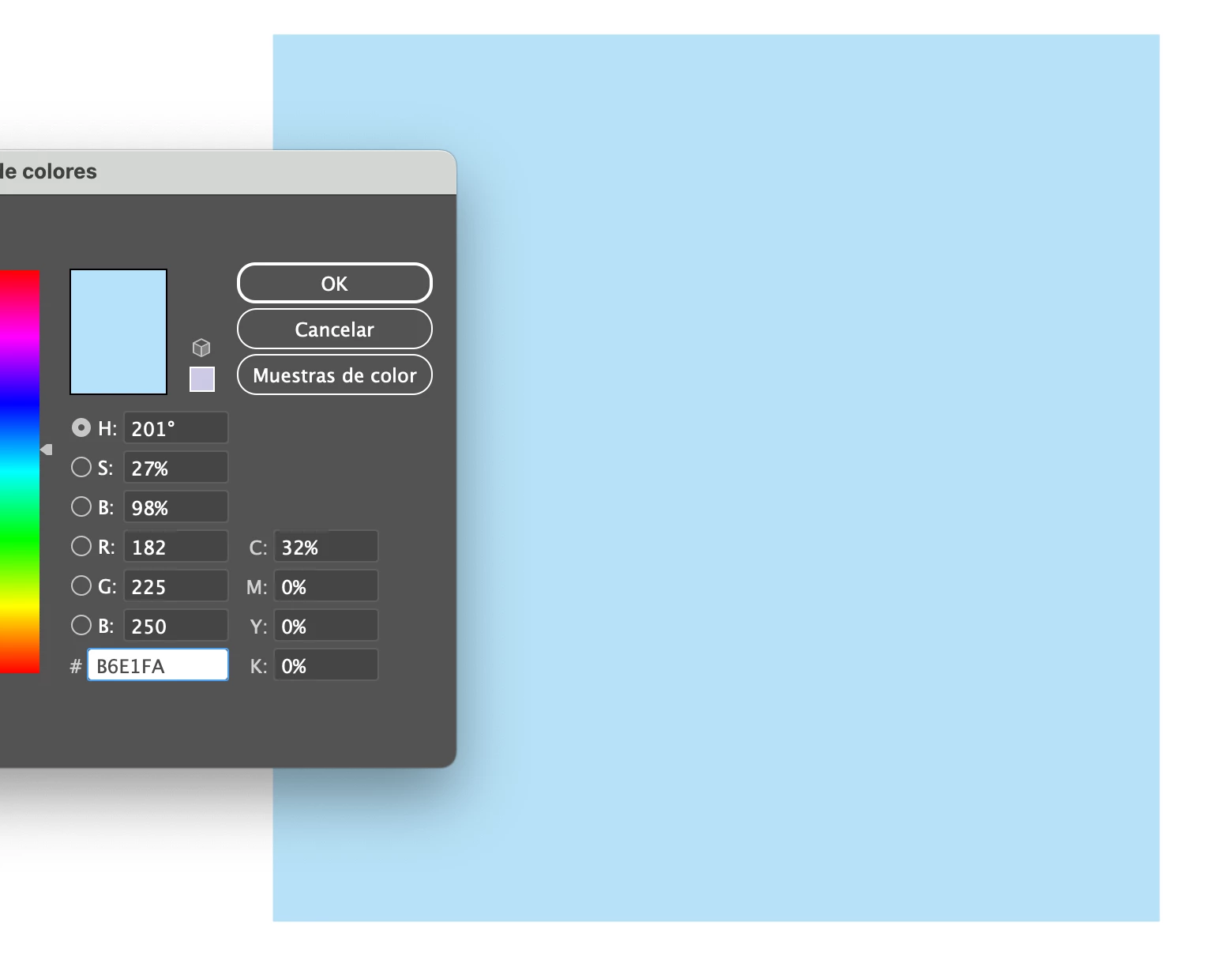
 

But when I switch that document to RGB mode, just to export the assets, the color changes:
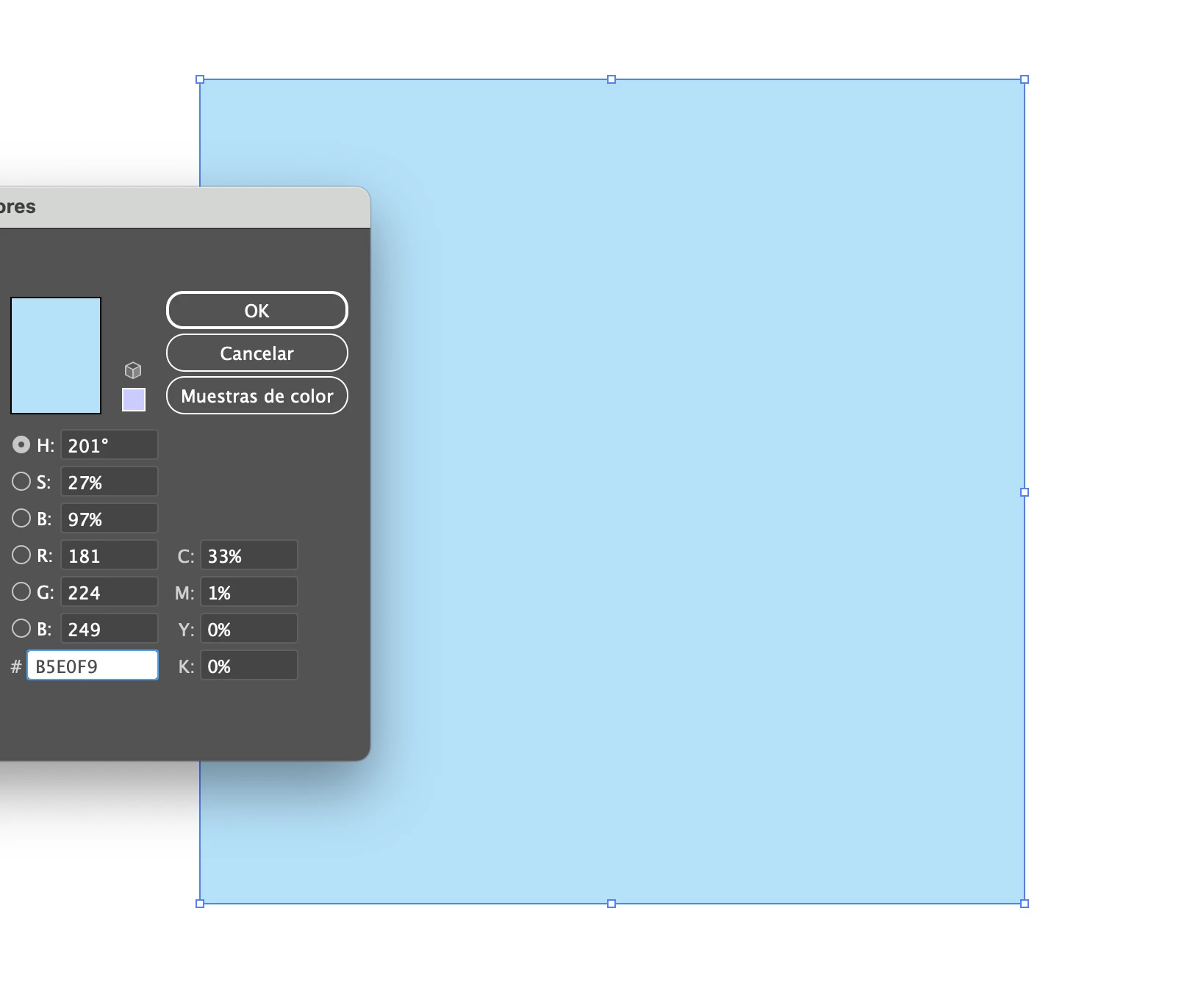
Am I doing something wrong? What I should do to work always with same colors? Should I work with two different files, each one with a different color mode, to manage the wanted color in each moment?


Thanks in advance!

This topic is closed to new replies. Start a new post to keep the conversation going.
Monika Gause
Monika GauseCorrect answer
Community Expert
Jun 18, 2024 10:24 AM UTC

You need to work with 2 different files, yes. Or just export to RGB color mode and live with whatever result color management will give oyou.

An Illustrator document can only have one color mode.

6 replies

Ton Frederiks
Community Expert
Community Expert
Jun 18, 2024 10:36 AM UTC

Some colors cannot be reproduced, an ink like cyan cannot be correctly reproduced in sRGB, but may have a match in Adobe RGB.

Translate
Trellat
TrellatAuthor
Inspiring
Jun 26, 2024 9:36 AM UTC

Hi Ton, thanks for your response.

I knew how colors work, what I thought was that Illustrator maintained the color values despite changing color mode of the document.

Translate
Ton Frederiks
Community Expert
Community Expert
Jun 26, 2024 1:16 PM UTC

It is almost impossible to keep color values the same when converting between color modes.

Even when a color can be reproduced in RGB as well as CMYK. When converting  from CMYK, the color wil first be converted from 4 color components to a 3 color component device independent CIE color space and then to 3 color RGB components.

Translate
Monika Gause
Community Expert
Monika GauseCommunity ExpertCorrect answer
Community Expert
Jun 18, 2024 10:24 AM UTC

You need to work with 2 different files, yes. Or just export to RGB color mode and live with whatever result color management will give oyou.

An Illustrator document can only have one color mode.

Translate
Trellat
TrellatAuthor
Inspiring
Jun 26, 2024 9:35 AM UTC

Hi Monika,

thanks for your answer. I didn't know about this behavior... :S

Translate