



Color Enhancements in Illustrator

Hey everyone!
With the latest release, Illustrator’s engineering team has rolled out exciting color enhancements—shaped directly by your feedback. These updates now allow you to apply gradients using your existing fill and access recent colors instantly.

Enhancements in Illustrator 30.0
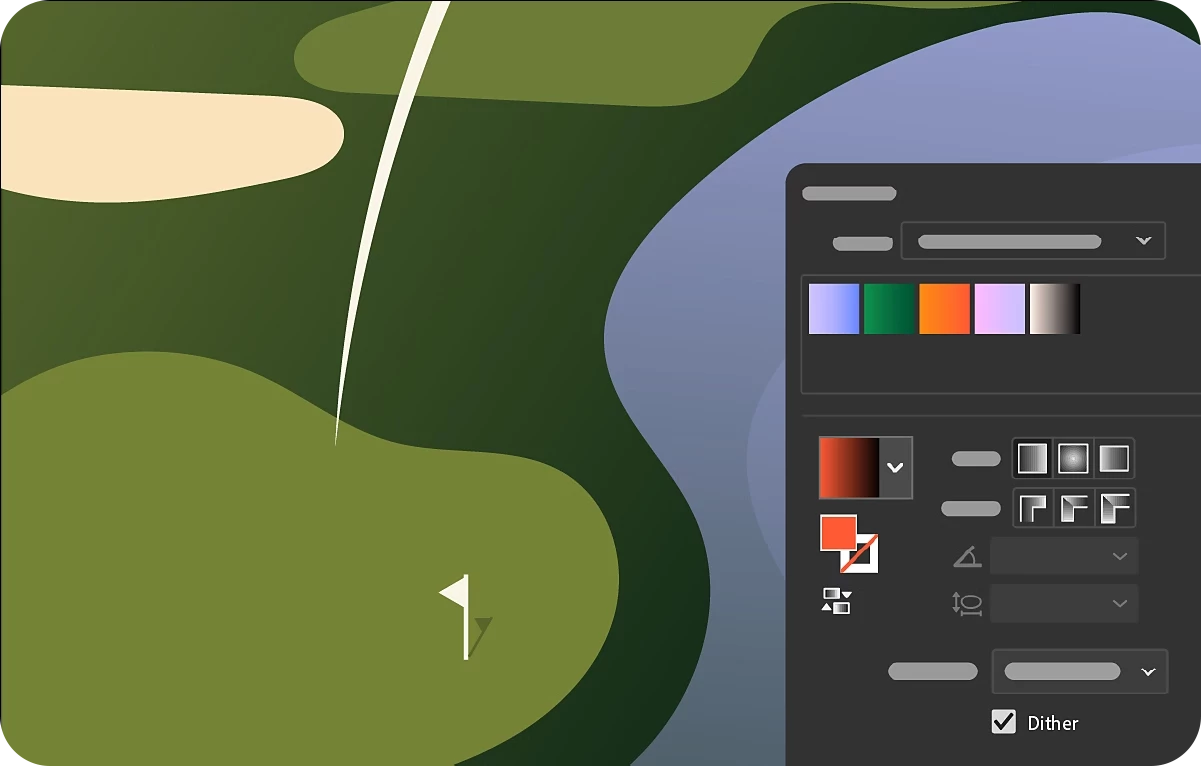
Discover how the Dither effect enhances gradient fills by reducing banding and creating smoother color transitions. Banding occurs when colors between gradient stops blend unevenly, forming visible steps. Dither solves this by converting gradients into raster pixels and adding subtle noise, resulting in cleaner, more natural blends—perfect for both digital and print artwork.
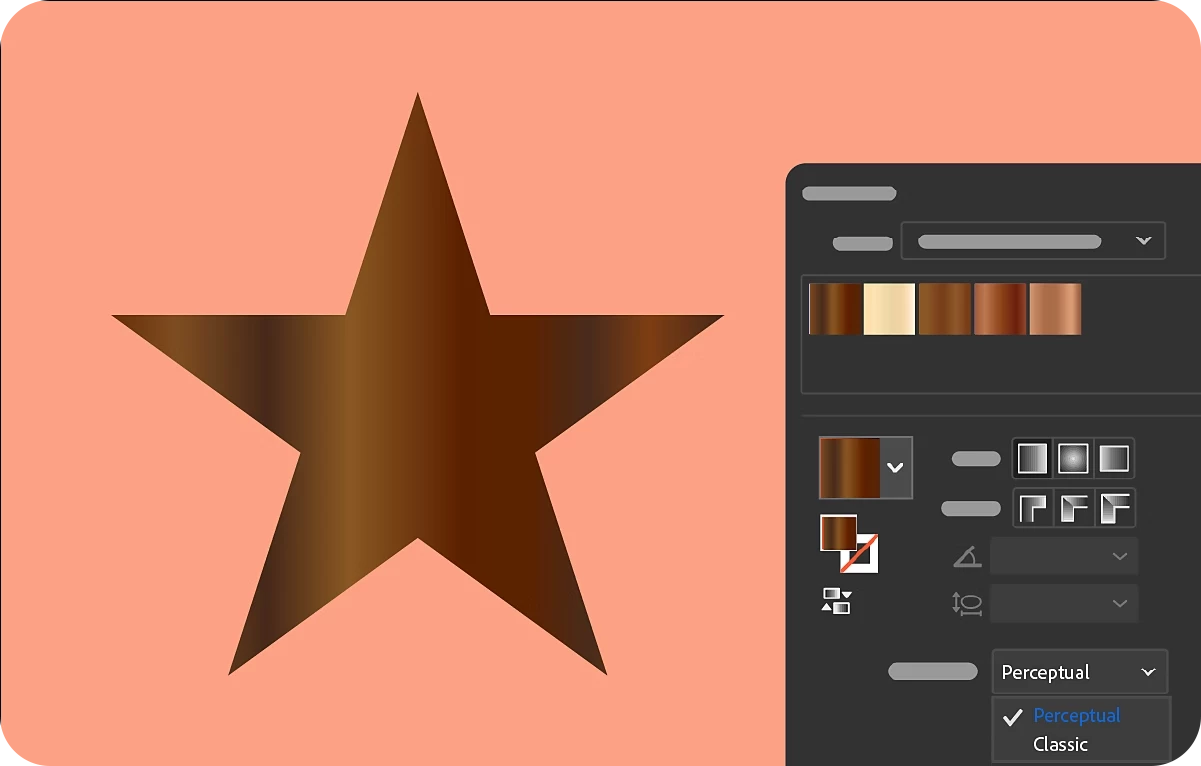
Discover how perceptual interpolation enhances gradients by creating smoother, more natural color transitions. This technique aligns with how the human eye perceives color differences, resulting in more distinct adjacent hues and seamless blending.
Use the Color Picker tool in Illustrator to preview, select, or sample colors for fills and strokes—making it easy to customize your design elements with precision.

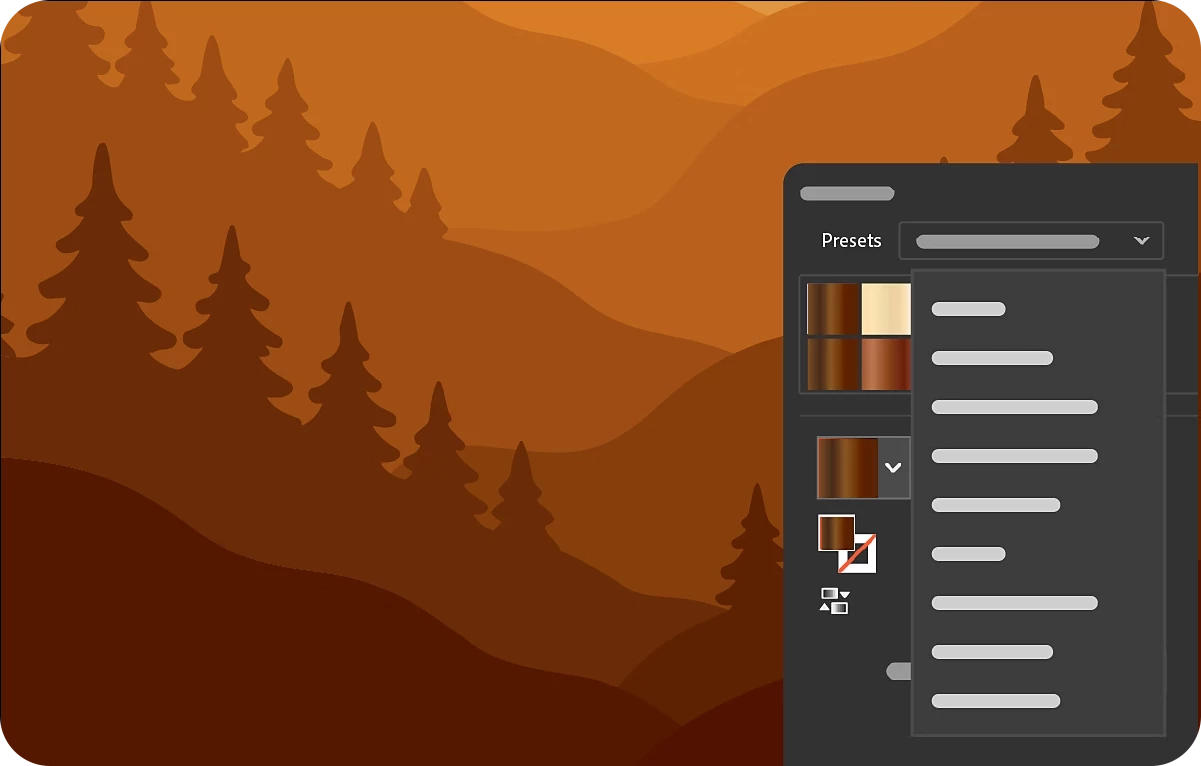
Learn how to apply predefined gradients in Adobe Illustrator to add smooth color transitions to your artwork. Use the Gradient or Swatches panel to choose from built-in options, or create and save your own custom gradients for future use. When using the Gradient tool for the first time, a default white-to-black gradient is applied—otherwise, Illustrator remembers and reapplies your last used gradient.
Enhancements in Illustrator 29.8.1
Copy color values instantly
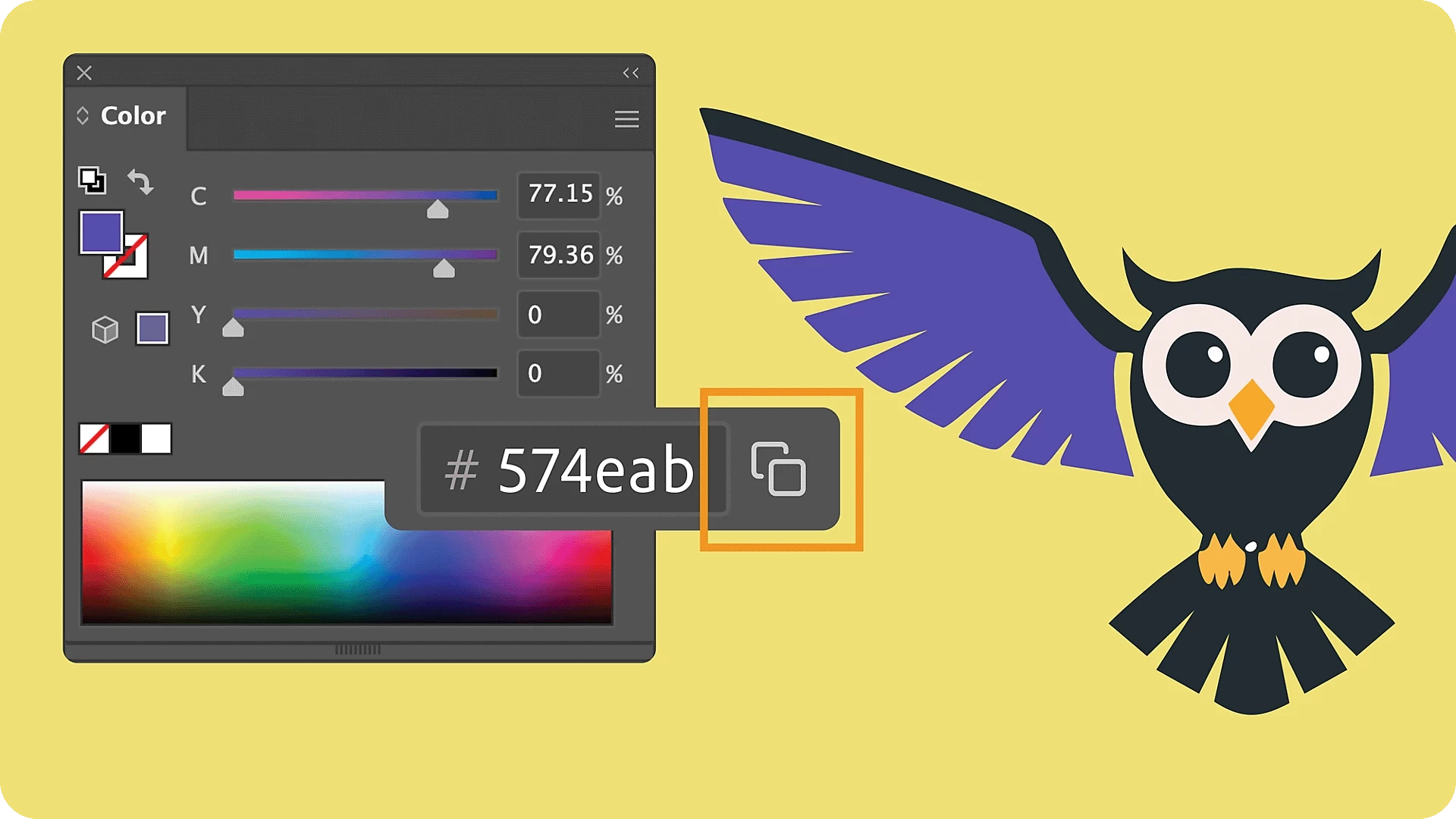
Illustrator now enables you to copy color values directly from the Color panel, Color Picker, New Swatches, or Swatch Options dialog. Simply pick a color, select to copy its hex value, and instantly share it across documents or brand assets. For more details, check out this article.
Enhancements in Illustrator 29.7
Apply gradients using your existing fill
When you apply a gradient in Illustrator, it automatically uses the object's fill color as the starting point. This simplifies the transition from solid colors to gradients, making it ideal for shading buttons, icons, or shapes without needing to reselect colors.
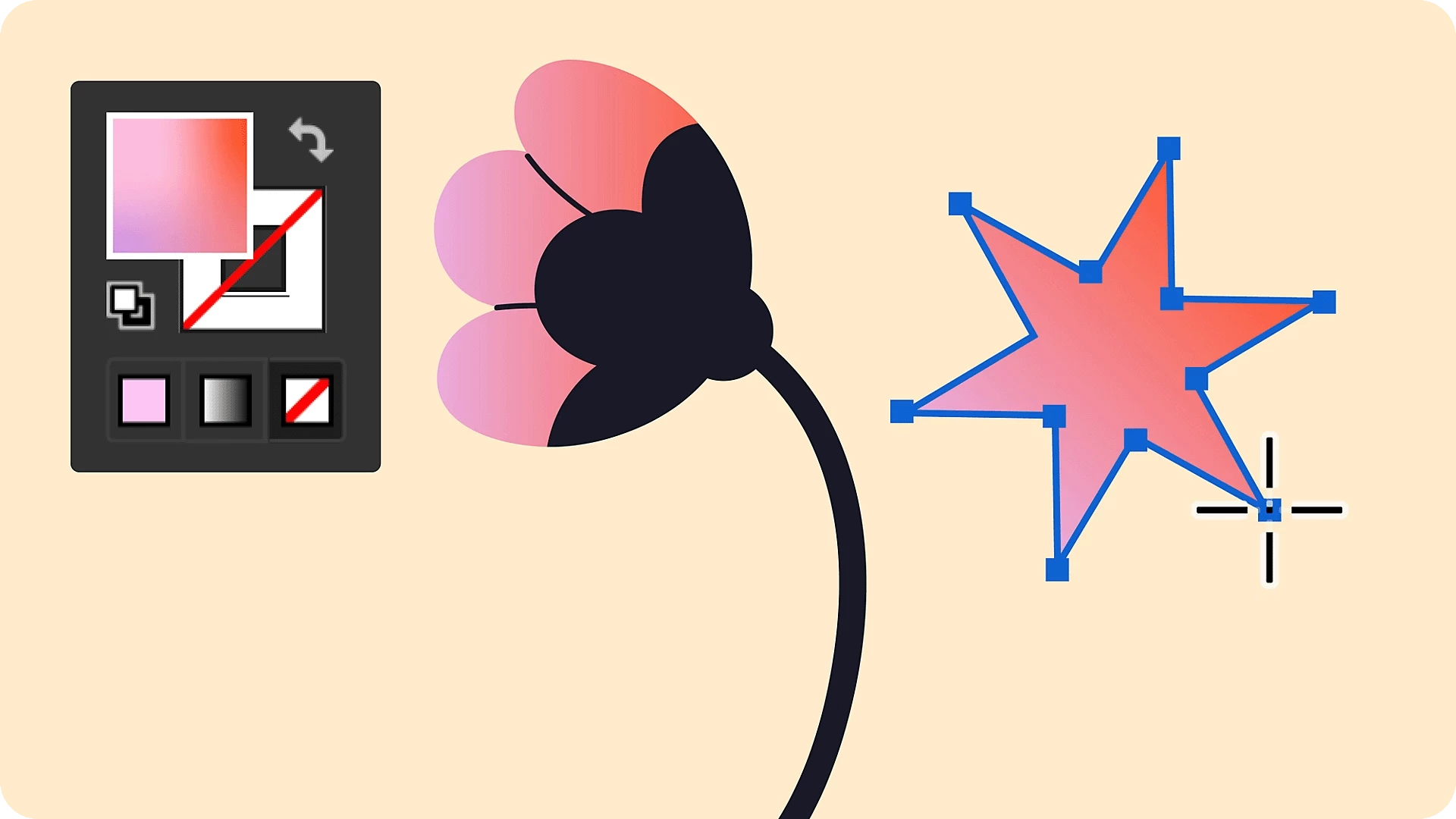
Access recent colors instantly
Illustrator now automatically adds recently used colors to the Color and Swatches panel, allowing you to quickly apply recent colors across documents without the need to manually create swatches.

Enhancements in Illustrator 29.5
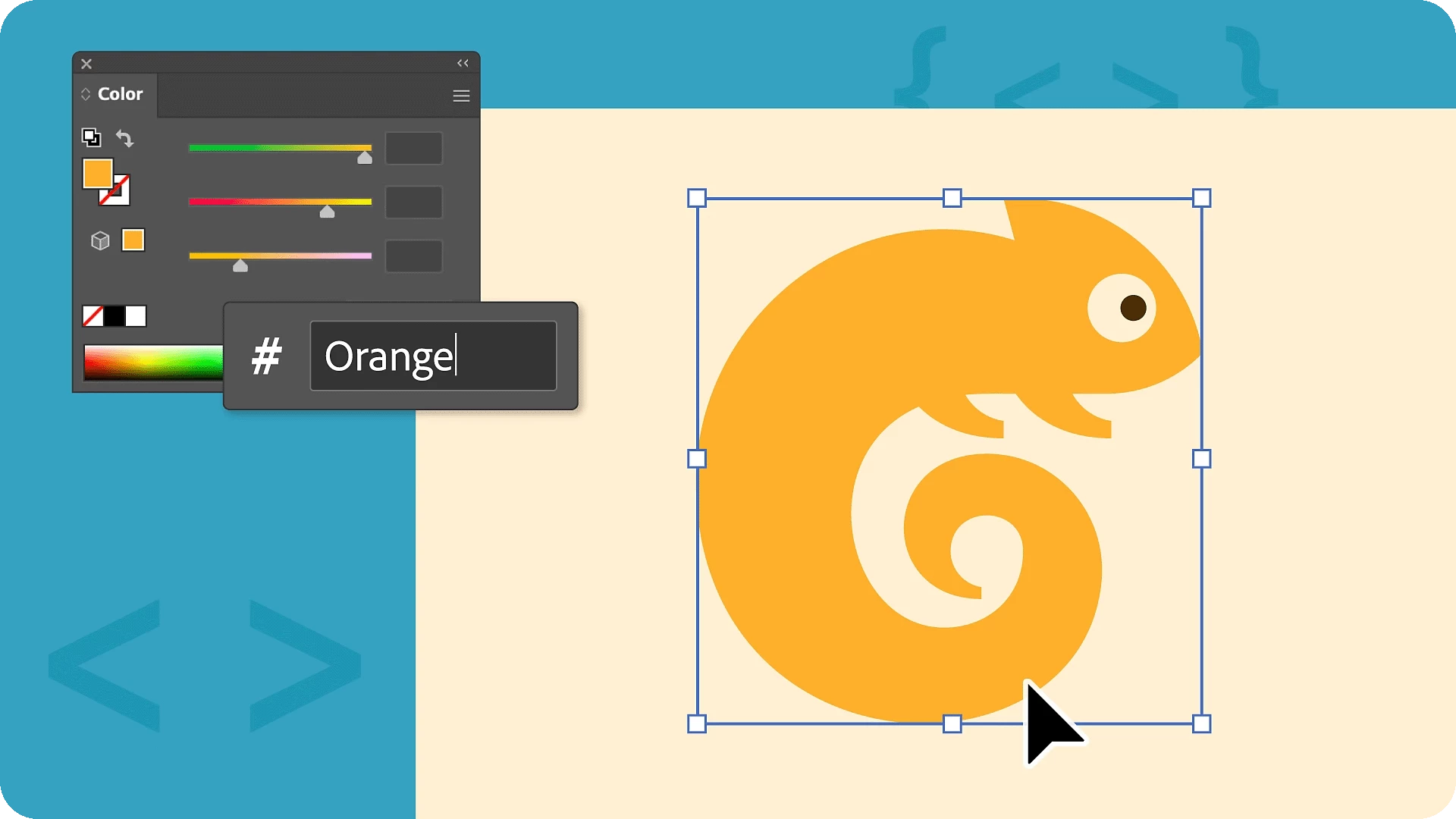
Apply colors instantly with enhanced Hex code input.
We’d love to hear from you!
Explore this more intuitive way to work with colors and let us know your thoughts in the comments. Feel free to create a new post if you have any issues related to the release or need more tips!

Have questions? Click 'Reply' below to ask.
Click 'Follow' below to bookmark this post for easy reference.
 AdChoices