Answered
Color in Mesh Tool turns gray
I am creating an illustration using the Mesh Tool. When I select the color I want for 1 or more points the color turns to gray. Can someone advise why this is and how to correct it? Thanks for your time.
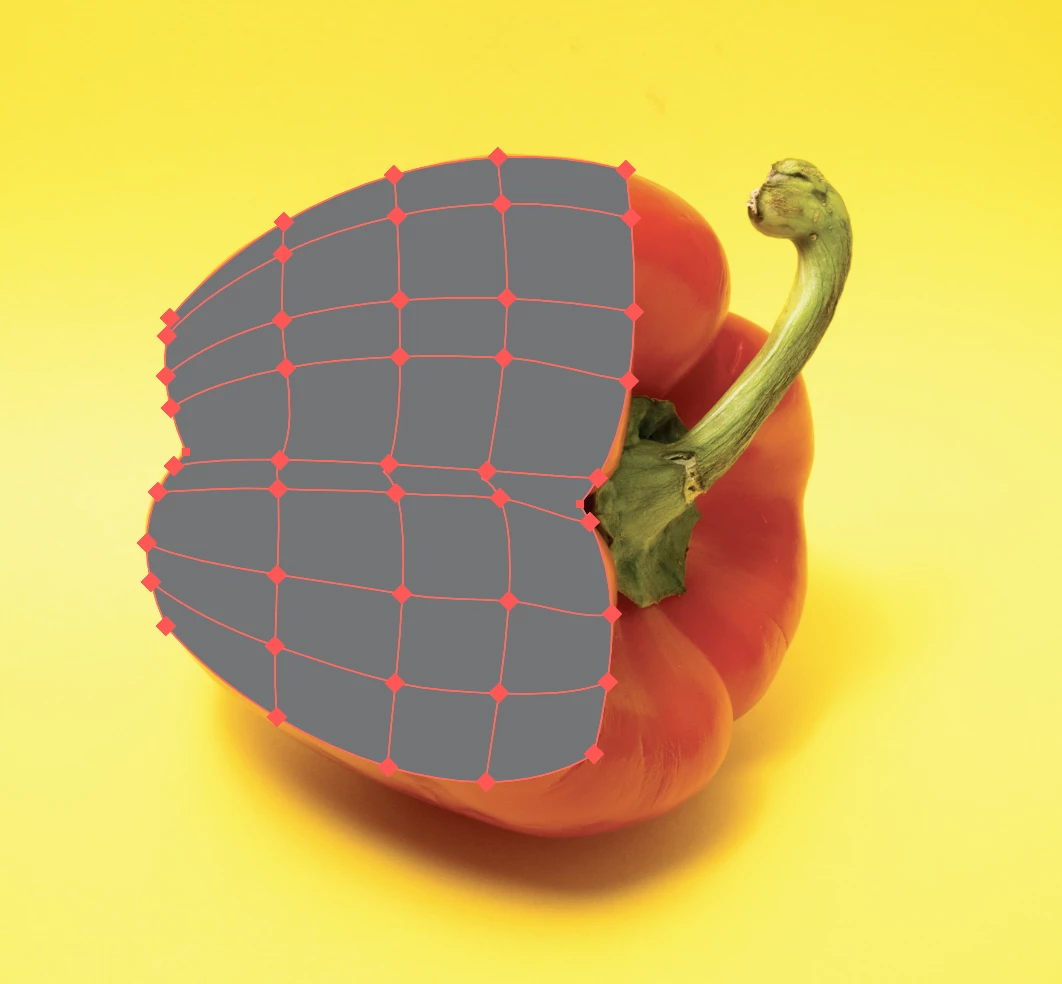

I am creating an illustration using the Mesh Tool. When I select the color I want for 1 or more points the color turns to gray. Can someone advise why this is and how to correct it? Thanks for your time.
After posting this, I found my own answer from a Youtube video. Go to the color panel. It was indicating grayscale. I changed to RGB.
Already have an account? Login
No account yet? Create an account
Enter your E-mail address. We'll send you an e-mail with instructions to reset your password.


 AdChoices