
Color in one file does match the color in another (Cannot recolor artwork correctly)
Hey!
Im working on some scientific figures and would like the color of my graphs to match. I start by grabbing the color i want from one file using the dropper tool, wrote down the hex code as well as the rbg and cymk parameters. I now went over to another graph i want to change the color of, which is in a separate AI file. Using the "Edit Color" - "recolor artwork" and advanced option, i tried to change the color of the graph to the one i wanted using the parameters i wrote down. When i enter the parameters the color seems to briefly show as the one i want in the color changing menu, but once I click "ok" the color does not change at all.
I have used the edit colors of artwork options many times previously without problems, but with this specific document i do not know what is happening. I tried to make a new file and copy the graph over into the new one to make a new attempt to change colors. Same results.
I added some snippets of the colors in question.
Any help would be appreciated.
-Toby
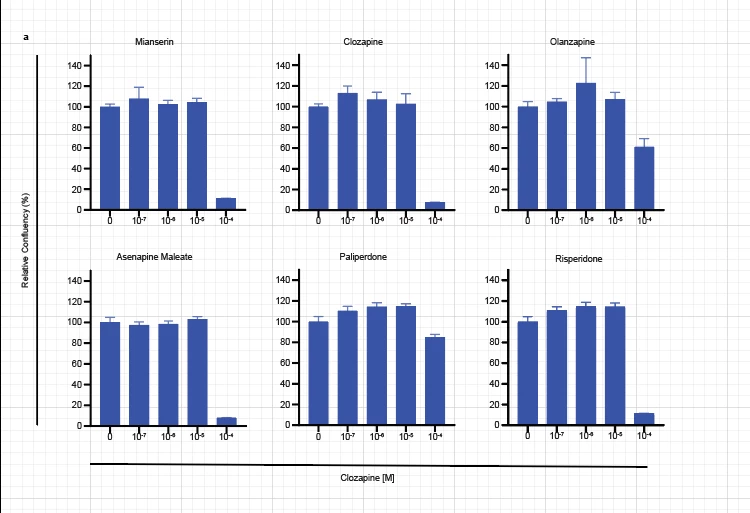
The problem: (Graph i want to change to color of)
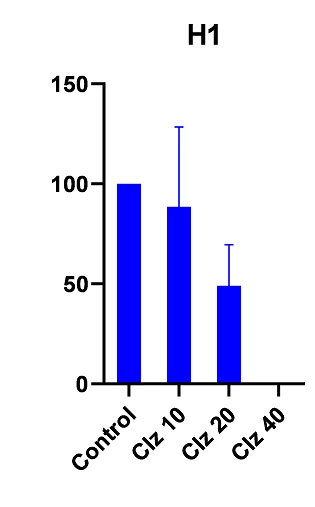
The graph i want to use the color of:
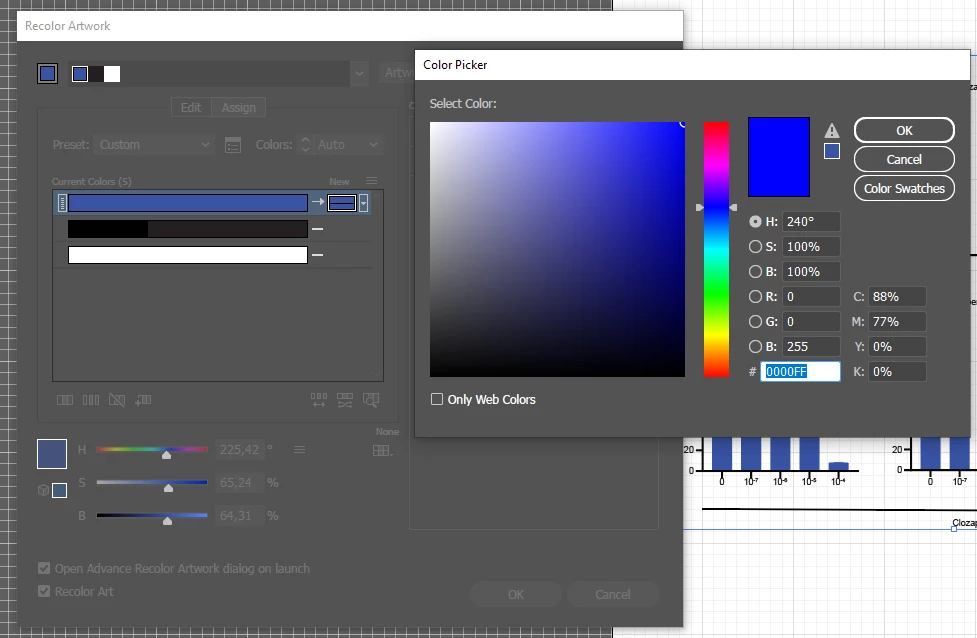
What it looks like when i attempt to recolor artwork (when i click ok, nothing changes):
Here is a 3 second video of what happens:


 AdChoices