

Color is different in adobe illustrator
hello all, thank you for stopping by.
I have observed that there is a major difference between viewing the photo on photoshop and on adobe illustrator.
I am a Mac use, when I open the photo with the apple default "preview" app side by side with the photo opened in photoshop, it is very identical.
However, when I open the photo with the apple default "preview" app comparing to adobe illustrator, the color is off on AI.
I also tried opening the photo on Lightroom comparing to PS, yet lightroom result is identical with photoshop, but when comparing to ai, the color is off.
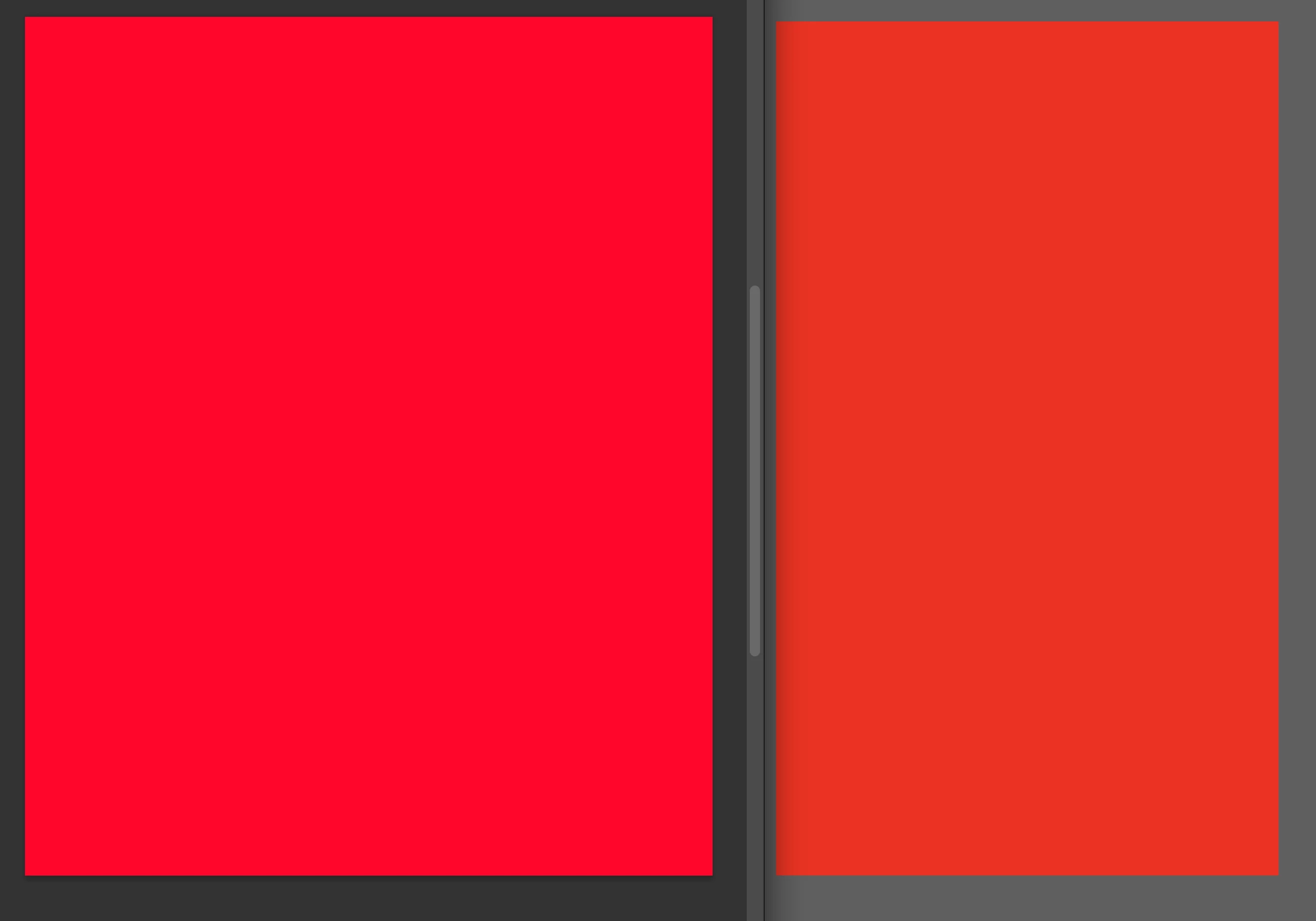
So i suspect that there might be problems with my AI, since viewing the photos on AI have a significant color difference comparing to using other program to view the photo. (Please refer to the photo i attached of the red color comparison. the left photo is form PS, and right for AI)
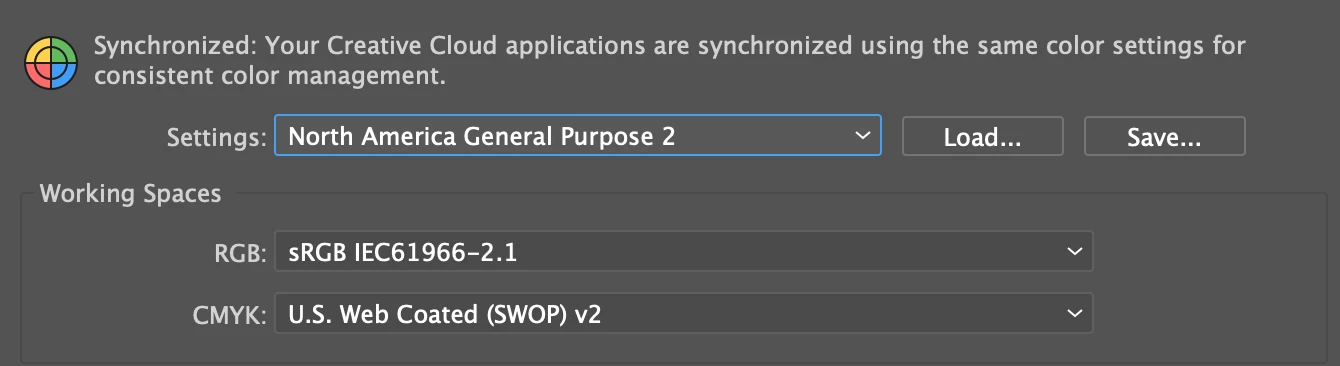
I have already make sure my AI and PS file are on rgb mode not cmyk when doing the comparison, and also i have align the color setting(working space) on both app, making sure they have the same setting. (Please see my second attached photo for color setting)


 AdChoices