
PeleCreative
Participant
November 15, 2021
Answered

Color issue exporting from Illustrator 22 on Monterey

  • November 15, 2021
  • 2 replies
  • 1601 views

Hi all - hoping you can help me solve this - 

Above is red in illustrator. The only way I can replicate this red is to copy and paste directly into keynote or take screenshots.

 

This is red in all export file types - PNG, TIF, PDF, JPEG


color codes:

HEX d83f39

RGB 216, 63, 57

CMYK 1, 97, 90, 0


Doc color is set to RGB, color assigned adobe RGB. Laptop display is set to adobe RGB. Have tried making new docs, copying and pasting, every way to export, tried converting to CMYK. Please help!
This topic has been closed for replies.
Correct answer Brad @ Roaring Mouse

You won't see it when you export PNG, no. As I mentioned, PNG is widely used in the web and it's usually assumed any graphic is sRGB to specification, so Illustrator does not include a profile. In Keynote, this file will be assumed to be sRGB and your colour will be off.

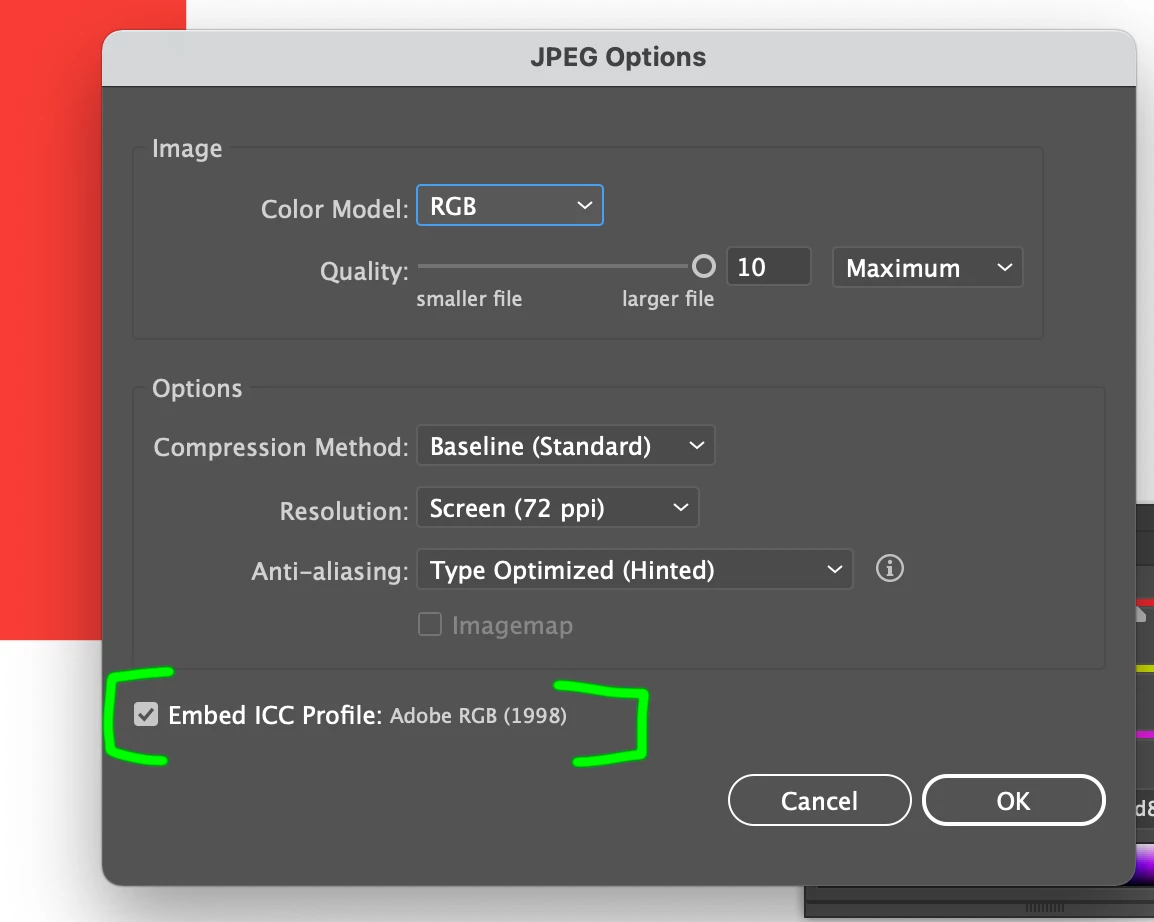
If you want to embed your Adobe RGB, use JPG or TIF. You will then see a checkbox to include the profile.

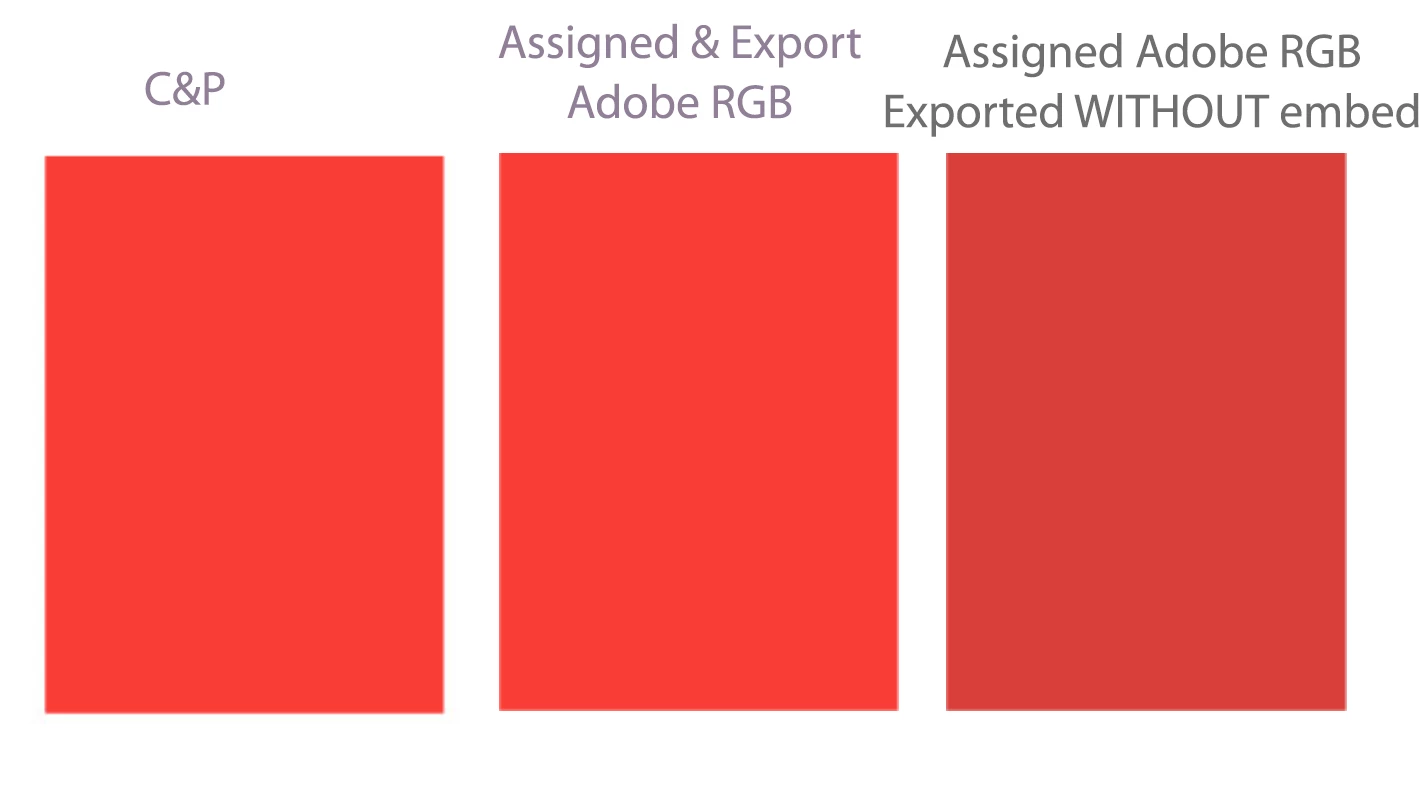
Here's a smaple keynote. First graphic is the swatch copied and pasted. The second one is a "Exported as" JPG with embedded Adobe RGB profile. Last is the same swatch, assigned to Adobe RGB but Exported to JPG without embedding the profile (PNG would be the same)

2 replies

Brad @ Roaring Mouse
Community Expert
Community Expert
November 16, 2021

First, your laptop should not be set to Adobe RGB. It needs to be set to its own ICC profile as that is what defines to the Color Management workflow what colors your laptop can actually display.

Second, if your Illustrator file is indeed assigned to Adobe RGB (and is an RGB-based file), then when you export, you MUST embed the ICC profile, otherwise Keynote (or any other program) will assign its default or assume sRGB. Embedding is an option when exporting to JPG and TIF, but not PNG (Illustrator, currently, assumes PNG is always sRGB).

Based on what you are doing, I would have chosen sRGB anyway, as it's more universal, especially if you are hooking up a projector, creating for web, etc.

Monika Gause
Community Expert
Community Expert
November 16, 2021

Oh, it's the display that is set to Adobe RGB - I misinterpreted that part.

Monika Gause
Community Expert
Community Expert
November 15, 2021

You probably won't be able to get this red with CMYK. It's too bright.


It should work in RGB. Since your arew working with AdobeRGB, it might be an issue with conversion into sRGB. How is your color manageewmnt set up?

In which application do you open the exported images?  Is it set up the same way in color management?

How do you handle color when exporting the image?