
Question
Color profile not showing in working spaces color settings Illustrator 2024
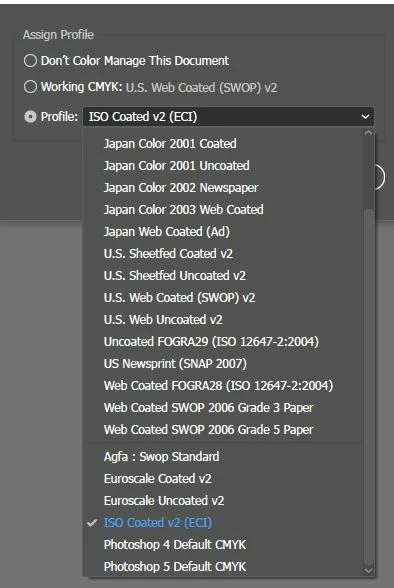
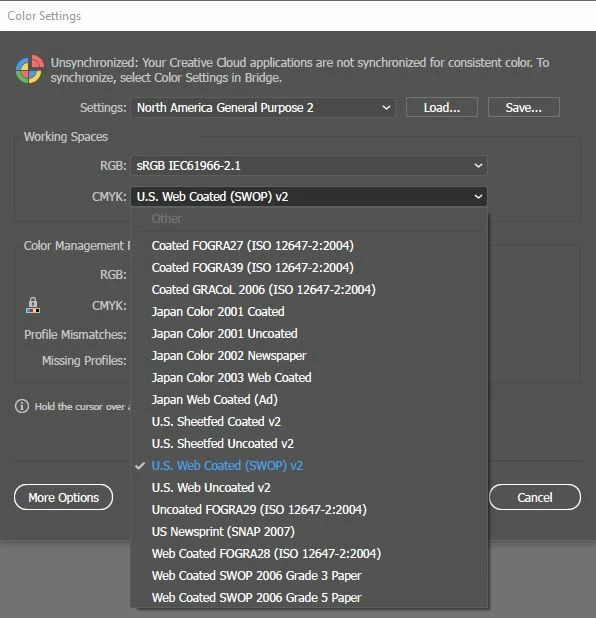
I have just installed Illustrator 2024 and I have some color profiles installed. from previous versions. The color profile is selectable on the Assign profile section but cannot be found in the list to set as a default on the "Color settings" for CMYK. Past year I was working in the same setting on illustrator 2022 and intalled 2023 and the color profile just was available right away. Profile = "ISO Coated v2" that should be available.
 AdChoices