
rafaeld90075159
Participant
June 1, 2019
Question

Color Saturation bug? Idk...

  • June 1, 2019
  • 2 replies
  • 2424 views

Hello 😃


I've had this problem for a long time. I've researched this problem a lot, but I've never found a solution for it.

This problem disturbs me more when I use color palettes of the internet.

THE PROBLEM
In the illustrator, the colors are different.

EXAMPLE :

1

This is a print from a random color palette.

2

Let me put this image on illustrator and in photoshop.
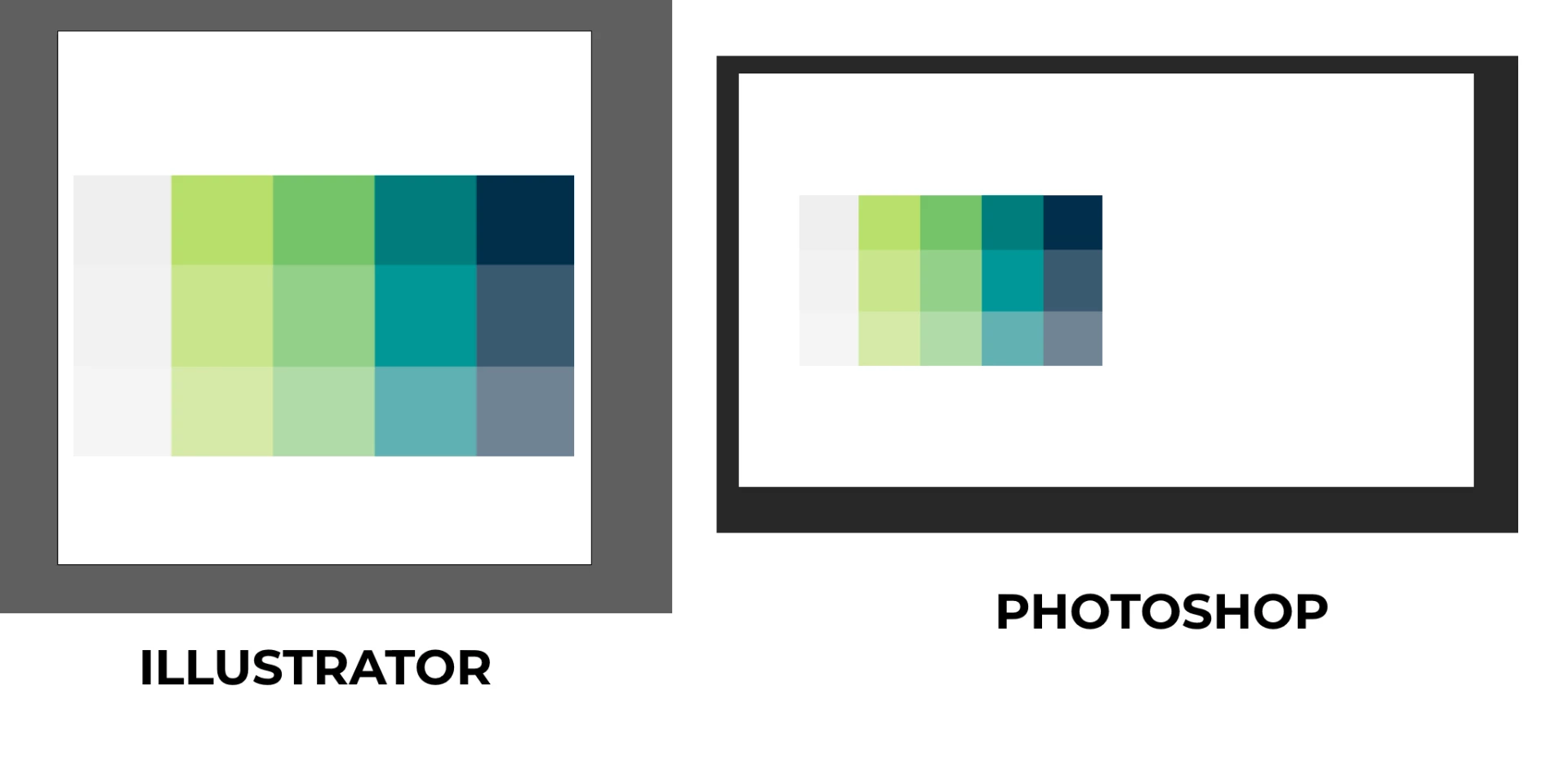
3

Printscreen the illustrator palette and put in photoshop
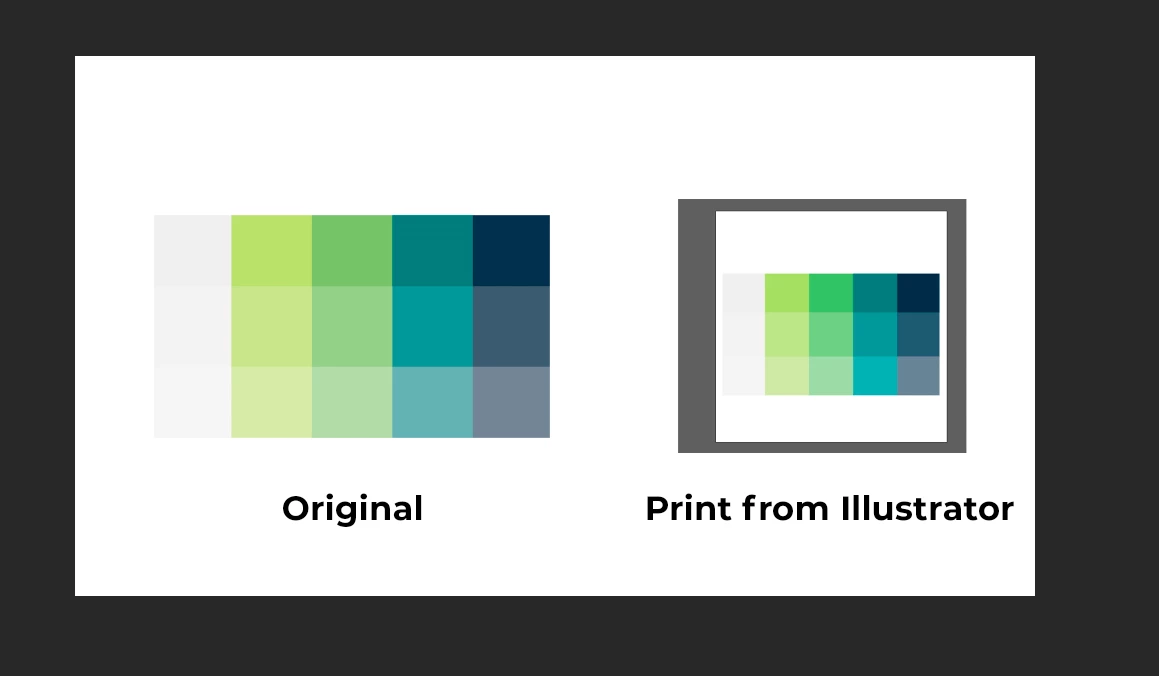
4

Check if the colors are the same.
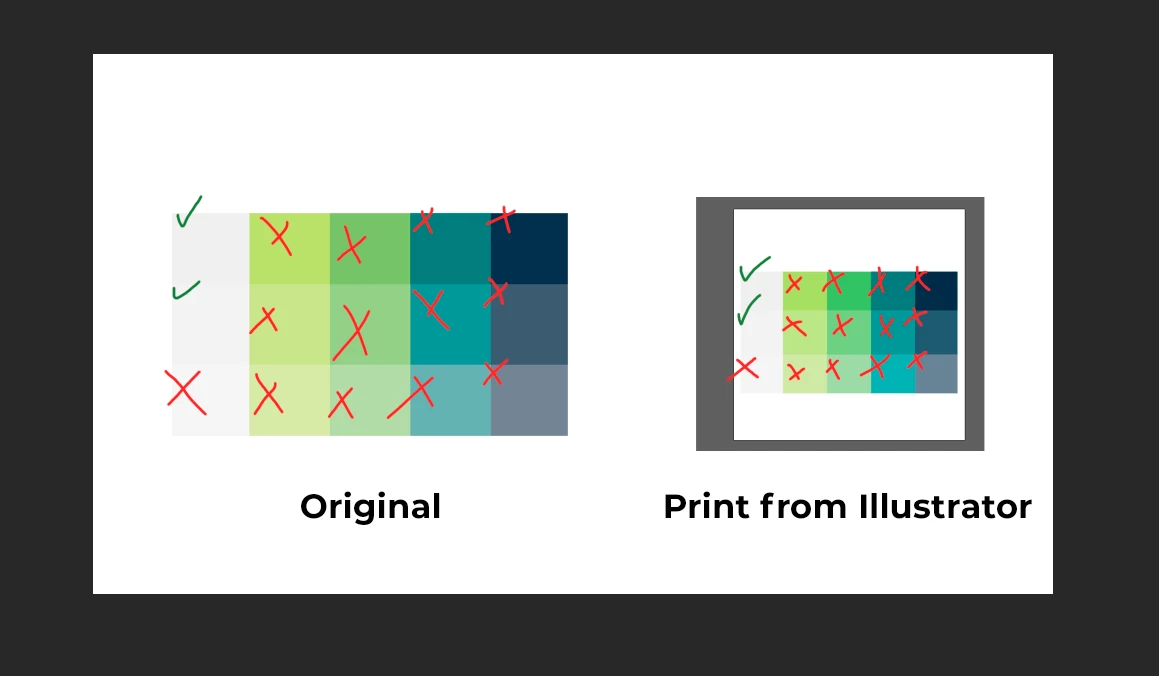
You can check by copying the image and put in photoshop and using the eye dropper tool

    This topic has been closed for replies.

    2 replies

    Danny Whitehead.
    Legend
    June 3, 2019

    If you take a screenshot and place it back into Illustrator, that's what I'd expect to see (unless the screenshot has your monitor profile assigned to it, and you're keeping that profile when you place it).

    Is there any particular purpose for the screenshot that wouldn't be better served by Export For Screens or Save For Web?

    Inspiring
    June 2, 2019

    Your screen shots look like what you can expect.  The key information we need to know is: 1.)  your applications' color settings, 2.) your printer output settings including paper, 3.) what color space / color working space you are using, and 4.) what type of printer are you using?  Is there a RIP?  If not, try saving a copy as PDF and printing that. 

    rafaeld90075159
    Participant
    June 2, 2019

    When I said "print", I wanted to say "printscreen". And I am working with RGB.

    Monika Gause
    Community Expert
    Community Expert
    June 2, 2019

    Is color management synchronized?