
Answered
color settings
i have the latest illustrator cc 2019 and when i open older files like cc 2018 the message below shows up and it changes the colors.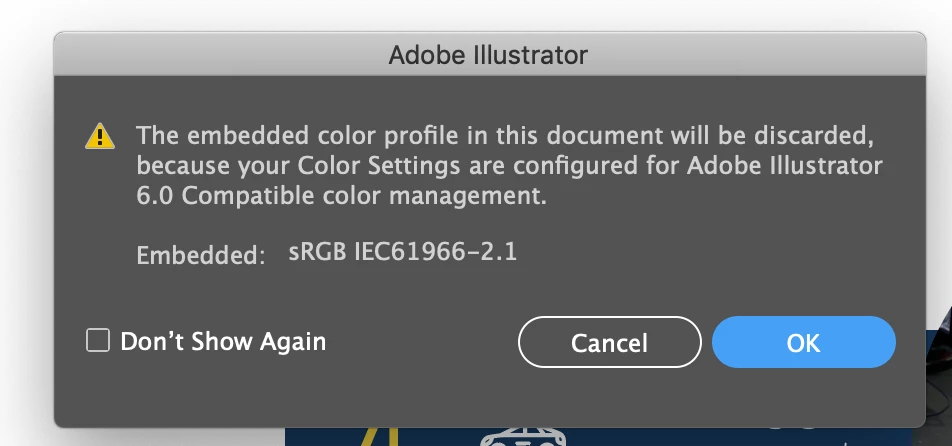
can anyone help how to fix that??
i have the latest illustrator cc 2019 and when i open older files like cc 2018 the message below shows up and it changes the colors.
can anyone help how to fix that??
We have a fix available and you should not have this issue if you have the following version of these Creative Cloud applications
Please update to:
While it is not mandatory to upgrade Illustrator version from 23.0 to 23.0.1 we highly recommend that.
Already have an account? Login
Enter your E-mail address. We'll send you an e-mail with instructions to reset your password.
 AdChoices