
Question
Color Shift between EPS/IA Files and Illustrator UI
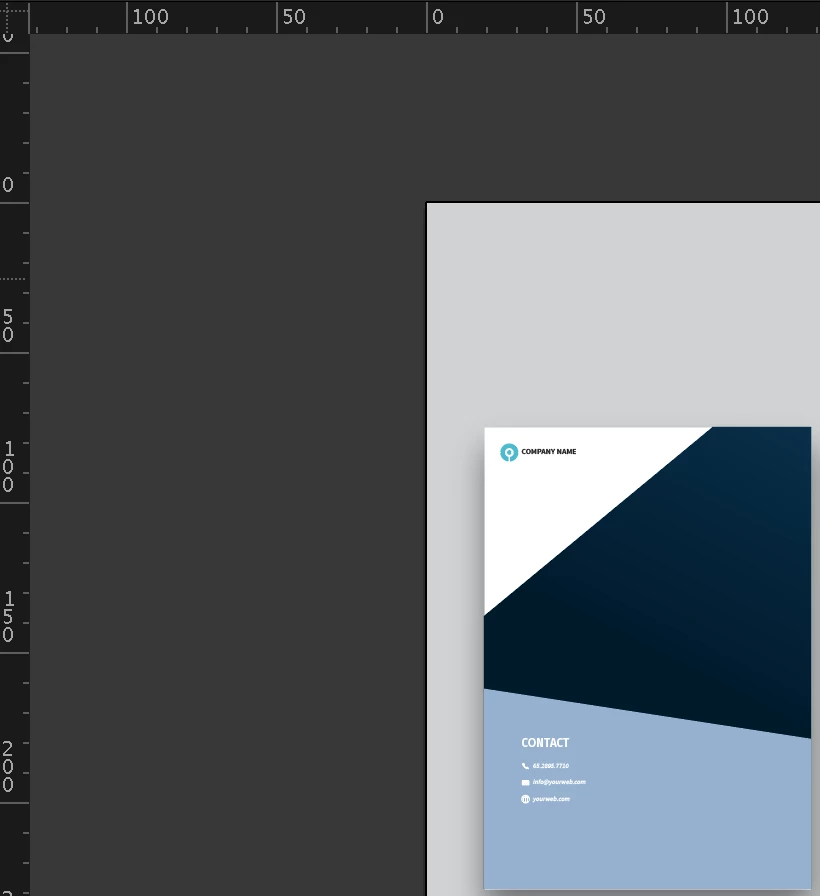
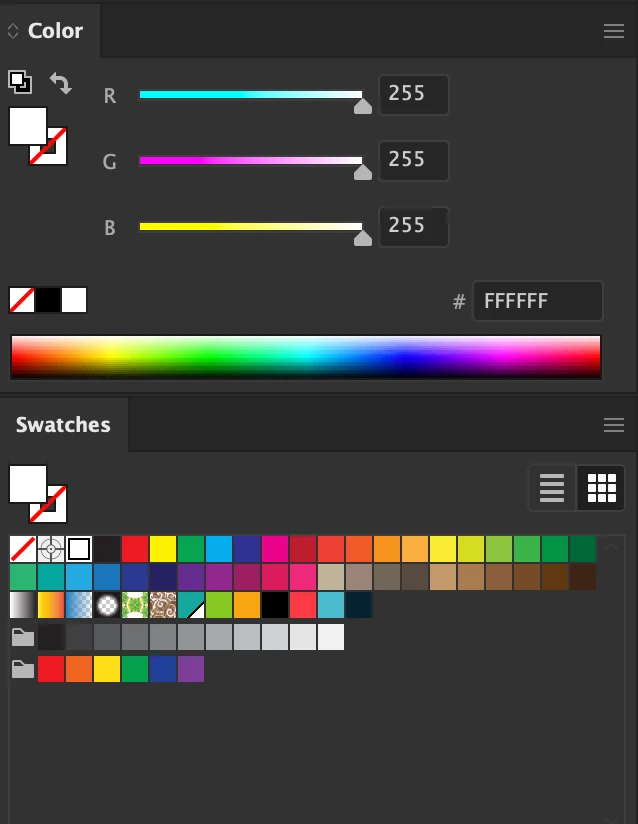
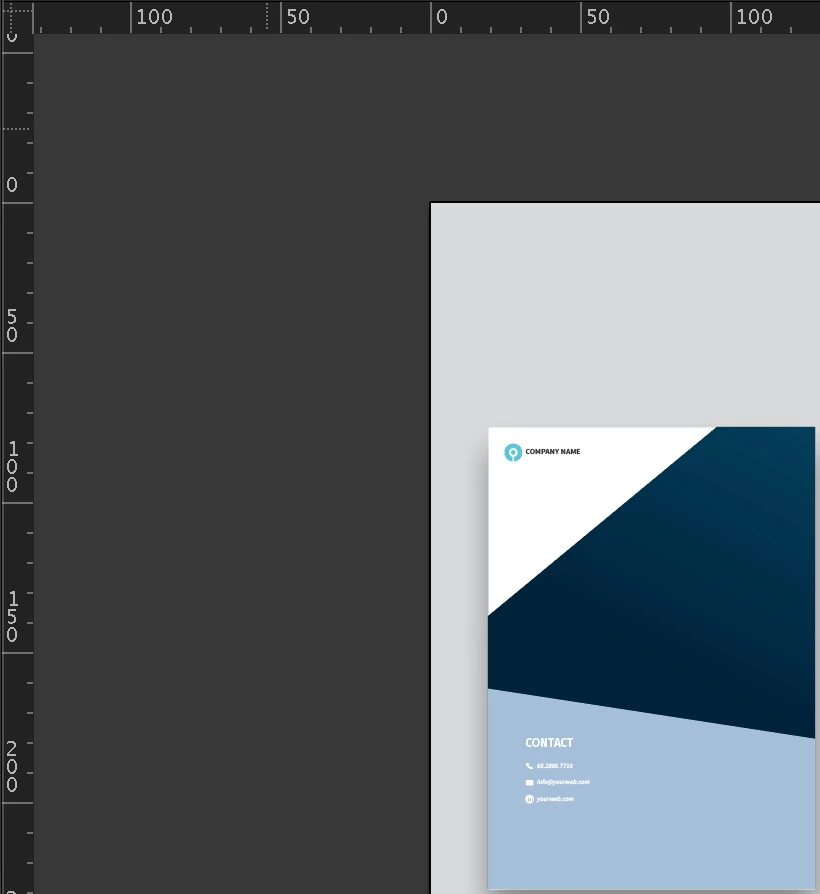
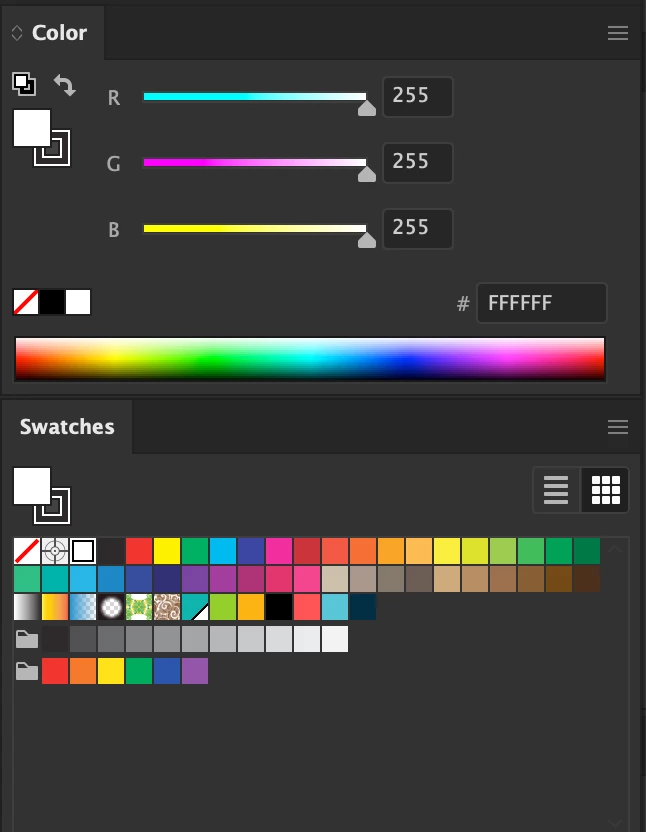
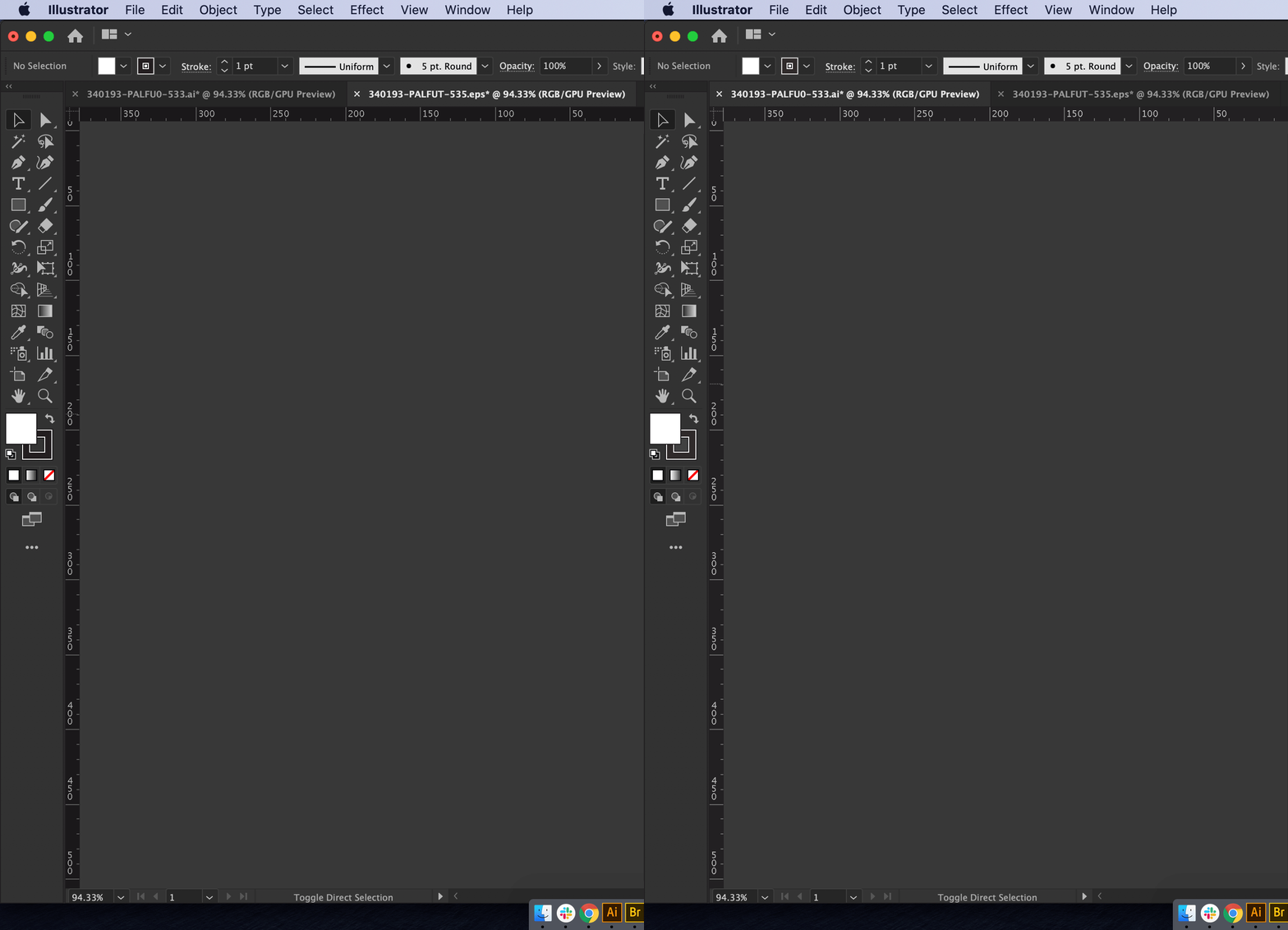
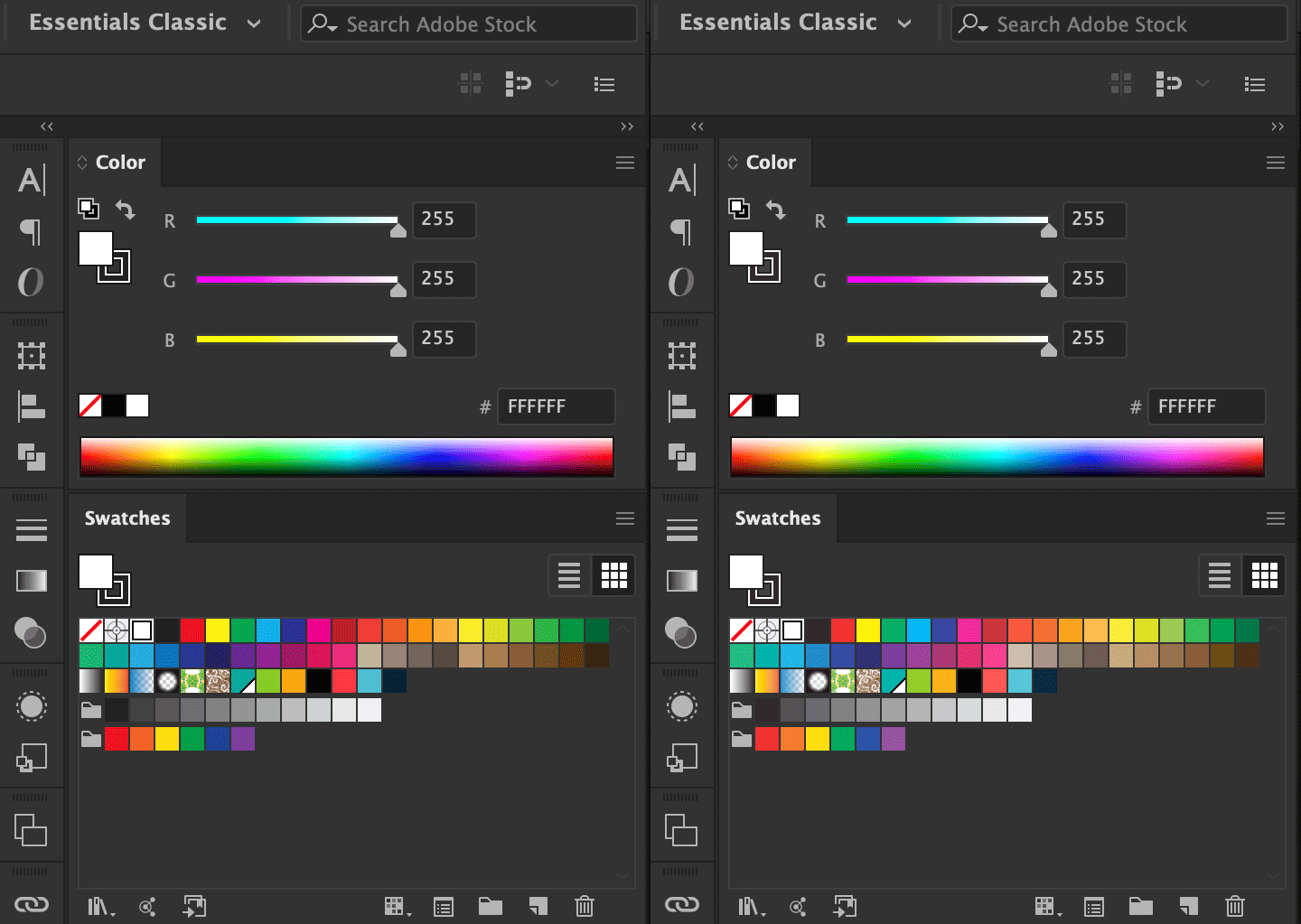
Why does Illustrator change the color of the rulers and make the artwork darker when you compare the exact same file side-by-side when one is an EPS file and the other is an AI file? The attachments show the difference that happens in the UI as well as the artwork. Each has the exact same color profiles / document color mode / GPU mode / document raster settings. For all accounts, the files are the same, but something is making this color shift. The Top is the EPS file (darker UI and artwork). The Bottom is the AI file (lighter UI and artwork).
 AdChoices