
Answered
Color won't show on Illustrator version 26.1
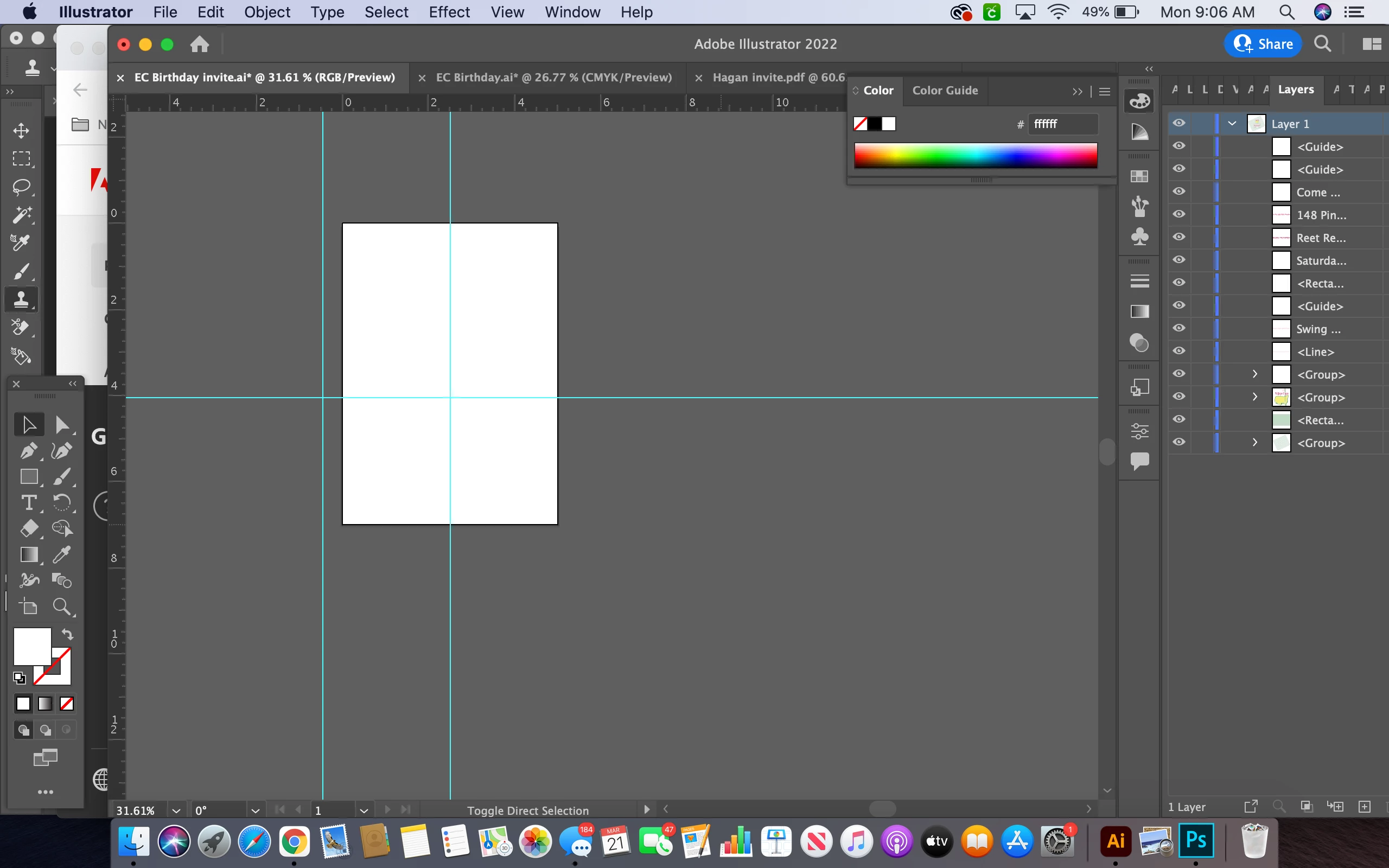
When I open a document or create a new document in my updated version of illustrator, I can see the shape outlines when an object is selected but no color. The color also isn't working even when I try to toggle between reverse fill and outline. The color appears to be the correct selection in the color panel, but I am not seeing it on the artboard. When I go to open the document, it appears normal in the preview, and it saves correctly as in any format. But, it will never open where I can view the colors. 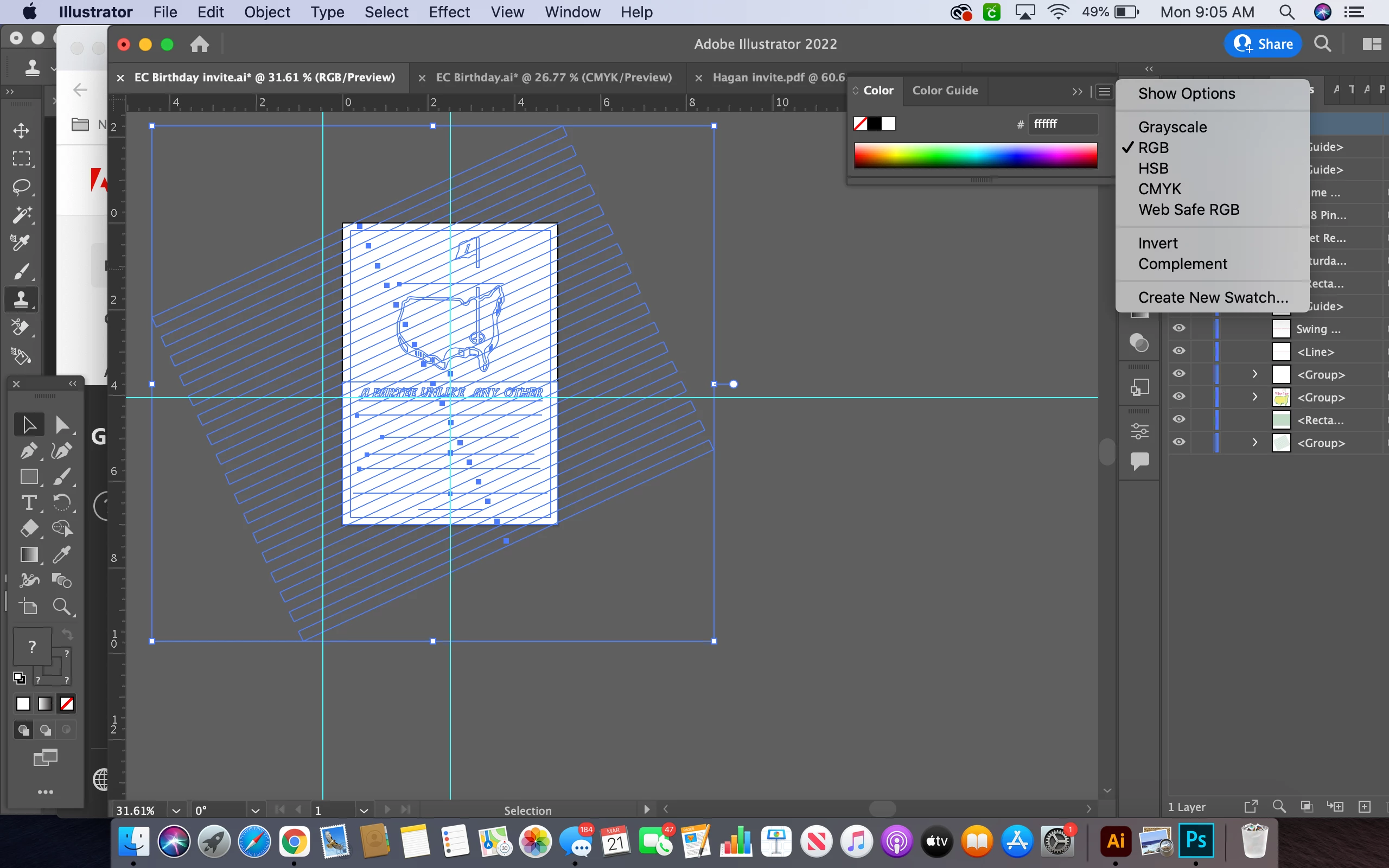
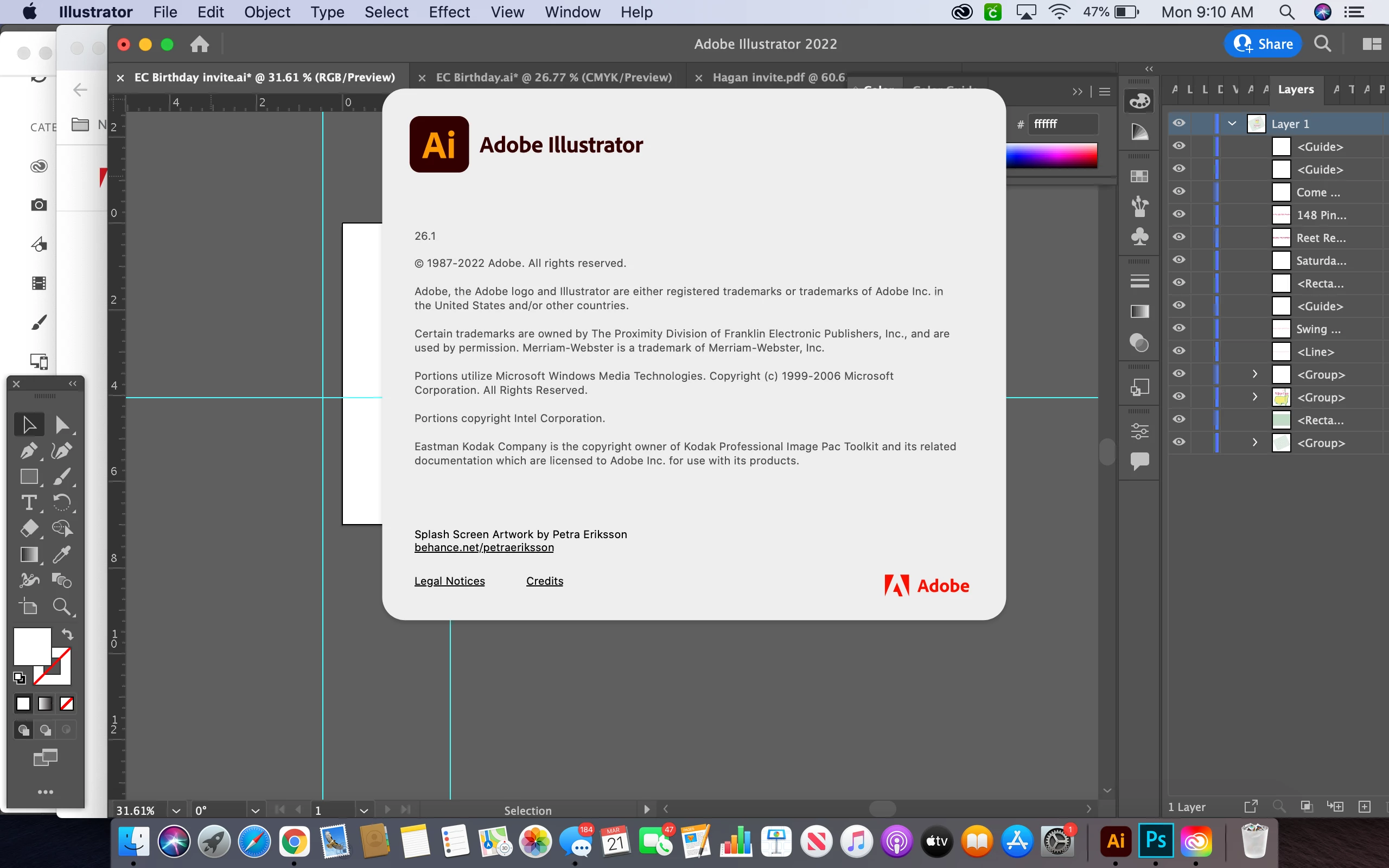
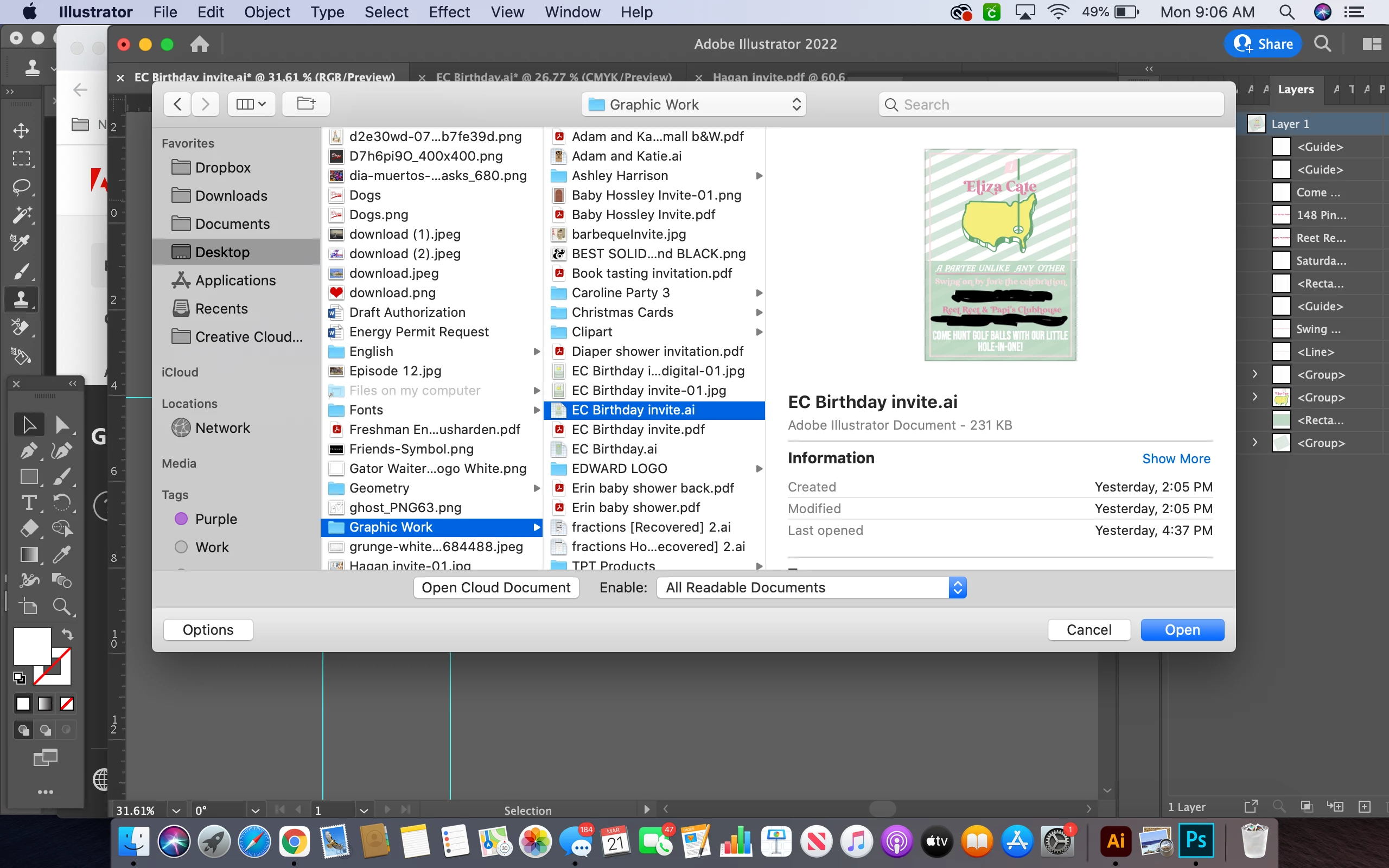 I have inserted screenshots for reference.


 AdChoices