Question
COLORES EN PANTALLA
Tengo este problema tanto en photoshop como illustrator los colores se ven como si estuvieran en RGB ayuda!! que puedo hacer para que los colores se vean como antes , esto paso luego de actualizar
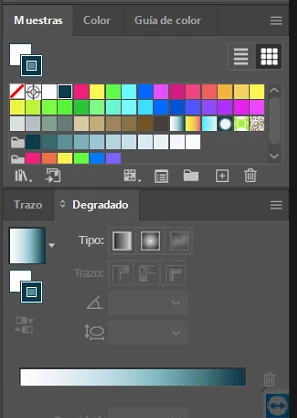

Tengo este problema tanto en photoshop como illustrator los colores se ven como si estuvieran en RGB ayuda!! que puedo hacer para que los colores se vean como antes , esto paso luego de actualizar
Already have an account? Login
Enter your E-mail address. We'll send you an e-mail with instructions to reset your password.
 AdChoices