
omer47
Inspiring
May 23, 2018
Answered

Colors disappeared

  • May 23, 2018
  • 3 replies
  • 3855 views

Hello,

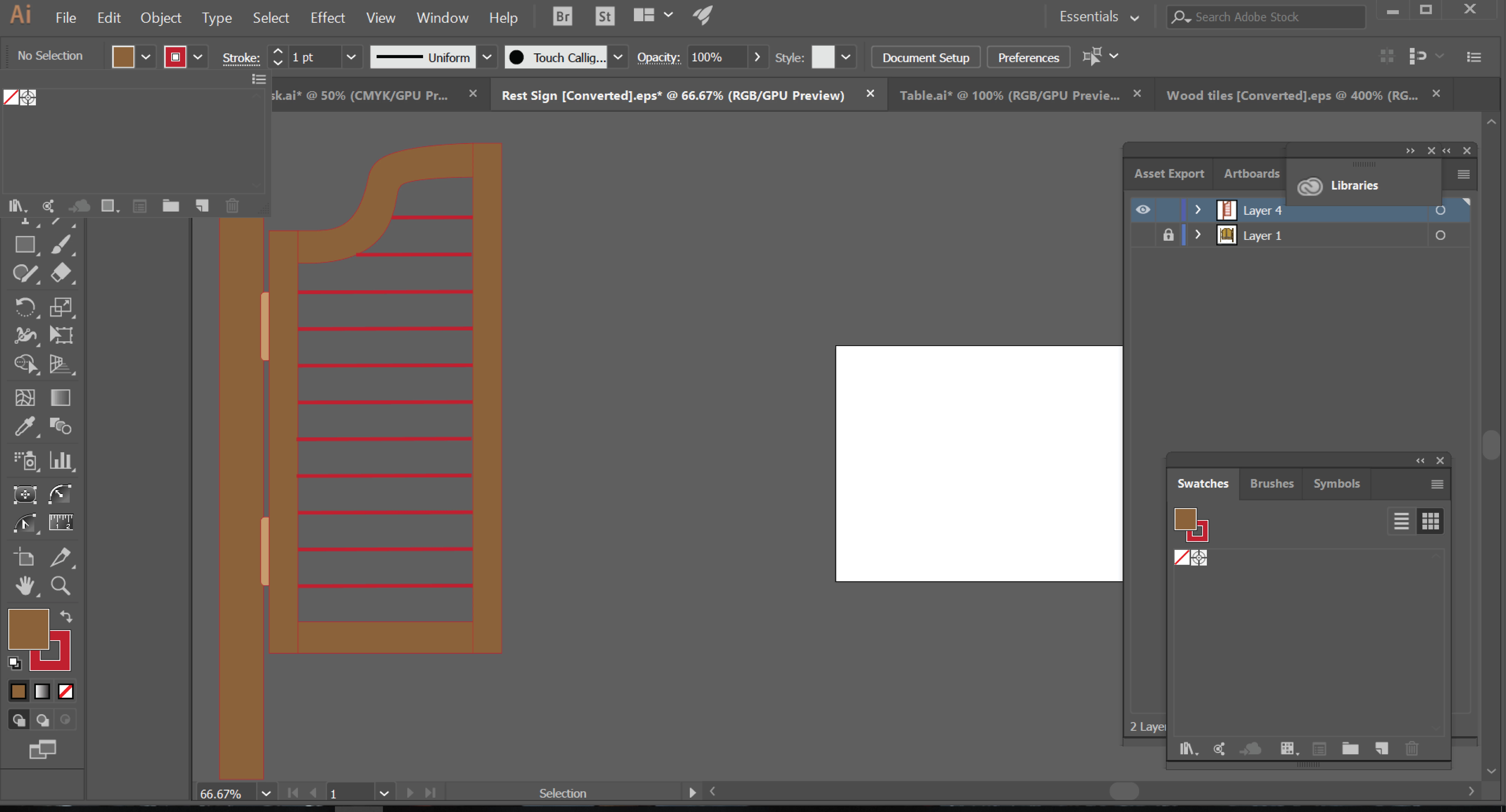
In a middle of my drawing, the top left color menu went empty.

How do I get this back ?

BTW, I read of the way going Swatches - libraries - default swatches. But - It opens a different menu of swatches. means, the top left color menu is still empty.

Is there a way to fill it up again ?
    This topic has been closed for replies.
    Correct answer Ton Frederiks

    Looks like you opened a converted .eps file that never had any swatches.

    Open the Default swatches and add them to your document swatches.

    3 replies

    Ton Frederiks
    Community Expert
    Ton FrederiksCommunity ExpertCorrect answer
    Community Expert
    May 23, 2018

    Looks like you opened a converted .eps file that never had any swatches.

    Open the Default swatches and add them to your document swatches.

    Monika Gause
    Community Expert
    Community Expert
    May 23, 2018

    how to get swarches from a library into your file: How to use and create swatches in Illustrator

    chanaart
    Community Expert
    Community Expert
    May 23, 2018

    When you saved the file did you have swatches

    Can you send more information?in it? or just the colors you see.

    It is file based in Illustrator!

    Can you send more information?