
haoyuanl48011657
Participant
August 15, 2018
Answered

colors in pdf file not shown correctly in illustrator

  • August 15, 2018
  • 3 replies
  • 702 views

Hi everyone, I am using illustrator to do rendering for my research's result figures. The thing is, the color of my pdf file doesn't show correctly, always blur in the picture
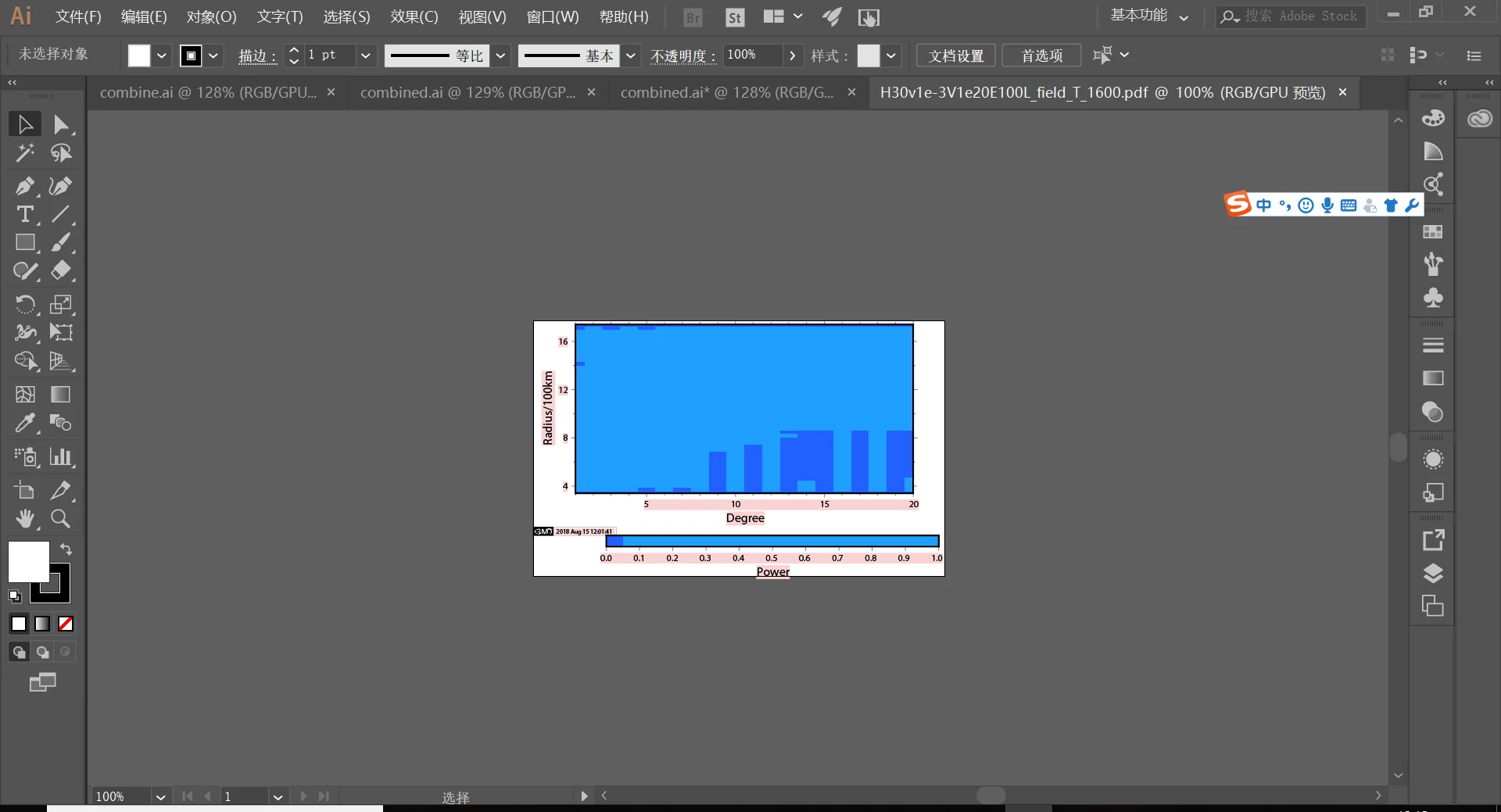
However, it can show pretty well in file reader
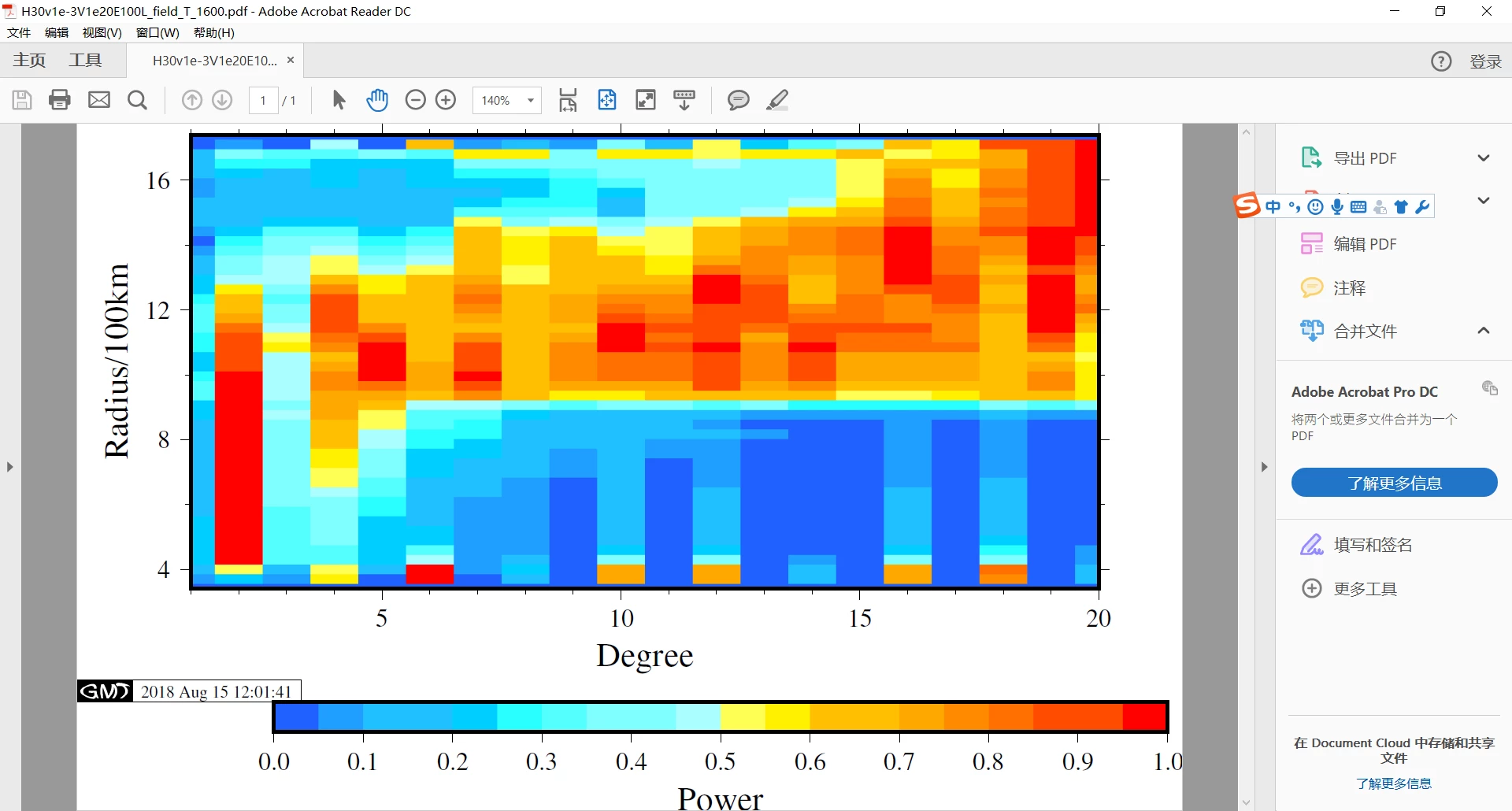
the figure is plotted in a software widely used in geophysics(gmt), and I can find some info there.

The figure is a 16colors, 4 bits depth, some settings in this software goes here:
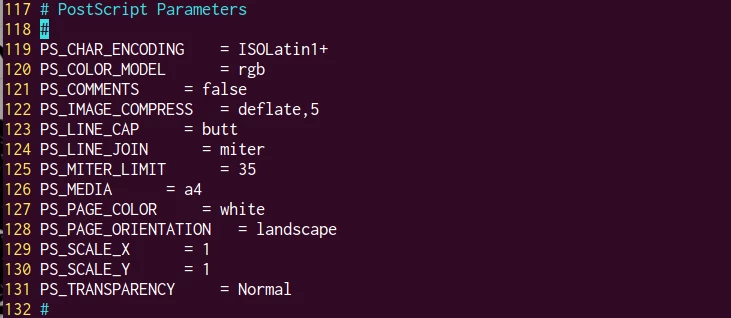
anyone please tell me how to import it rightly in illustrator? thanks

This topic has been closed for replies.
Correct answer Danny Whitehead.

Illustrator is not a general purpose PDF editor.

The only PDF you can expect to open reliably in Illustrator, is one created in Illustrator and saved as a PDF with 'Preserve Illustrator Editing Capabilities' checked. Results will vary greatly when opening PDFs generated by other software, especially if it's fairly esoteric software like GMT.

If you don't need to actually edit the PDF, the you could place it in Illustrator as a link. Another trick that might be worth trying is placing it as a link, then using Object > Flatten Transparency > High Resolution.

3 replies

haoyuanl48011657
Participant
December 12, 2018

Right, I totally forget about this question here.

Thanks Danny and Srichti, though it is very late

Srishti Bali
Legend
August 24, 2018

Hi Haoyuan,

I would like to know if the suggestions shared by Dany worked for you, or the issue still persists.

Kindly update the discussion if you need further assistance with it.

Thanks,

Srishti

Danny Whitehead.
Danny Whitehead.Correct answer
Legend
August 15, 2018

Illustrator is not a general purpose PDF editor.

The only PDF you can expect to open reliably in Illustrator, is one created in Illustrator and saved as a PDF with 'Preserve Illustrator Editing Capabilities' checked. Results will vary greatly when opening PDFs generated by other software, especially if it's fairly esoteric software like GMT.

If you don't need to actually edit the PDF, the you could place it in Illustrator as a link. Another trick that might be worth trying is placing it as a link, then using Object > Flatten Transparency > High Resolution.