Participant
January 13, 2021
Question

Colors not looking right. I'm in RGB and haven't touched any color settings otherwise.

  • January 13, 2021
  • 1 reply
  • 295 views

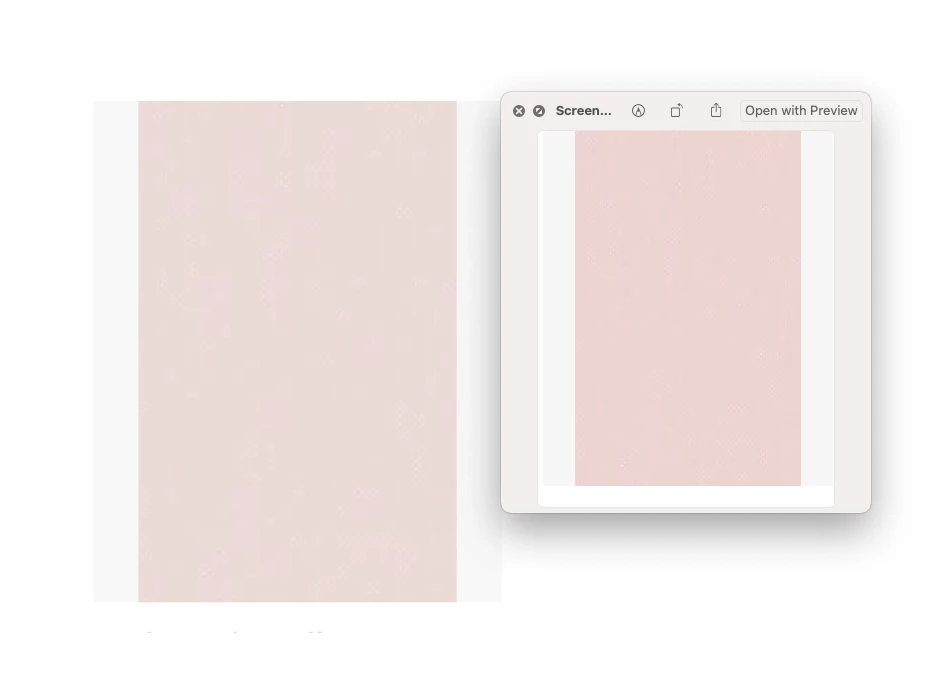
Color on the right is what I'm trying to use. But when I pull that image into Illustrator (left) the color is off. 
Moved from Using the Community (which is about the forums) to a better forum... Mod
To find a forum for your program please start at https://community.adobe.com/

This topic has been closed for replies.

1 reply

Ton Frederiks
Community Expert
Community Expert
January 13, 2021

If you open a PNG file in Illustrator, Illustrator ignores the color profile and assumes the RGB working space profile, which can result in a different color.

Open the image in Photoshop and save it in a file format that can include a color profile like .psd, .tiff or .jpeg

Participant
January 13, 2021

Hmm. I'll try that. But even if I take the HEX code from a Google Doc and enter it in Illustrator the colors still don't match. 

Ton Frederiks
Community Expert
Community Expert
January 13, 2021

Hex codes are RGB colors, as long as you tell an application which RGB you mean by these numbers (by telling which profile has to be used) you can get a predictable color, no profile and the color can be anything.