
Known Participant
October 4, 2021
Question

Colour mis-match across monitors

  • October 4, 2021
  • 3 replies
  • 415 views

Hello,

Is there some way that my monitor is set to perform differently depending on the application? I am having a problem where my external monitor is displaying different colours depending on the application. I never used to have this problem until very recently.

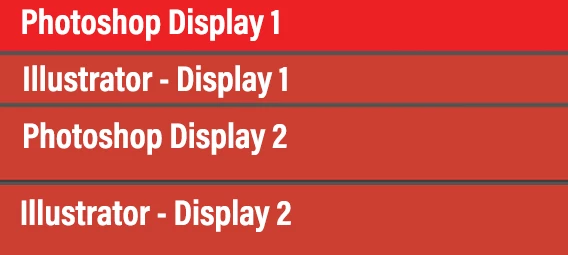
See below for a demonstration done with screenshots of the red colour .jpg below.

This topic has been closed for replies.

3 replies

Known Participant
October 22, 2021

BUMP

Anyone with suggestions?

Ashutosh_Mishra
Inspiring
October 5, 2021

Hi there,


Sorry to hear about your experience. If you only see the difference in your external monitor and it started happening recently, try resetting your monitor & see if that makes a difference. Also, let us know if you see the color difference only in Adobe applications.


Regards,

Ashutosh

Known Participant
October 5, 2021

Thank you, I did a reset and ran the built-in diagnostics on the Dell monitor and didn't find anything out of the ordinary.

It seems to only be in Illustrator and only on Monitor 1 (Dell) that I'm getting a different colour. Illustrator and Photoshop are up to date.

Ashutosh_Mishra
Inspiring
October 24, 2021

Apologies for the delayed response. I'd recommend connecting with Adobe technical support. Please click on the chat icon at the bottom right corner to start the conversation. Team here wold be able to perform remote troubleshooting & assist you accordingly. Thanks!

Monika Gause
Community Expert
Community Expert
October 4, 2021

Are your monitors calibrated?

How is color management set up?

Known Participant
October 5, 2021

I do not have a colour calibration tool, but the monitor (Dell Ultrasharp) and laptop screen (Gigabyte Aero) claim to be calibrated from the factory. And I never had this strange problem until recently.

Colour settings:

Known Participant
October 5, 2021

More information:

The colour is actually displaying correctly on Monitor 2, but when a screen shot is taken of that red sample image, it saves as the dull colour. Monitor 1 displays the dull colour in Illustrator, but the correct colour in Photoshop, and screen shots them as displayed.

This is how they are displayed: