Answered
Colour Settings not working
Hi everyone.
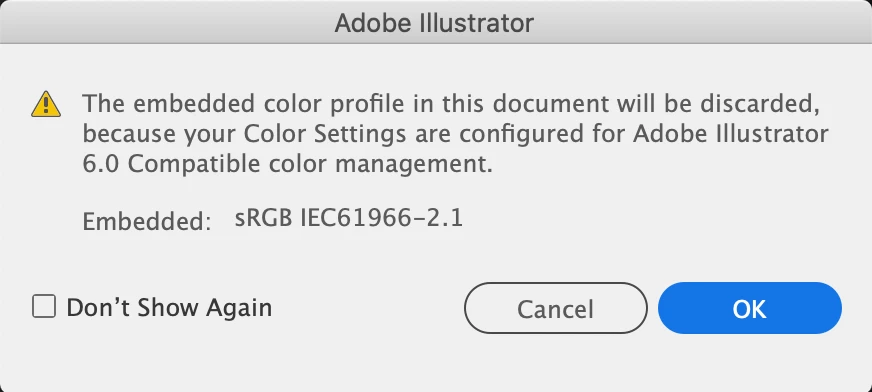
I'm having troubles with my illustrator. When I'm inserting images into the a file, this message pops up. And if i click "ok" it will let me work in the file, however all the colours are super off and muted looking? I've tried updating the app to the newest version, it didnt change anything. I've also tried changing the document colourmode back and forth bewteen CMYK and RBG but no changes still. It is also affecting the colours of all my previous .ai files...
I was told to try and select View --> Proof Setup to make the change in there, but Proof Setup is grayed out and I can't figure out how to fix it!
If someone could provide some insight or a solution i would be soso grateful 🙂
 AdChoices