
Question
Colours in Illustrator look dull compared to when using Photoshop / Sketch
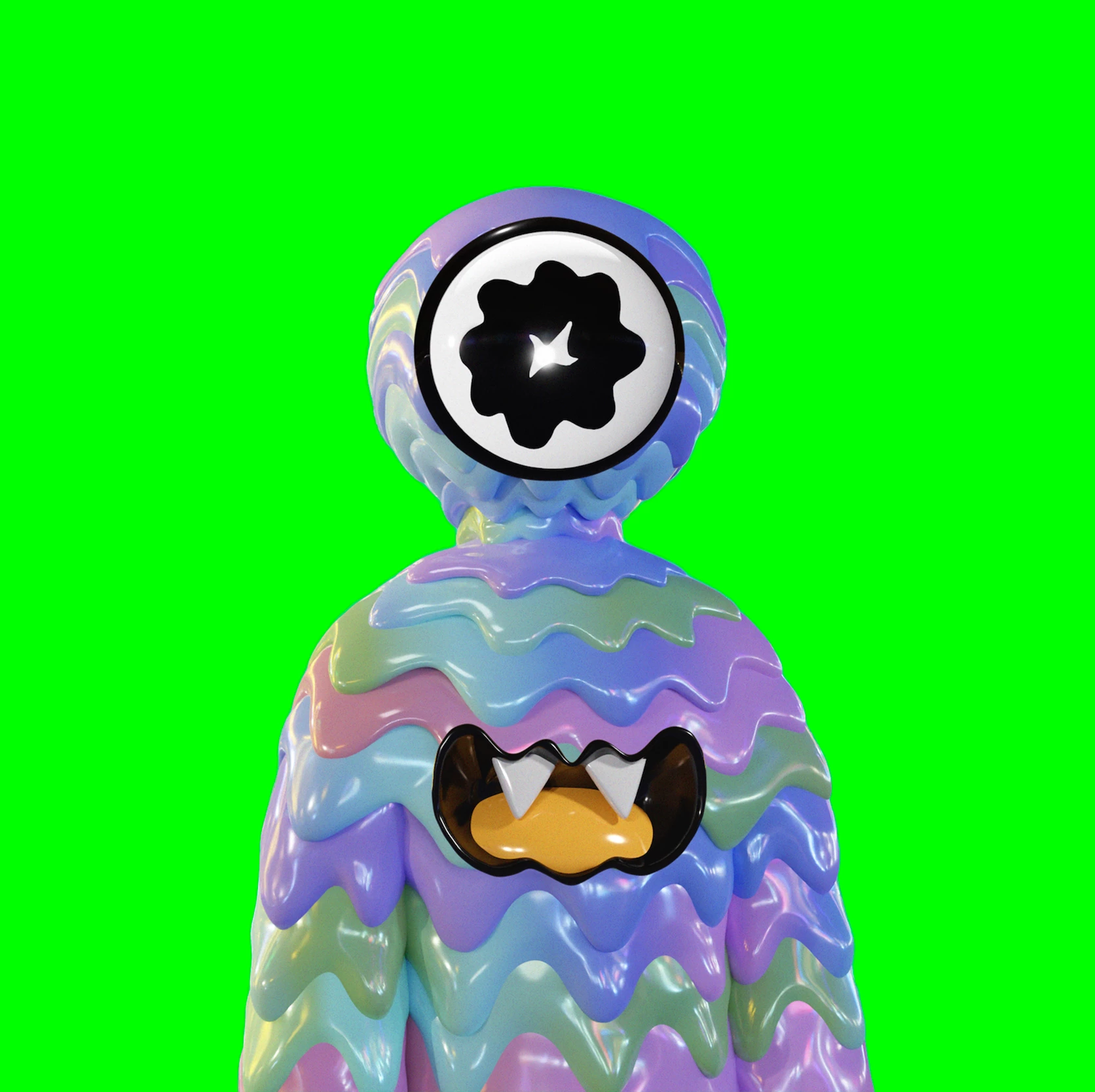
Hi everyone, I am having issues with displaying super punchy colours in Illustrator. My file is set up to RGB. When I use a colou such as 00FF5B (Which is a super zingy green), It looks amazing and punchy in Photoshop and Sketch, In illustrator it looks really dull and washed out.
My colour settings in
Illustrator: Europe General Purpose 3, sRGB IEC61966-2.1
Photoshop: North America general 2, sRGB IEC61966-2.1
I do not have North america general 2 as an option in Illustrator so I have downloaded and loaded in to Illustrator. Still I have the same colour issue?
Thanks,
Michael
 AdChoices