Participant
December 30, 2016
Answered

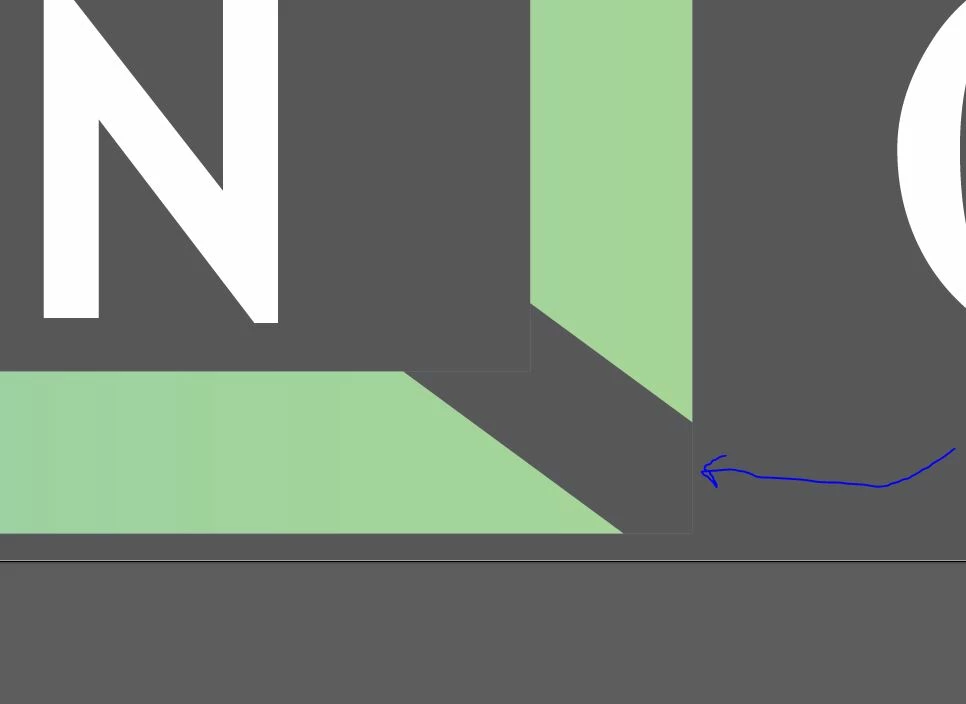
Combined path, even with no stroke added, still has an outline

  • December 30, 2016
  • 2 replies
  • 280 views

Novice here. I'm having trouble with a compound path that I made, where the "holes" in the path have a mysterious outline that I can't get rid of. I haven't added a stroke to them. What can I do? See the screenshot. I'm in Illustrator CS6 v 16.0.3 (32-bit).
    This topic has been closed for replies.
    Correct answer robertl362606

    Nevermind, lesson learned. I learned how to use a clipping mask instead.

    2 replies

    robertl362606AuthorCorrect answer
    Participant
    December 30, 2016

    Nevermind, lesson learned. I learned how to use a clipping mask instead.

    Monika Gause
    Community Expert
    Community Expert
    December 30, 2016

    You're welcome.

    Can you please mark your own answer correct? Thank you.

    Monika Gause
    Community Expert
    Community Expert
    December 30, 2016

    We need to see outline view of the complete thing (not just this snippet) and layers panel (opened)