
Answered
COME RENDERE FORME SEPARATE UN UNICO OGGETTO?
Buongiorno, sono una studentessa di design e ho un problema che non riesco a risolvere.
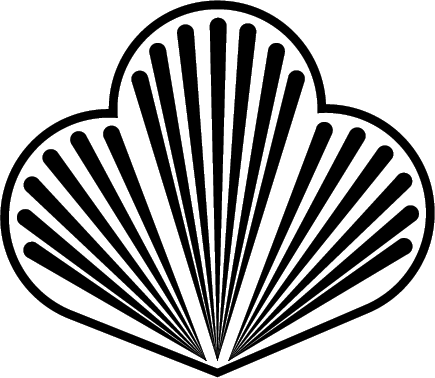
Ho creato un segno grafico composto da vari elementi tra di loro separati. Ciò che voglio fare è applicare una sfumatura colorata contemporaneamente all'oggetto come se fosse unico. Illustrator però considera ciascuna forma come a se stante e mi fa modificare la sfumatura di ogni signolo componente alla volta. (nonostante gli oggetti siano anche raggruppati.)
C'è un modo per far si che illustator percepisca l'oggetto, anche se composto da forme separate, come unico?
Ringrazio tutti in anticipo per il vostro aiuto, sarà prezioso.
 AdChoices