Inspiring
March 23, 2024
Answered

Comment garder un seul côté du contour d'une forme

  • March 23, 2024
  • 2 replies
  • 758 views

Bonjour,

J'ai une forme ci-dessous avec un contour : 
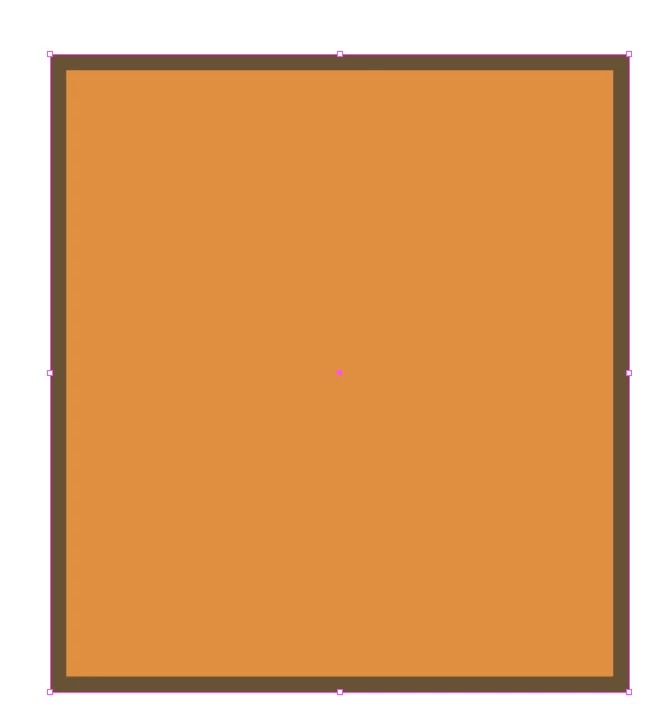
J'aimerais garder seulement le contour de droite et supprimer les autres sans avoir à vectoriser le contour et supprimer manuellement les points.

Existe-il un outil déja disponible pour faire ça ?


Merci d'avance

This topic has been closed for replies.
Correct answer Razze36270720ey8h

OK. You can stomp your feet, but that won't happen.


You might want to make a feature request. https://illustrator.uservoice.com 


Thanks for your response and sorry if i seem harsh that wasn't intentional ;(

2 replies

Known Participant
April 4, 2024

Pas d'outil pour faire cela. Mais si vous avez vraiment besoin de le faire c'est possible avec un dégradé sur le filet.

Créez trois points sur le dégradé. Premier point à gauche opacité 0% de la couleur, second point opacité 100%, troisième point opacité 100%. Emplacement du troisième point à droite 100%, second point 98% et troisième point à gauche 98%. Bien aligner le contour sur l'intérieur. Attention comme les emplacements sont des pourcentages, si vous modifié votre objet, le contour sera modifié.

Monika Gause
Community Expert
Community Expert
March 23, 2024

If you want to do that, you will need two objects. The orange square and a black line.

Inspiring
March 23, 2024

There is no tool to do that ? If i want to keep only the top and the right one ?

Monika Gause
Community Expert
Community Expert
March 23, 2024

Within specific situations you can try and use Appearances to imitate that. Migh or might not work in your case. So usually you will need a second object. Are you looking for a tool to cut the existing rectangle?