
Participating Frequently
April 15, 2017
Answered

Como criar efeito 3D em imagem com camadas/linhas

  • April 15, 2017
  • 1 reply
  • 610 views

Olá pessoal, boa noite.

Sou iniciante no Illustrator, e venho tentando achar uma forma mais "profissional" para fazer esse efeito.

Consigo fazê-lo de forma simples, como nessa foto abaixo, mas faço de um modo muito primitivo, desenho a linha, ou o faixa (com rectangle tool/strike) e depois vou com a borracha (scissors tool) cortando nos limites. E faço a correção de um ângulo com rectangle tool, ou outra forma que dê pra ficar bom.
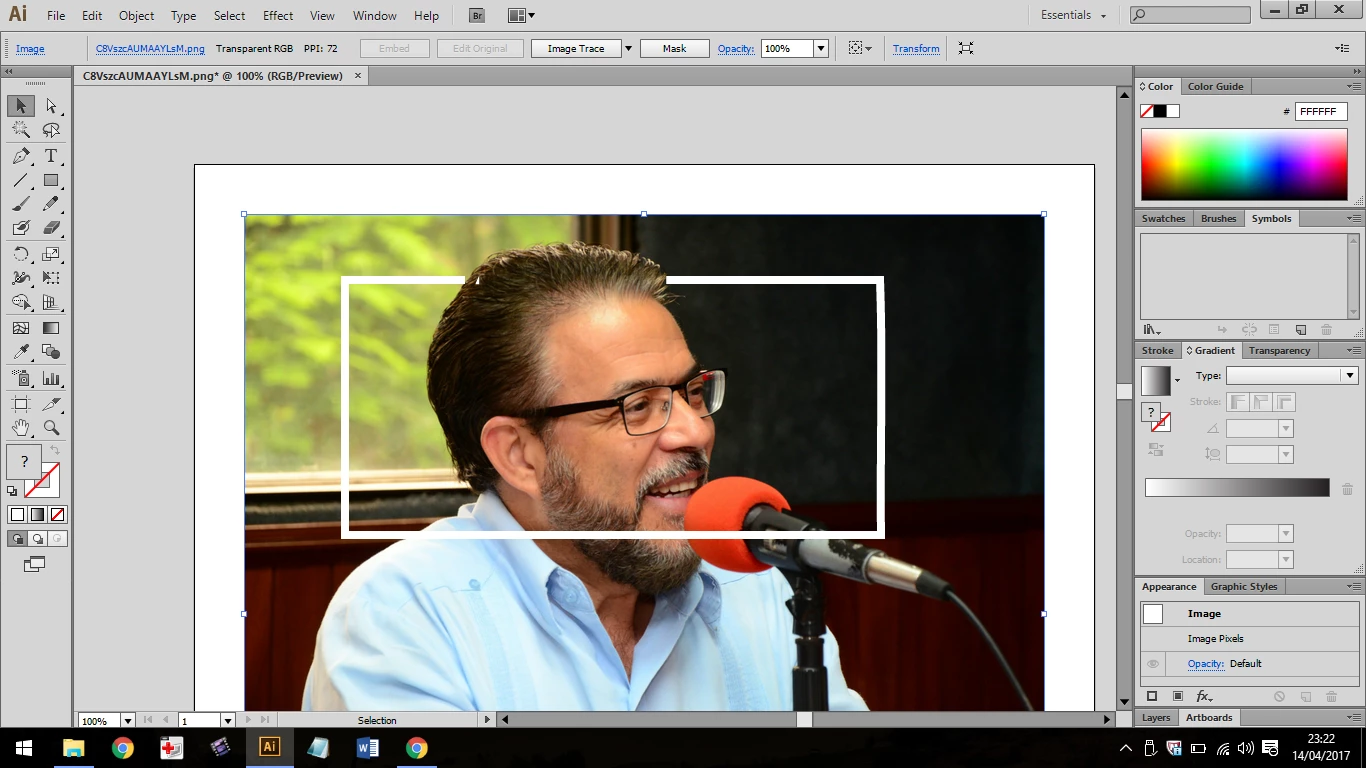
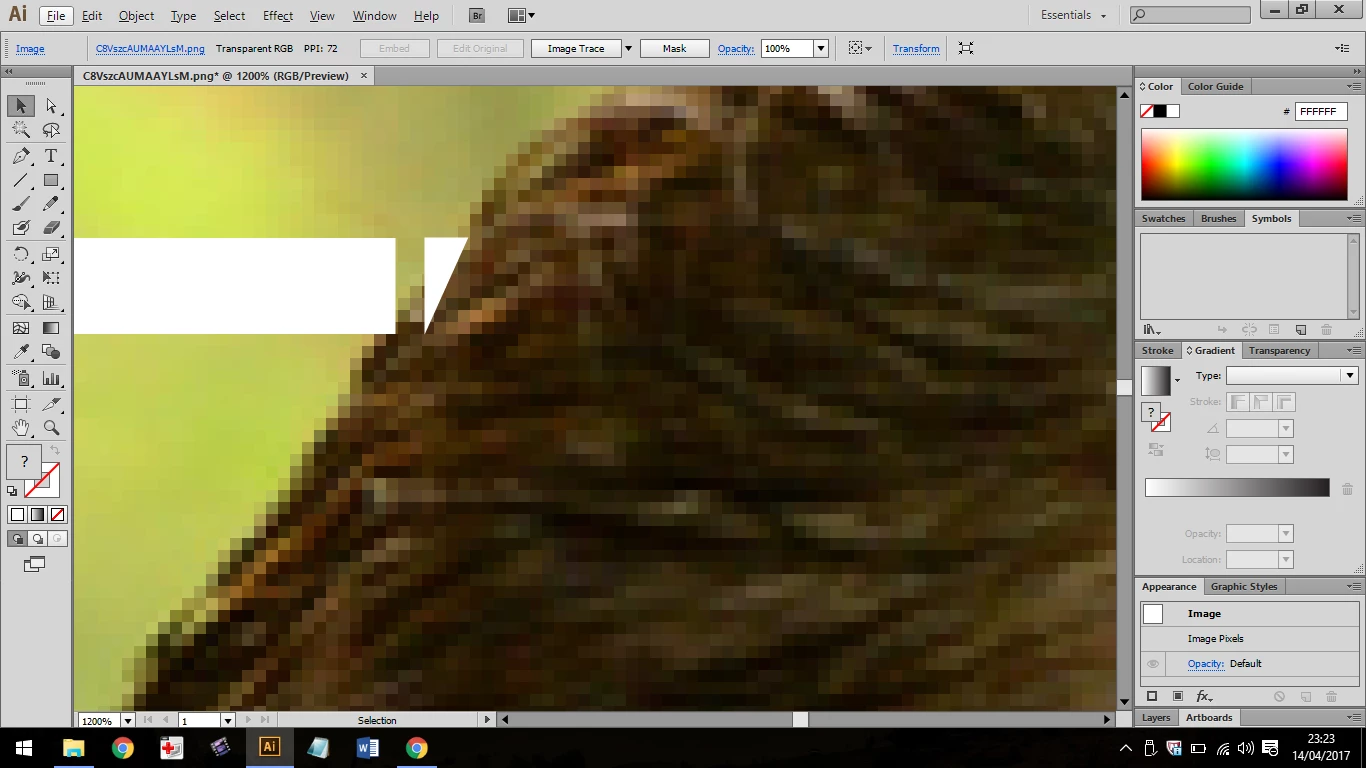
Espero que tenha dado pra entender. Eu gostaria de saber alguma forma pra conseguir fazer algo mais profissional, neste nível da imagem abaixo. Que daria um trabalho gigantesco se eu fosse ficar apagando, ou fazendo a linha acompanhando o contorno do cara, por exemplo. Como foi feito esse trabalho da imagem abaixo? Muito obrigado pelas mensagens!

    This topic has been closed for replies.
    Correct answer Ton Frederiks

    That is more a job for Photoshop; image editing.

    Create 2 versions of the image, one with the forground objects only and one original for the background.

    Place both in Illustrator and put your objects in between them.

    1 reply

    Ton Frederiks
    Community Expert
    Ton FrederiksCommunity ExpertCorrect answer
    Community Expert
    April 15, 2017

    That is more a job for Photoshop; image editing.

    Create 2 versions of the image, one with the forground objects only and one original for the background.

    Place both in Illustrator and put your objects in between them.

    Participating Frequently
    April 25, 2017

    Thank you Ton.

    I'll try this tips.

    Cheers